












The ULTIMATE WordPress Image Optimization Plugin
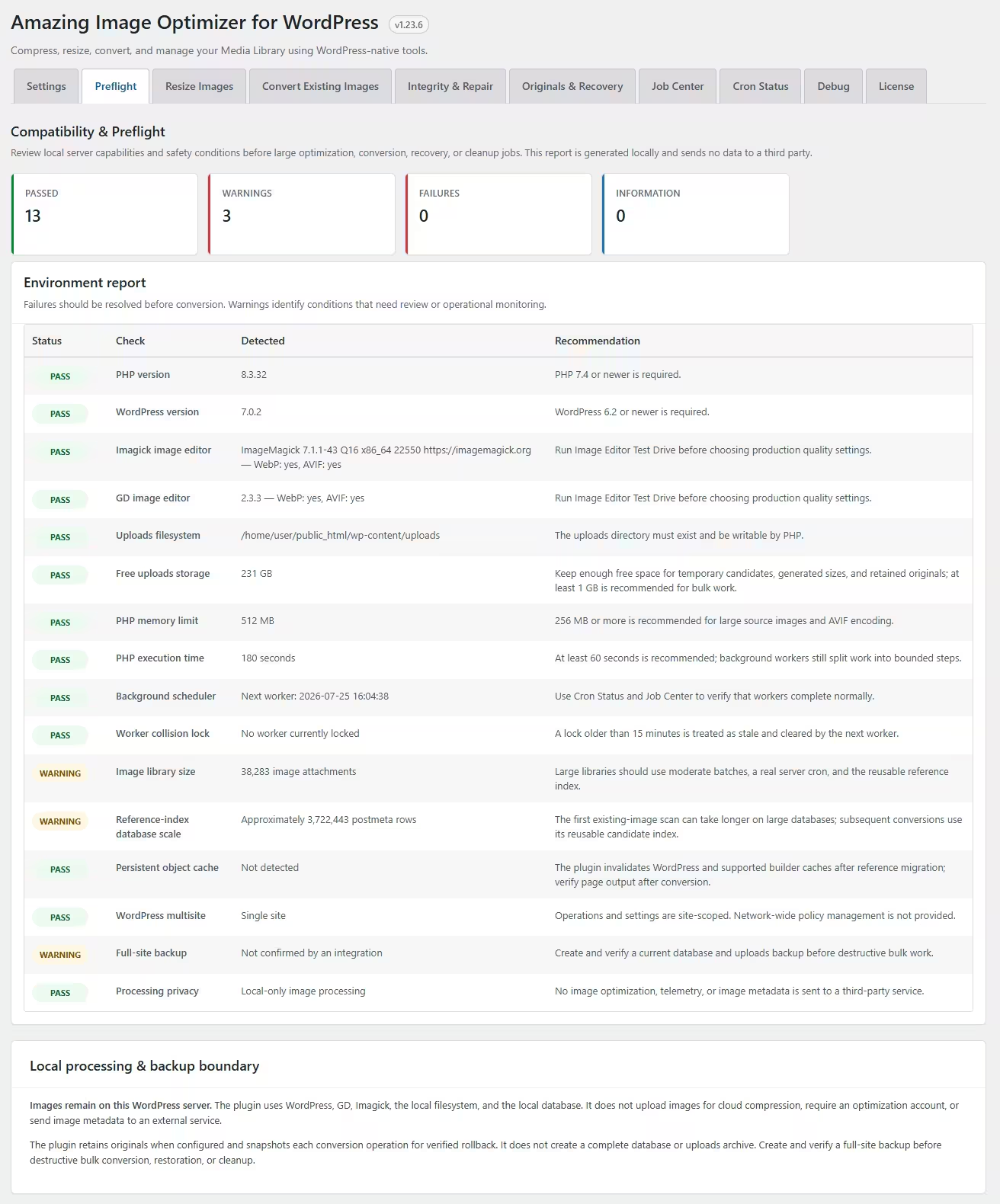
Amazing Image Optimizer for WordPress automatically compresses, resizes, and converts images to WebP or AVIF — directly on your server. It optimizes new uploads and existing media in the background without relying on third-party services.
Large, unoptimized images slow down WordPress, increase hosting costs, and hurt Core Web Vitals, SEO, conversions, and mobile usability. This plugin keeps image weight under control while preserving visual quality and protecting your files.
For modern WordPress websites, image optimization is essential. With automated processing, WP-Cron, WP-CLI, bulk conversion, safe reference migration, rollback tools, and WooCommerce and page-builder compatibility, your site stays fast without adding another repetitive maintenance task.

Get it Now!
Need to reduce image weight, free up disk space, and improve page speed?
This plugin helps keep your WordPress media library under control.
Why WordPress site owners choose it
Faster Pages, Better Conversions
Compress and resize heavy images without sacrificing visual quality. Improve loading speed, Core Web Vitals, SEO, and customer experience.
WebP & AVIF—Automatically
Convert new uploads and existing media to the smallest supported format. References and generated image sizes are updated safely in the background.
100% Local
& Private
Every image stays on your WordPress server—no external services or usage limits and bills. Automate everything with WP-Cron, WP-CLI, bulk tools, and rollback protection.

Core features
Automatic WordPress Image Optimization
Compress every new upload automatically or process images safely in the background. Keep your website fast without adding another maintenance task.
Lossy & Lossless Compression
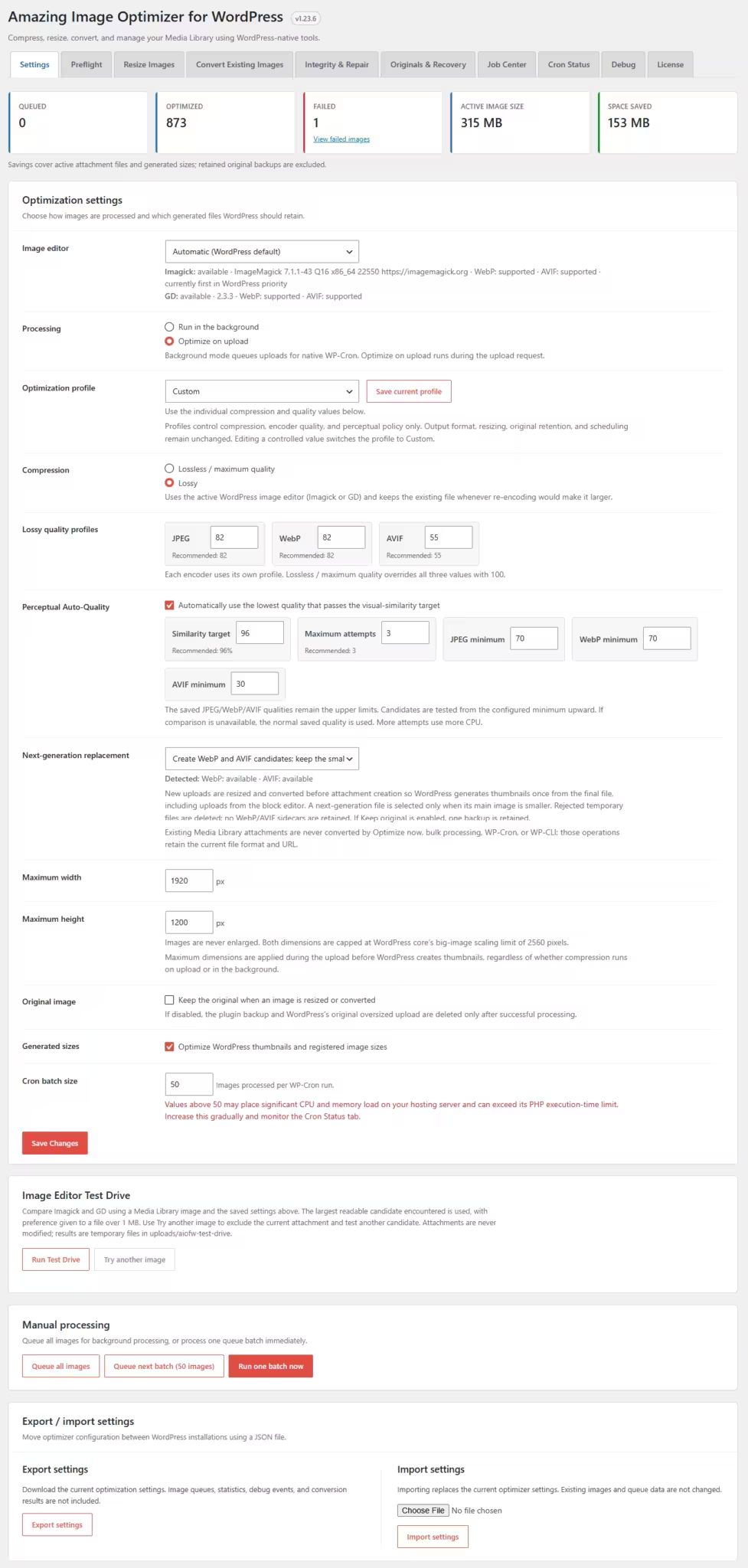
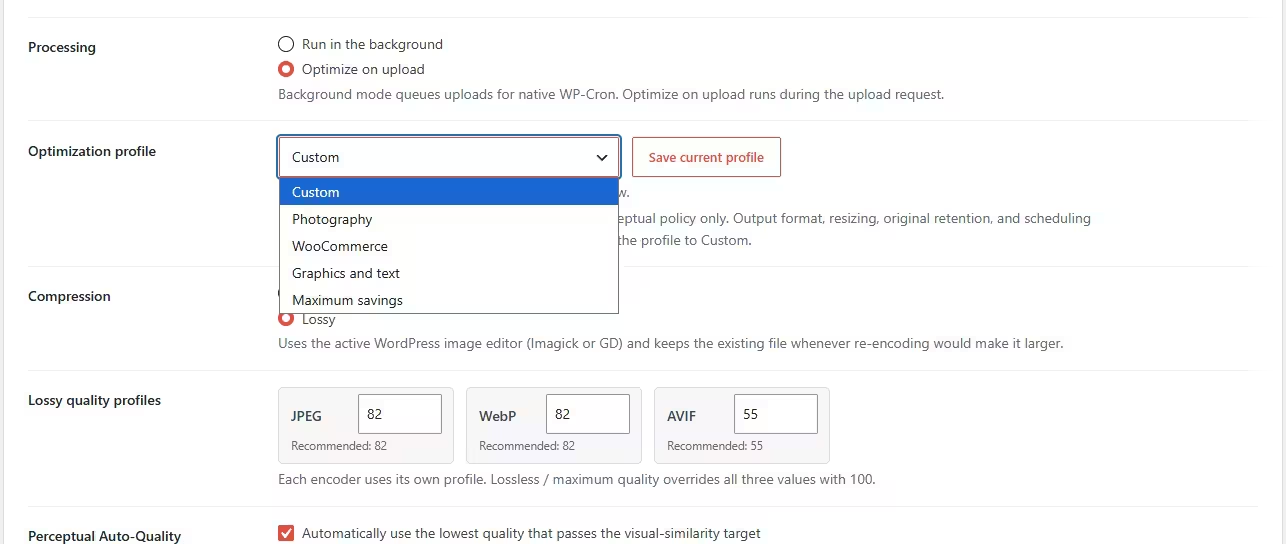
Choose maximum file reduction or preserve every visual detail. Flexible quality profiles give you control over the perfect size-to-quality balance.
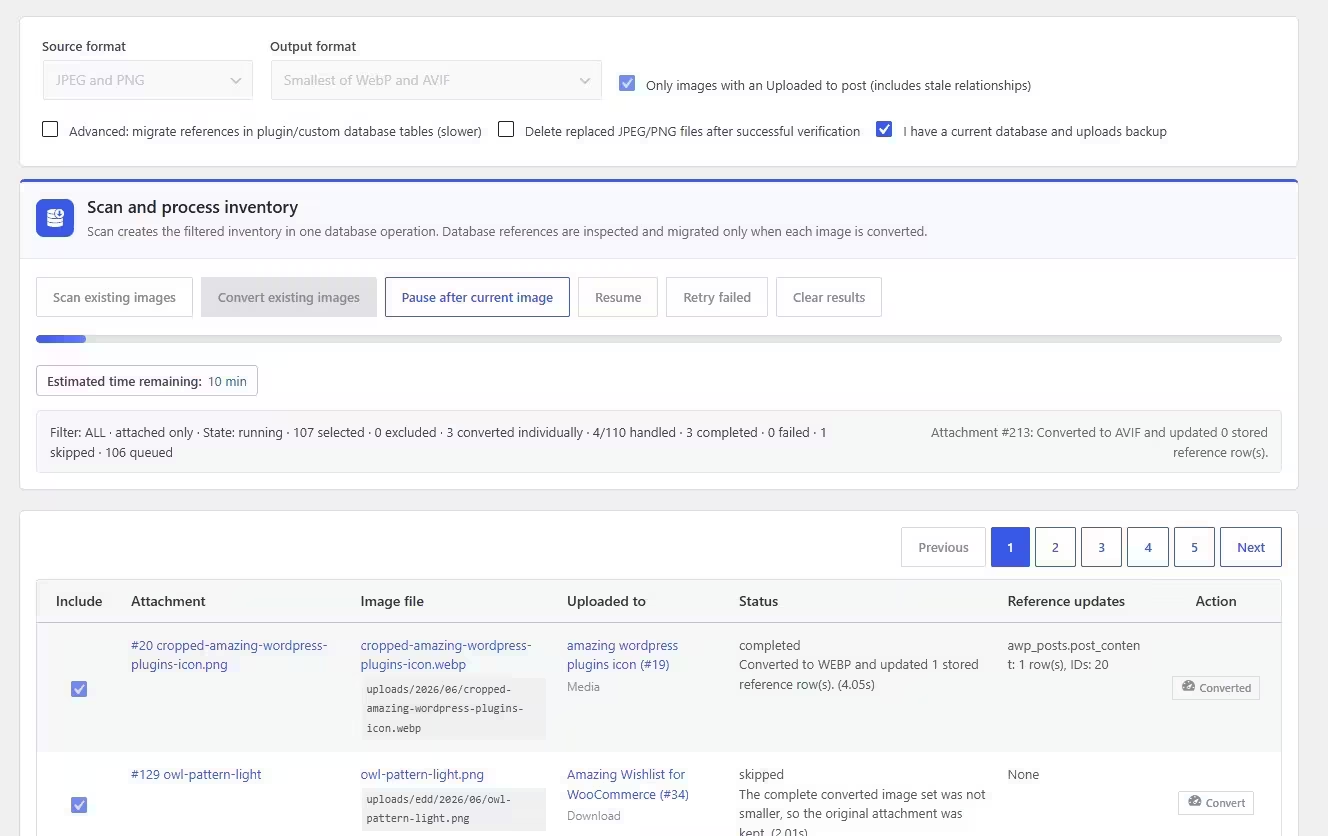
Convert Existing Media
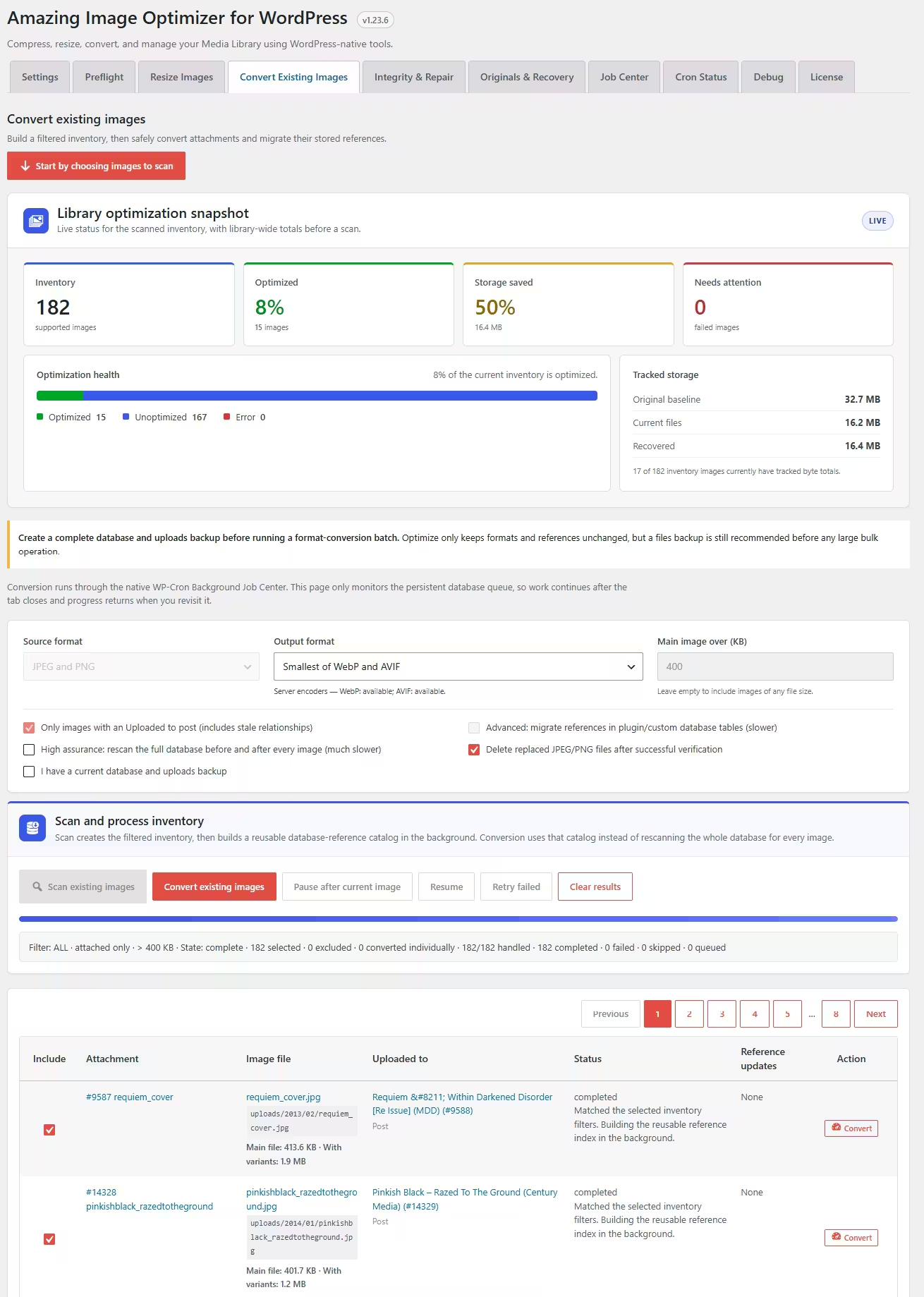
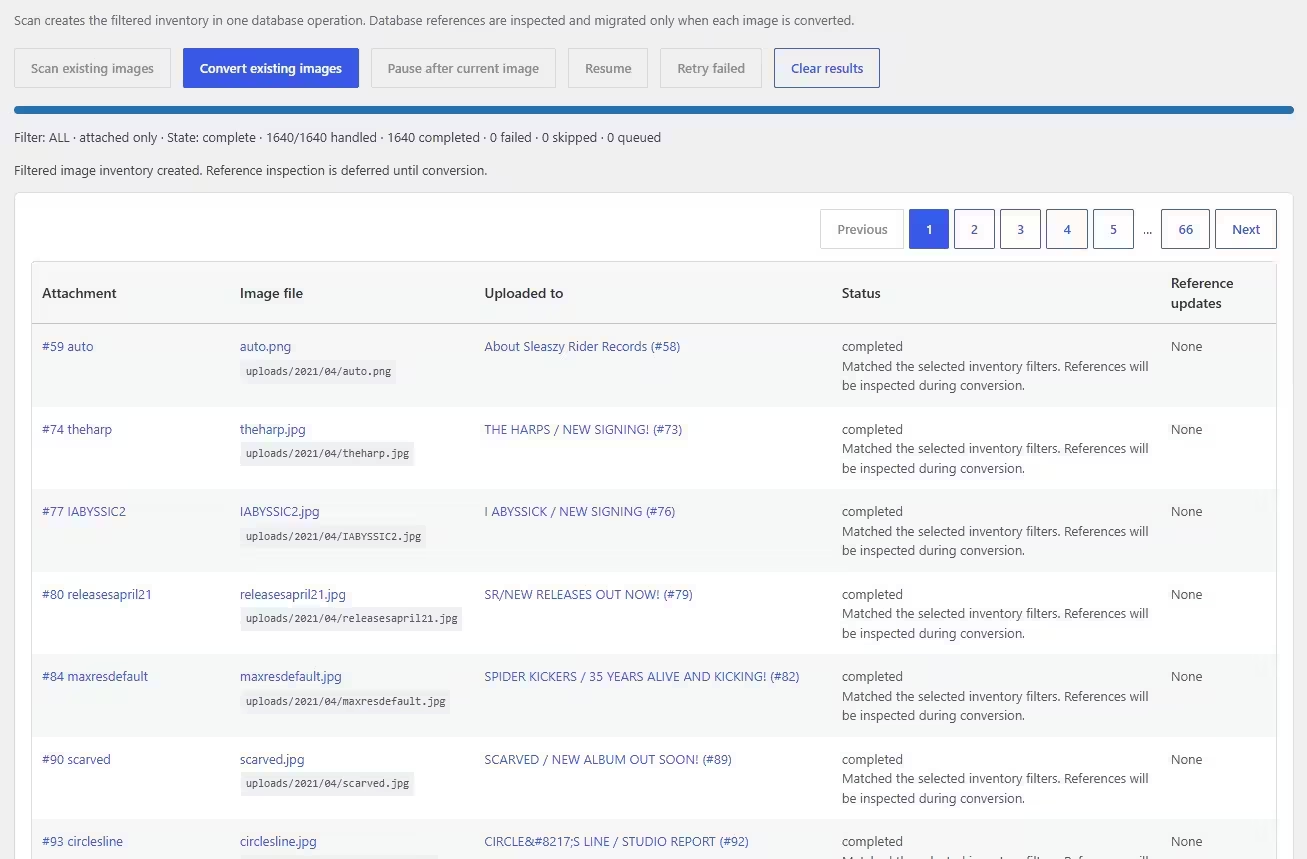
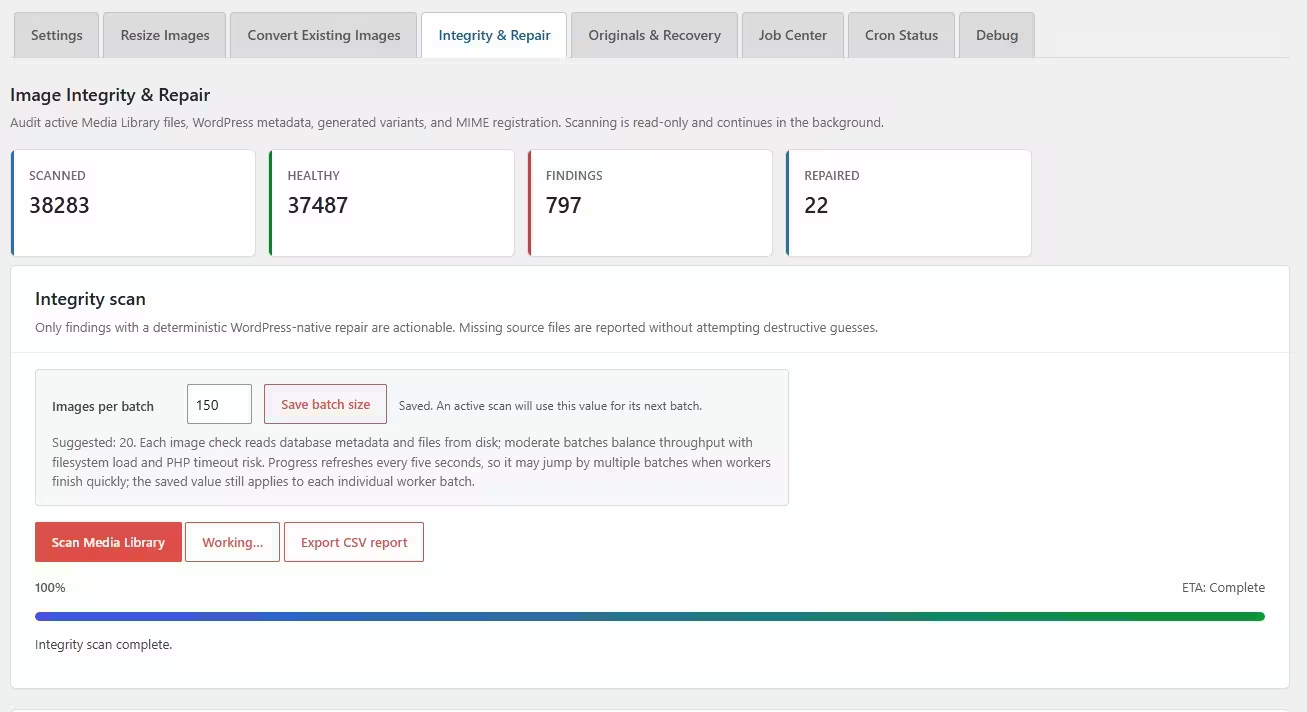
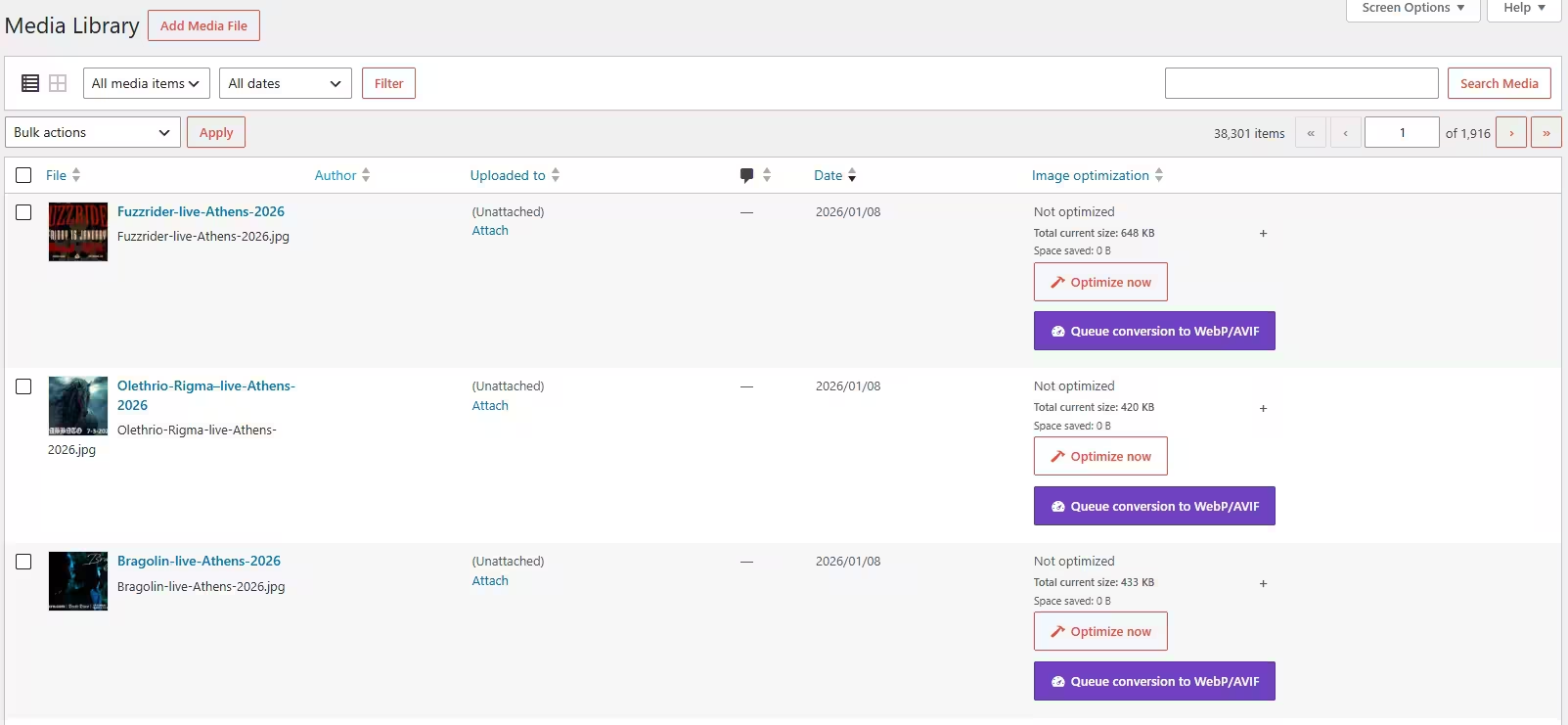
Scan your existing Media Library and convert thousands of older images safely. Filter by format, attachment status, and file size before processing.
Safe Reference Migration
Update image URLs stored in posts, pages, custom post types, metadata, options, and supported custom tables. Built-in verification helps prevent broken image references.
WooCommerce & Builder Compatibility

Works with WooCommerce products, Gutenberg, Elementor, ACF image fields, galleries, and popular builders. Optimize images without disrupting existing layouts or content.
WebP & AVIF Conversion
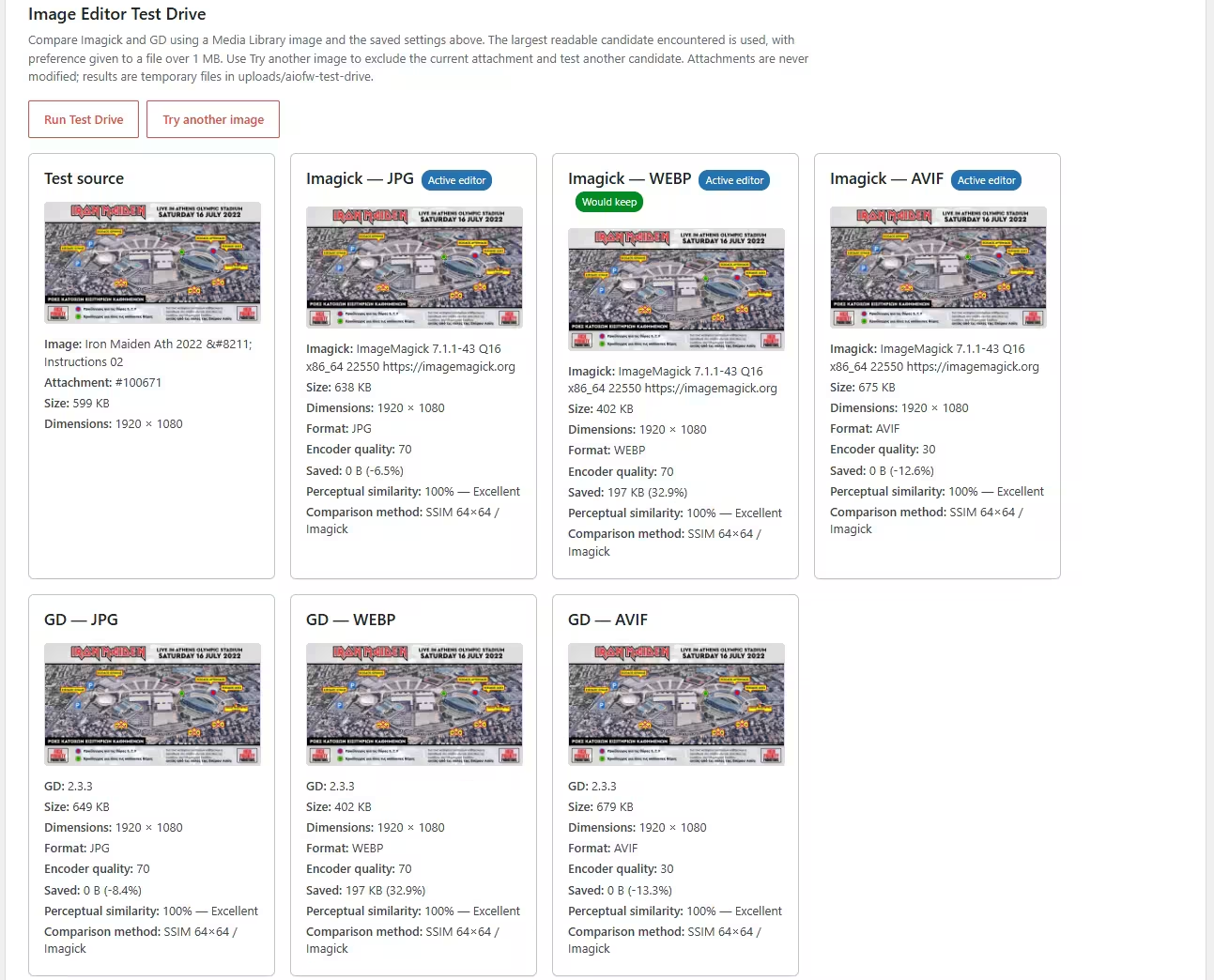
Convert JPEG and PNG images to modern formats and automatically keep the smallest result. Larger converted files are rejected, so optimization never increases storage.
Intelligent Image Resizing
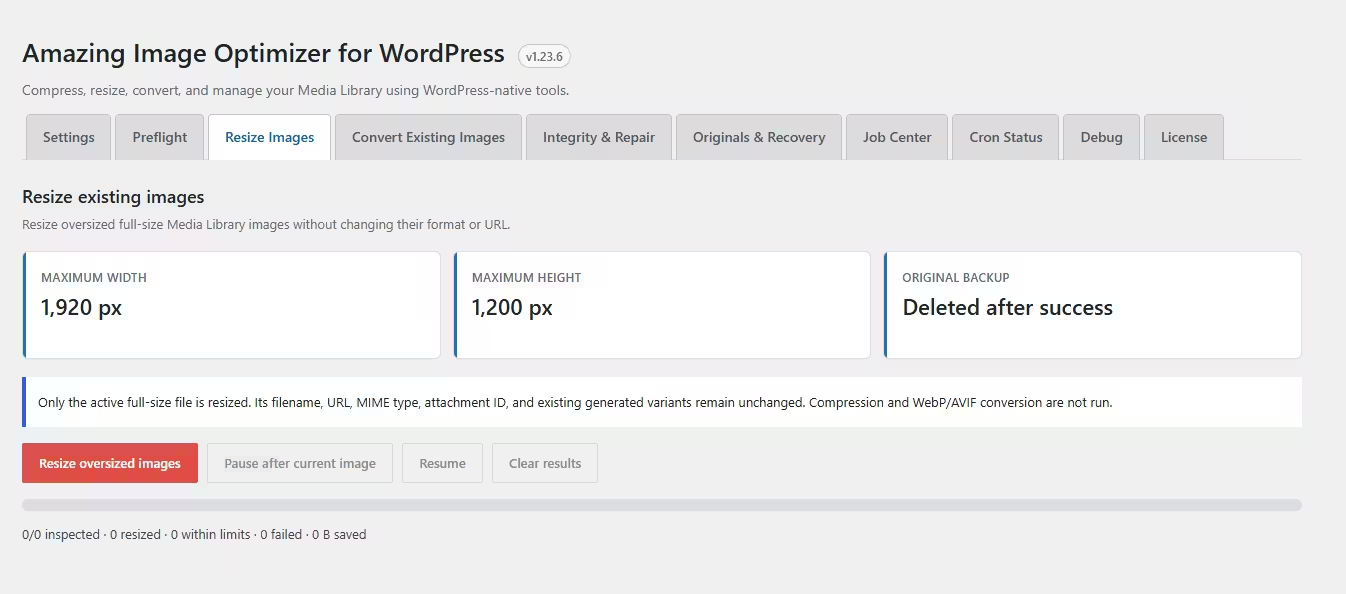
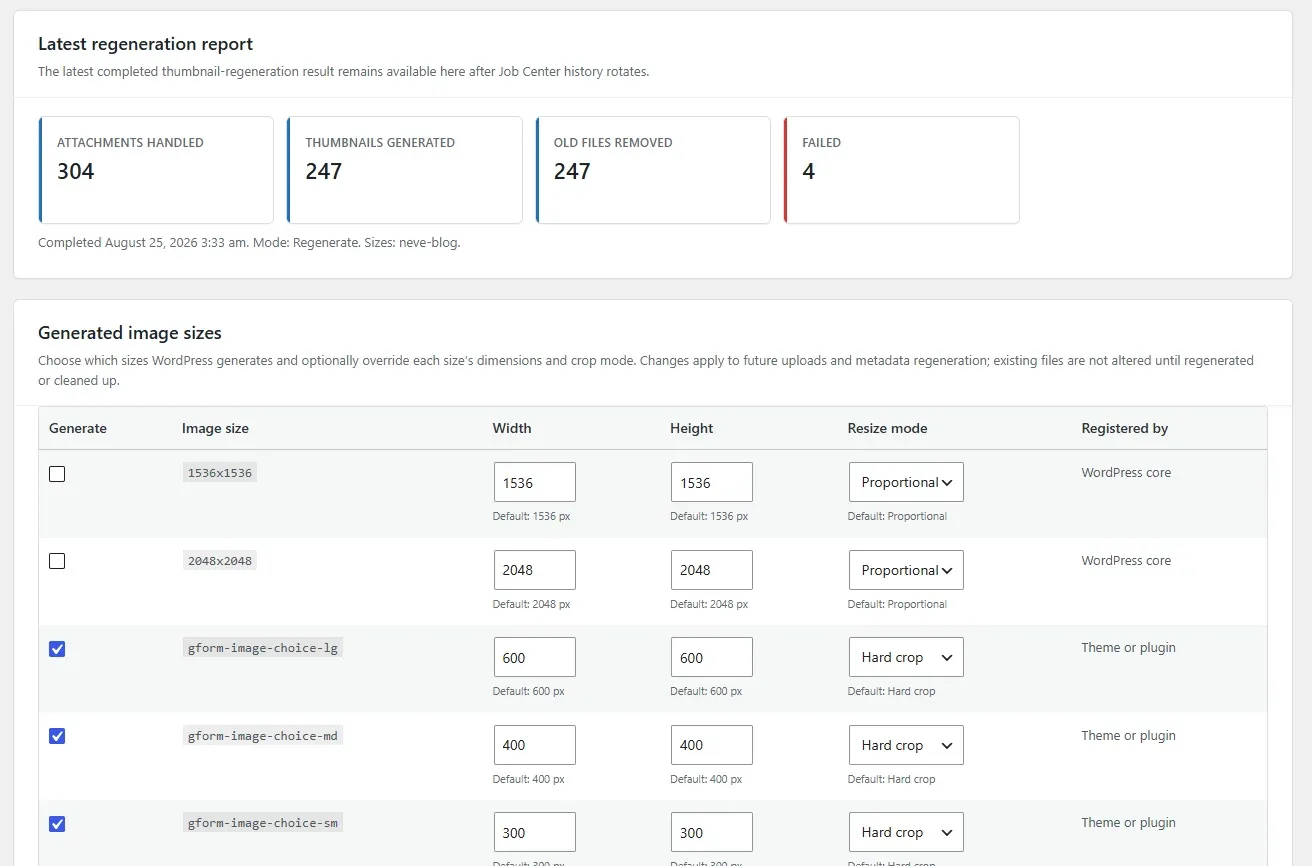
Set maximum width and height limits for oversized uploads. Images are resized only when necessary and work correctly with WordPress-generated scaled versions.
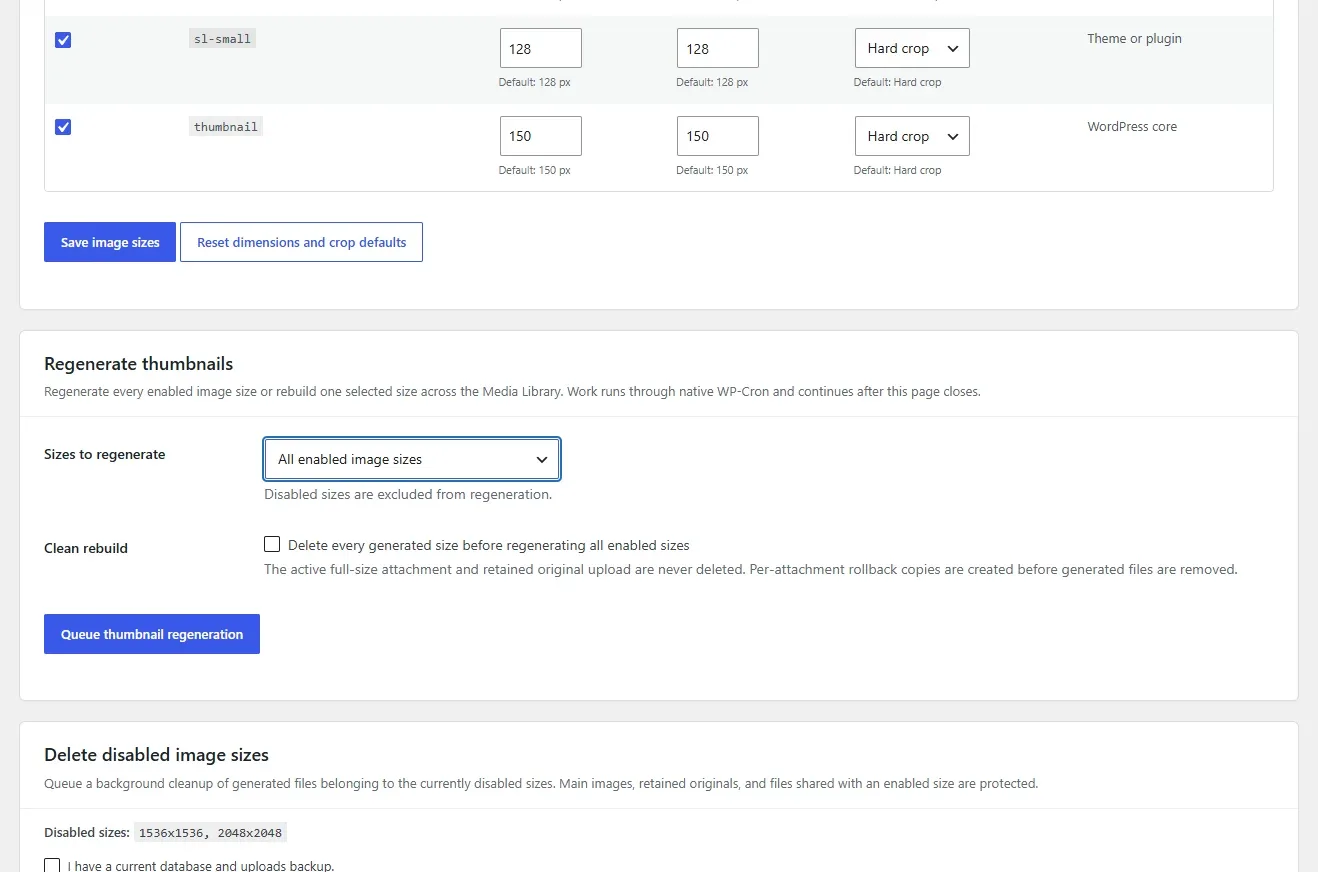
Complete Thumbnail Generation
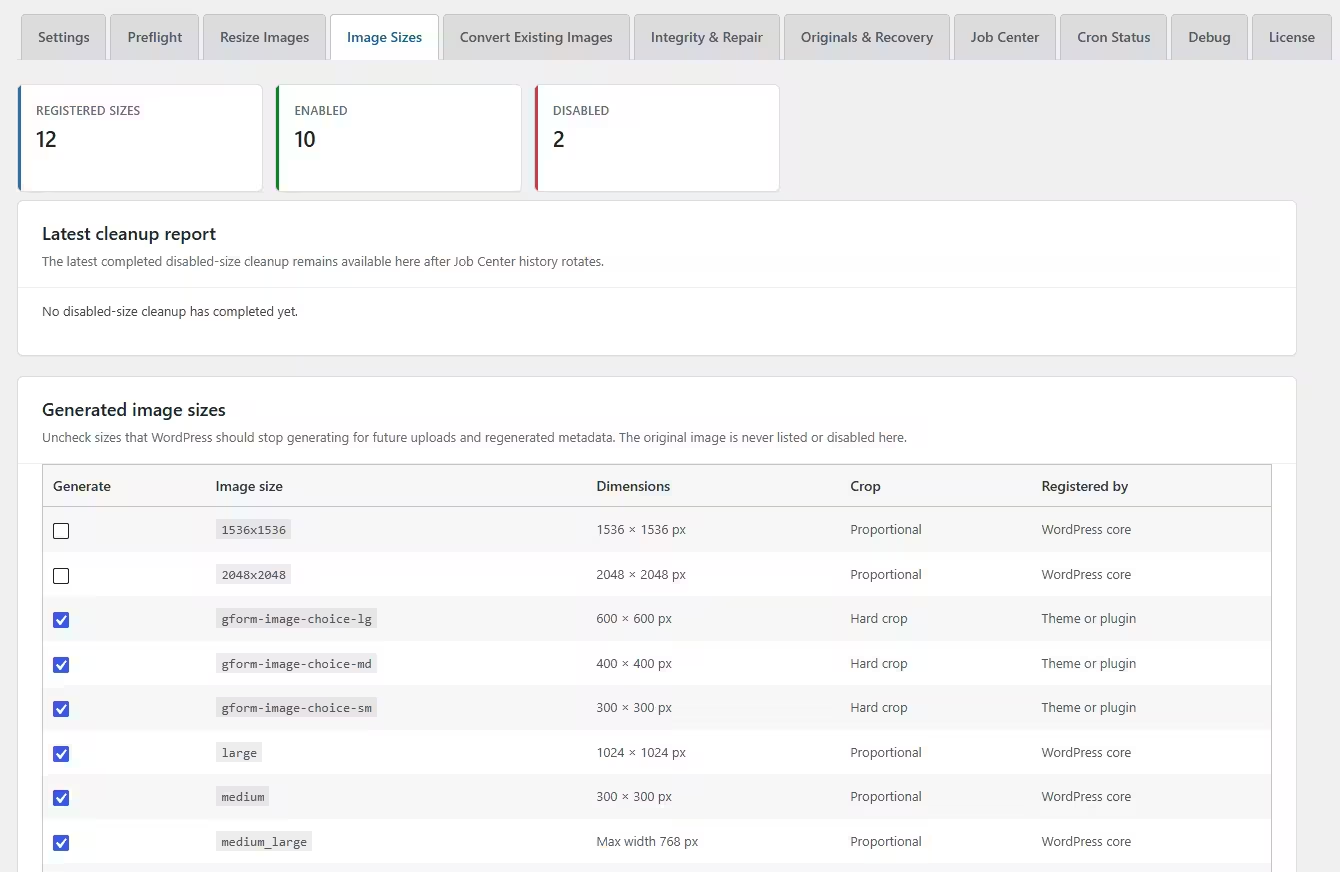
Regenerate registered WordPress image sizes after conversion. Featured images, galleries, responsive images, and theme thumbnails continue working correctly.
Persistent Background Processing
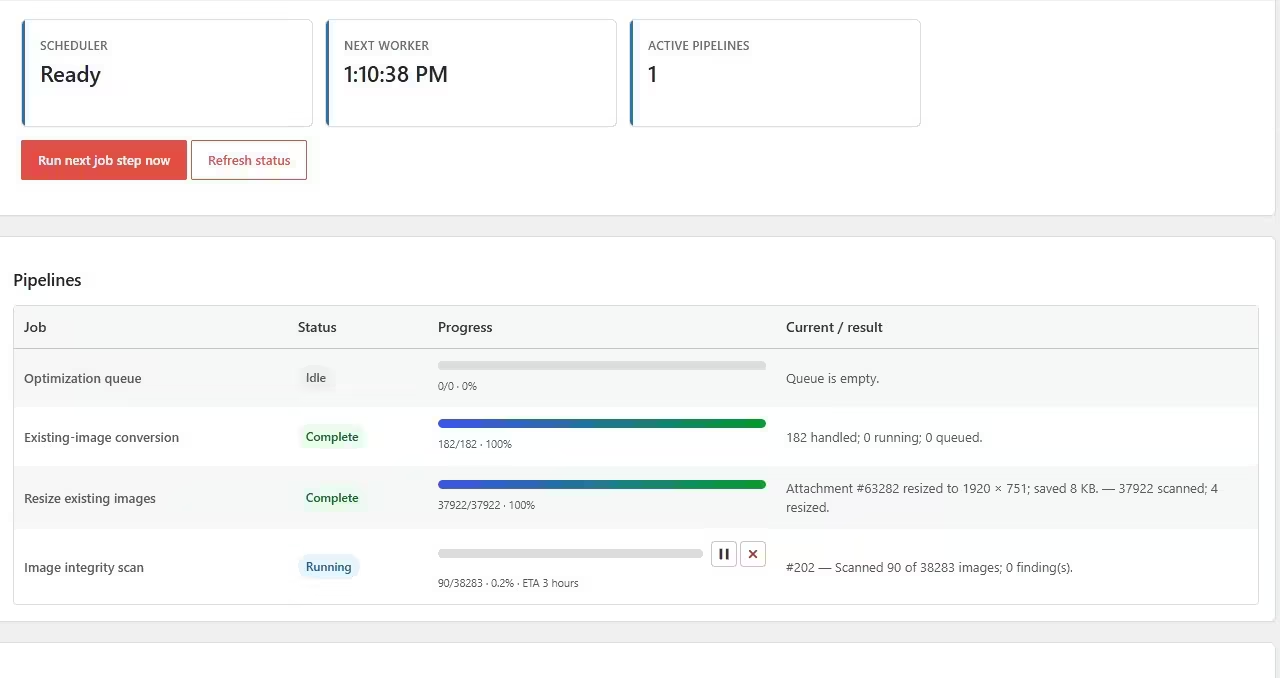
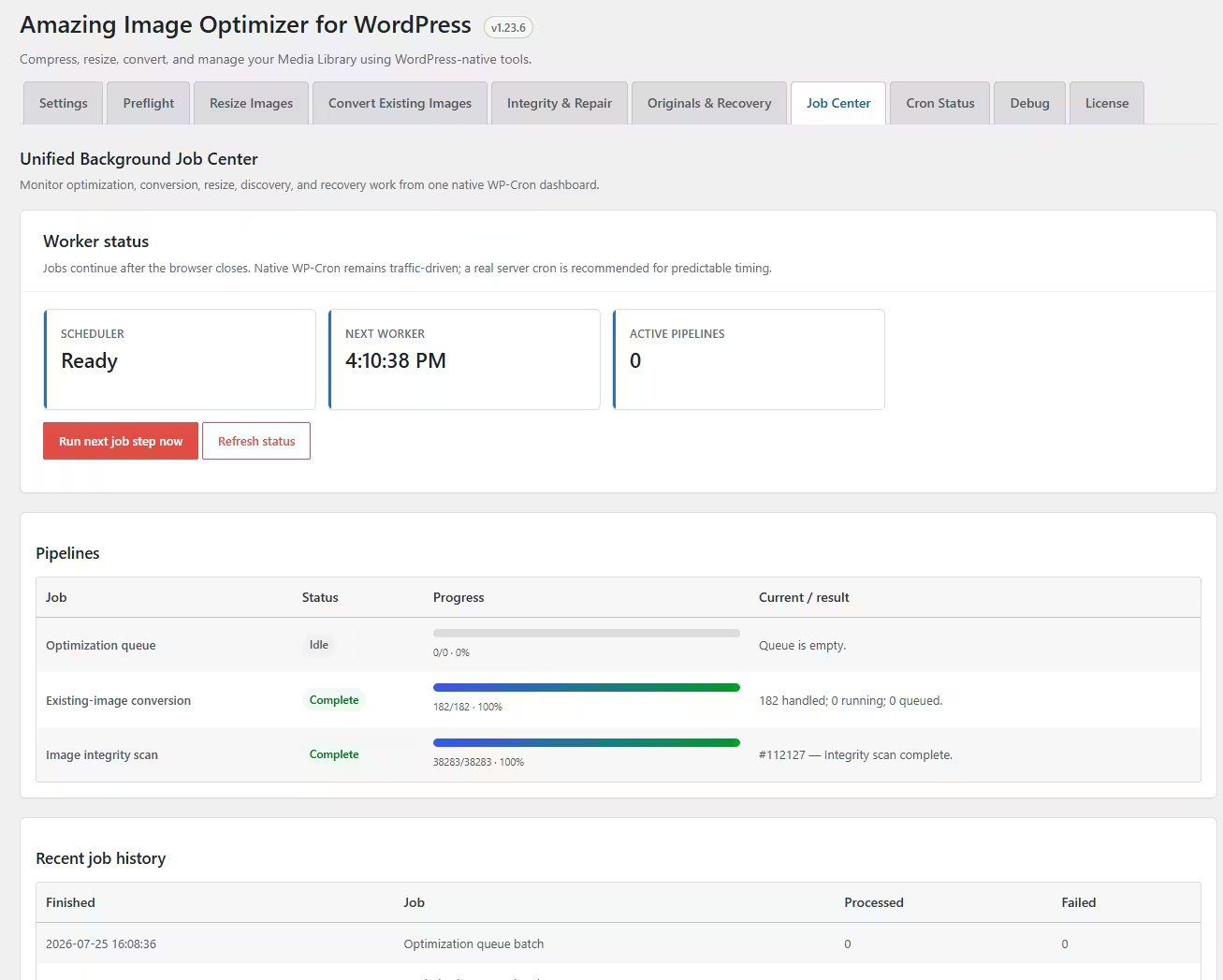
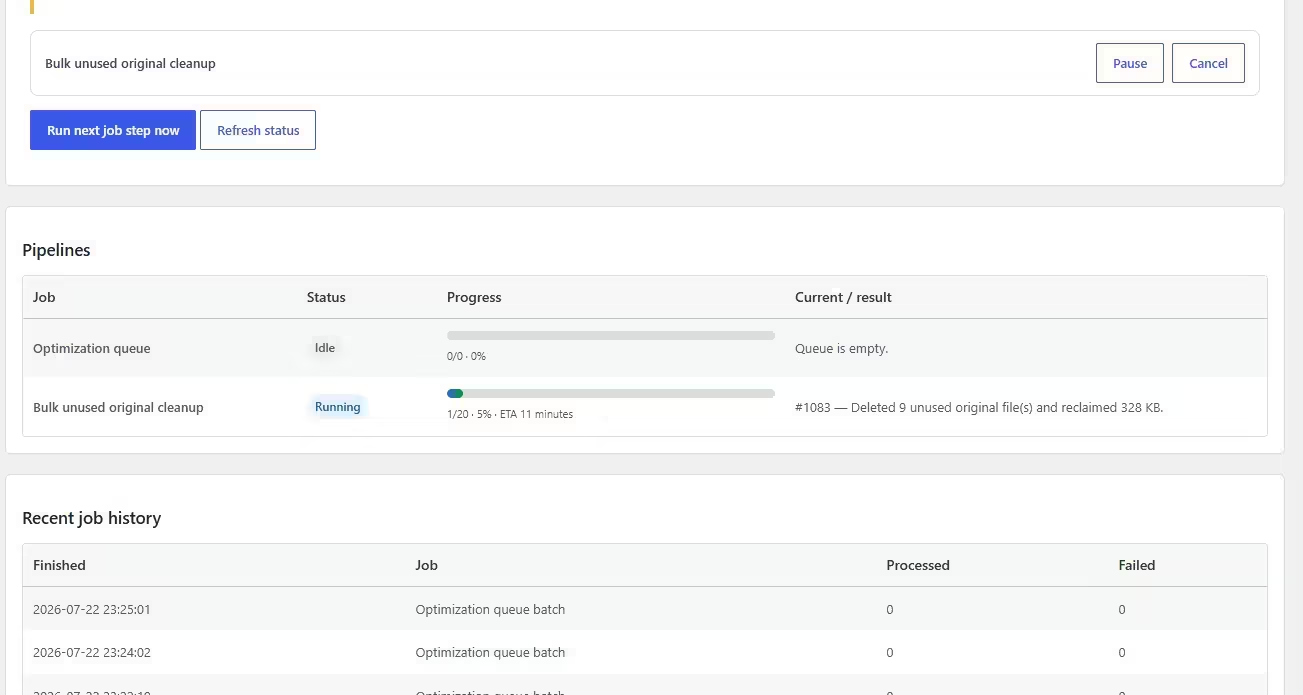
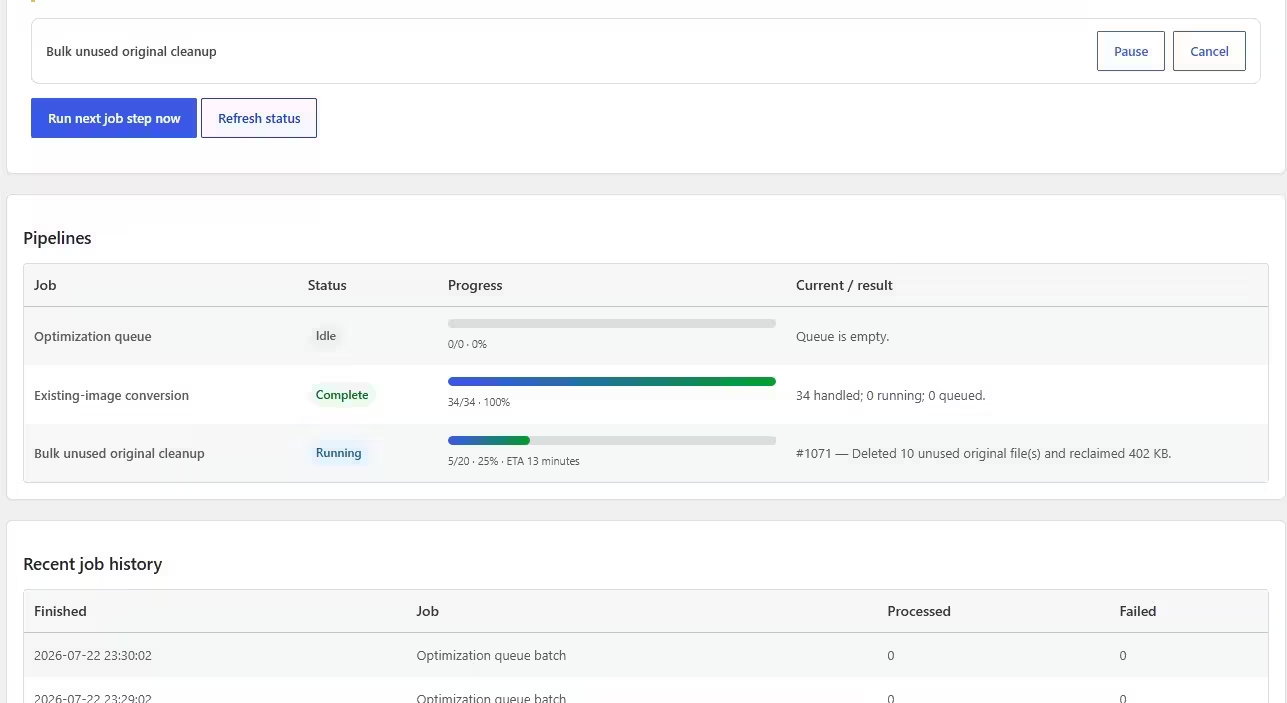
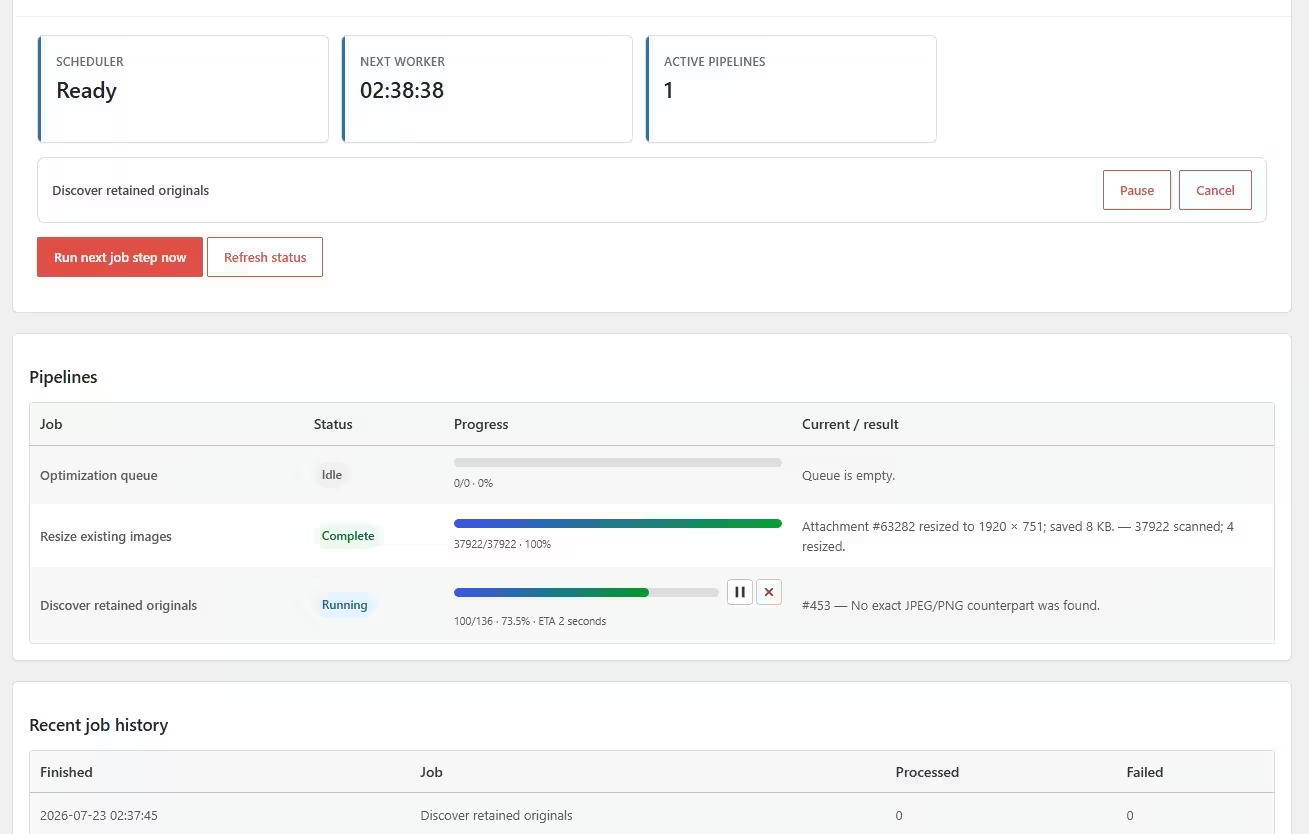
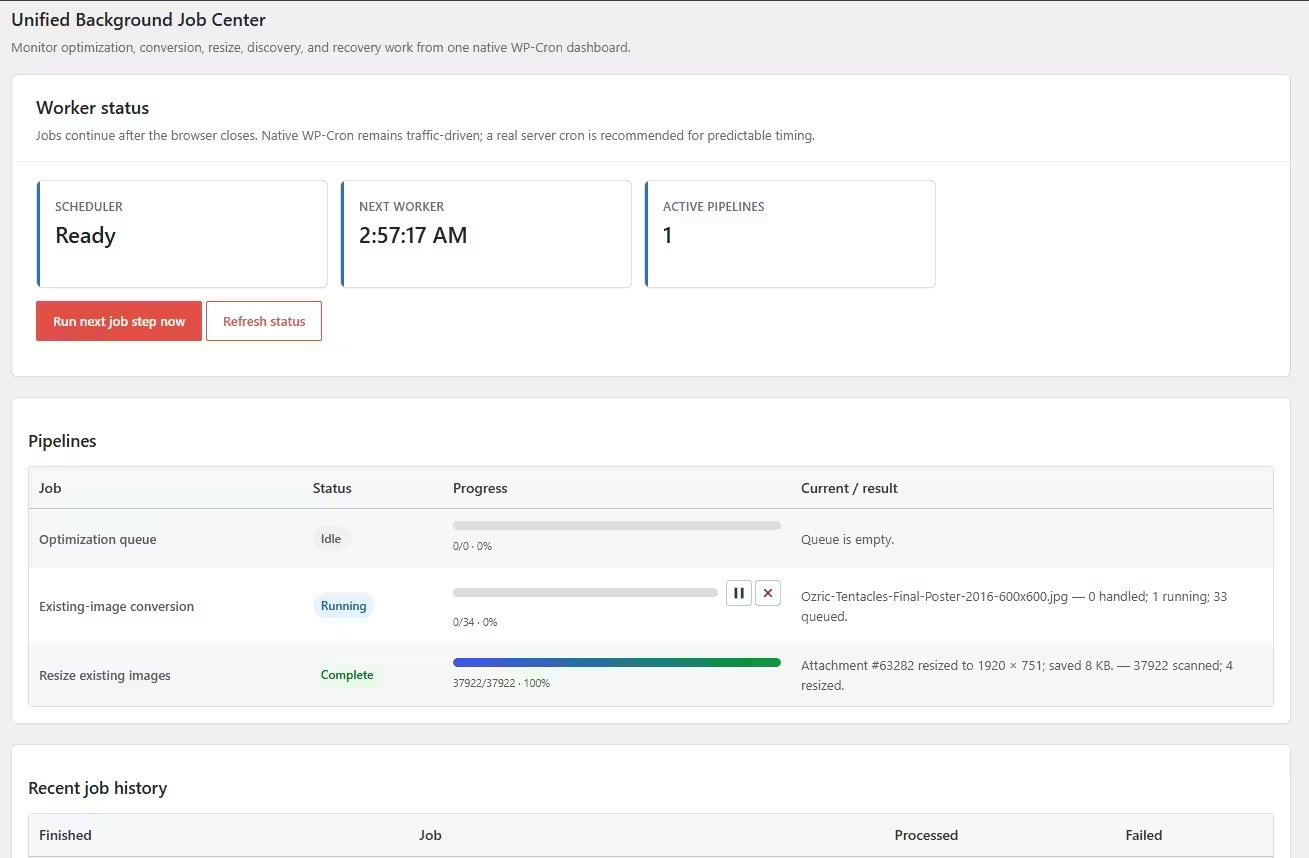
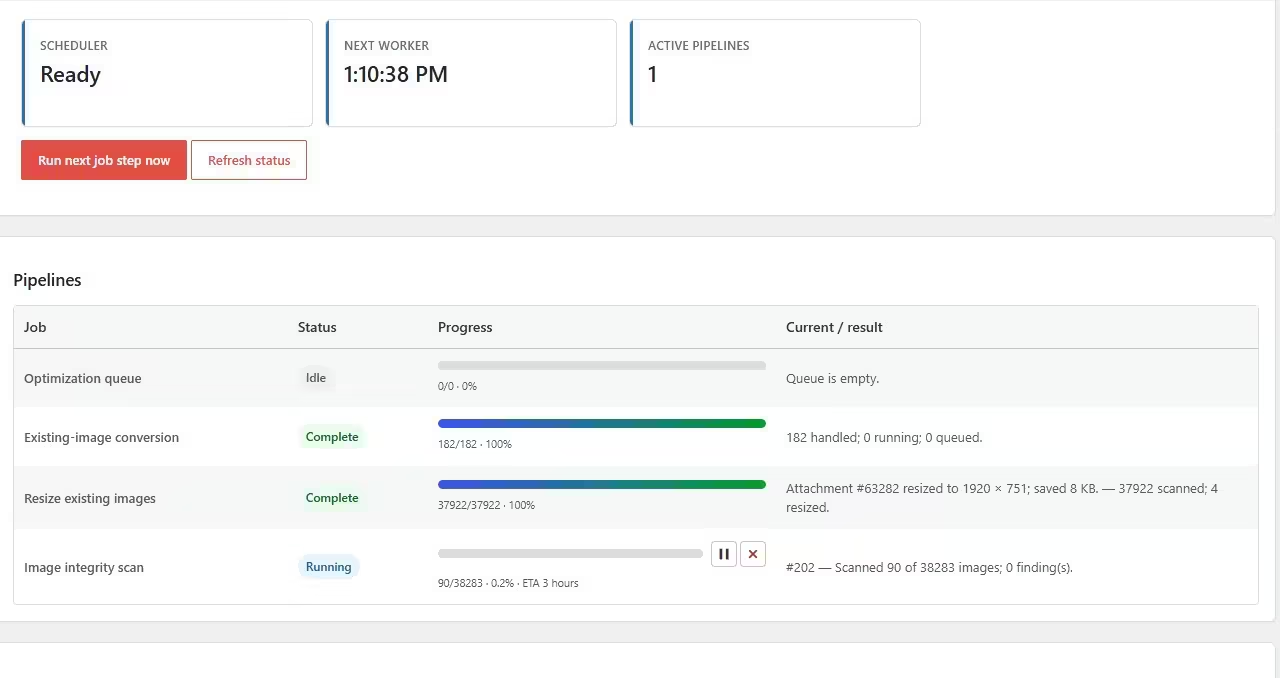
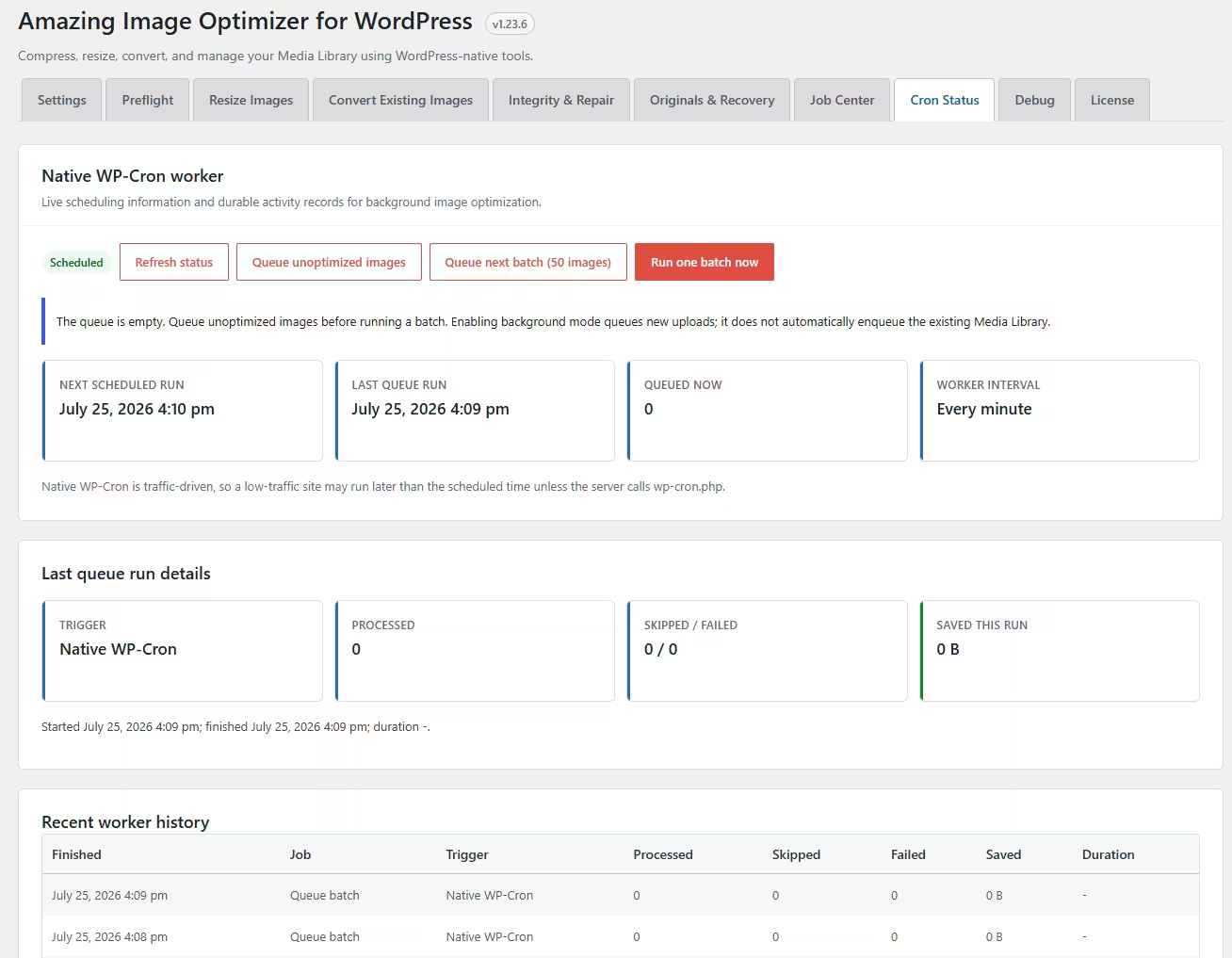
Run large optimization and conversion jobs through native WP-Cron. Jobs continue after closing the browser, with progress, completion percentage, and estimated time remaining.
Privacy-First, Fully Local
All compression and conversion happens directly on your WordPress server. There are no external services, image uploads, monthly quotas, or per-image charges.
Built for developers too
- Powerful WP-CLI Commands
Optimize, resize, convert, inspect, pause, and resume image jobs directly from the command line. Ideal for deployments, maintenance scripts, and large Media Libraries. - Native WordPress Architecture
Built around WordPress image editors, metadata, WP-Cron, capabilities, and registered image sizes. It integrates naturally without requiring external APIs or cloud services. - Extensible with Hooks & Filters
Customize optimization, conversion, validation, and background-processing workflows. Developer-friendly actions and filters make advanced integrations easier to build. - Safe, Observable Processing
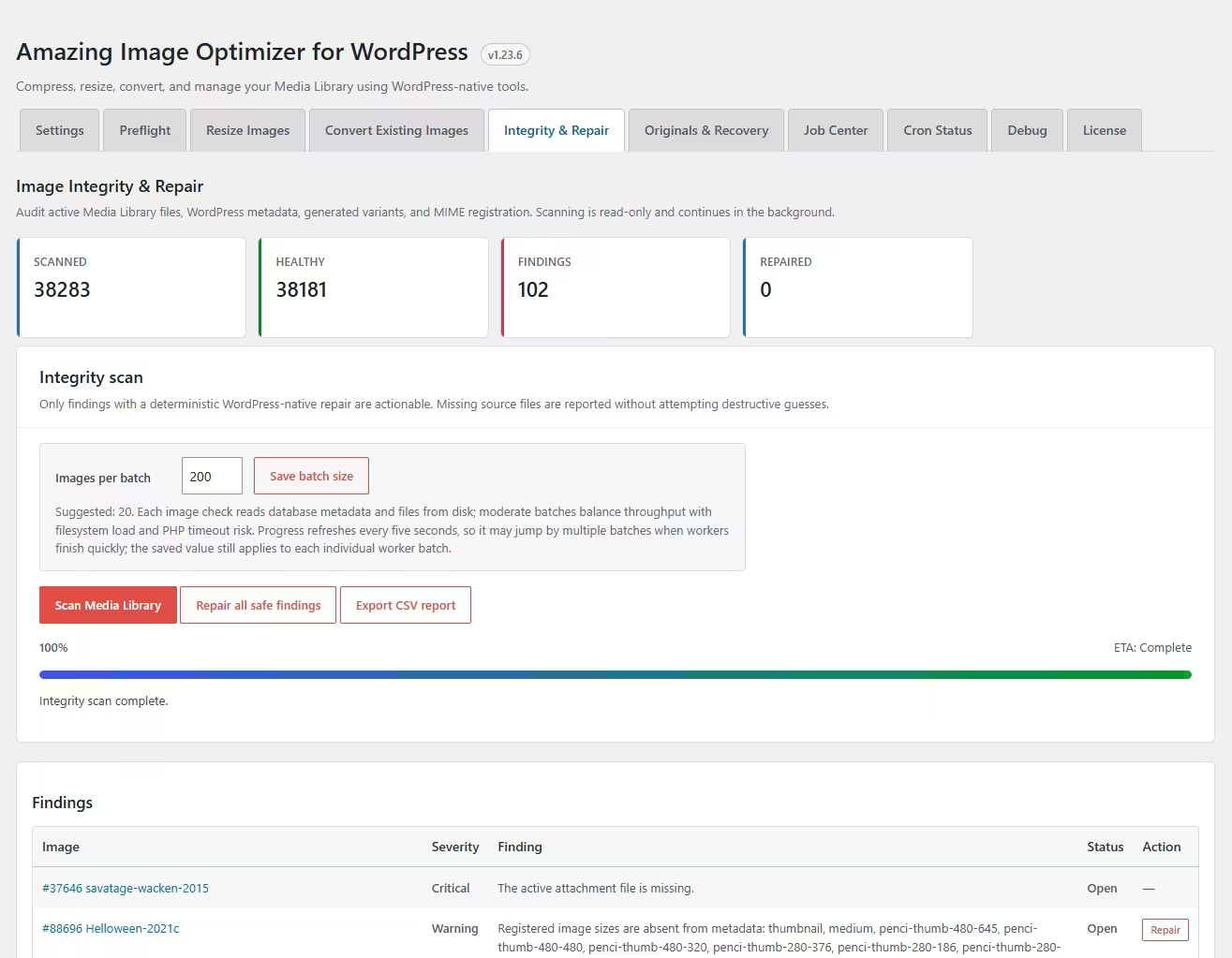
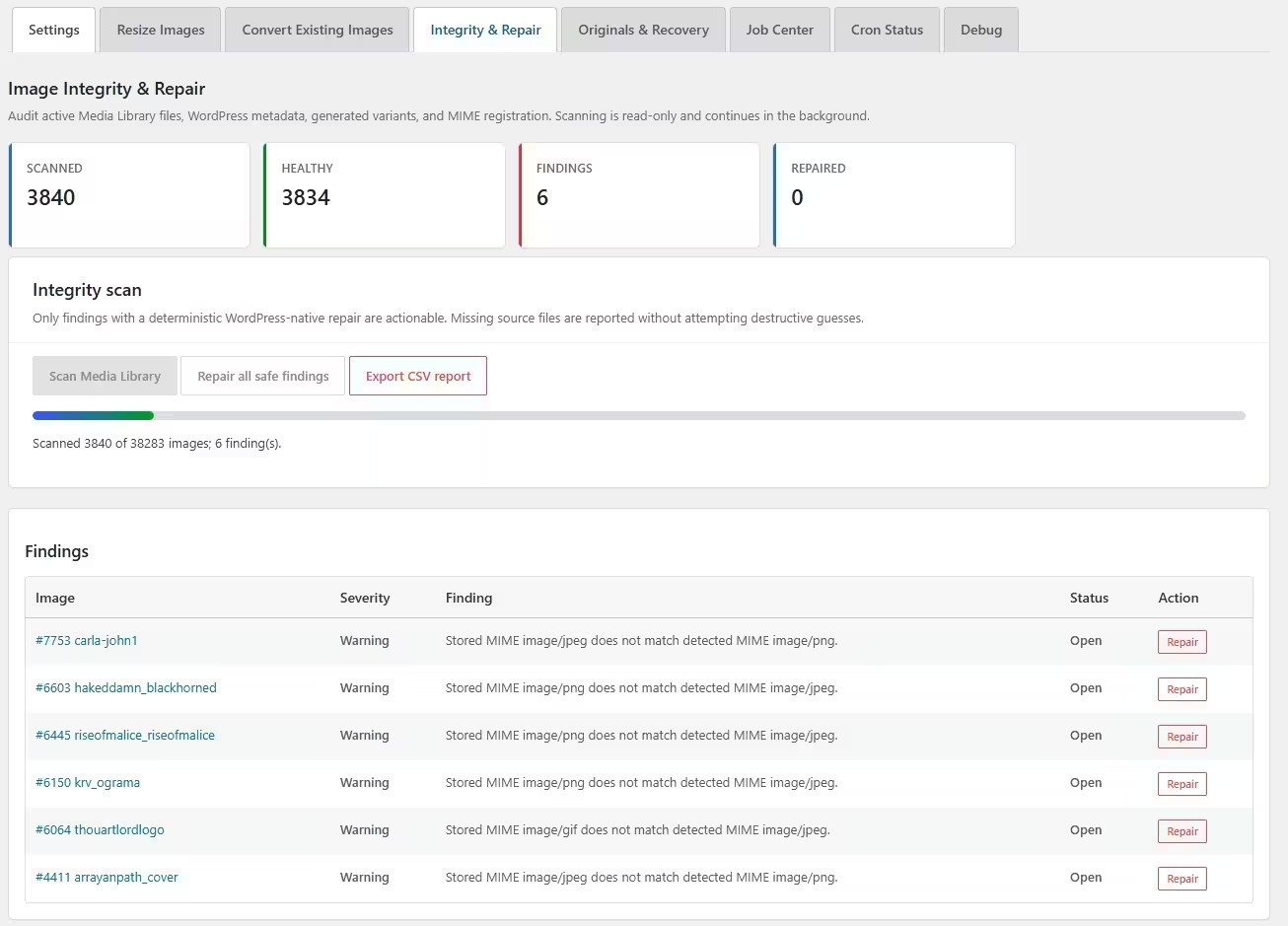
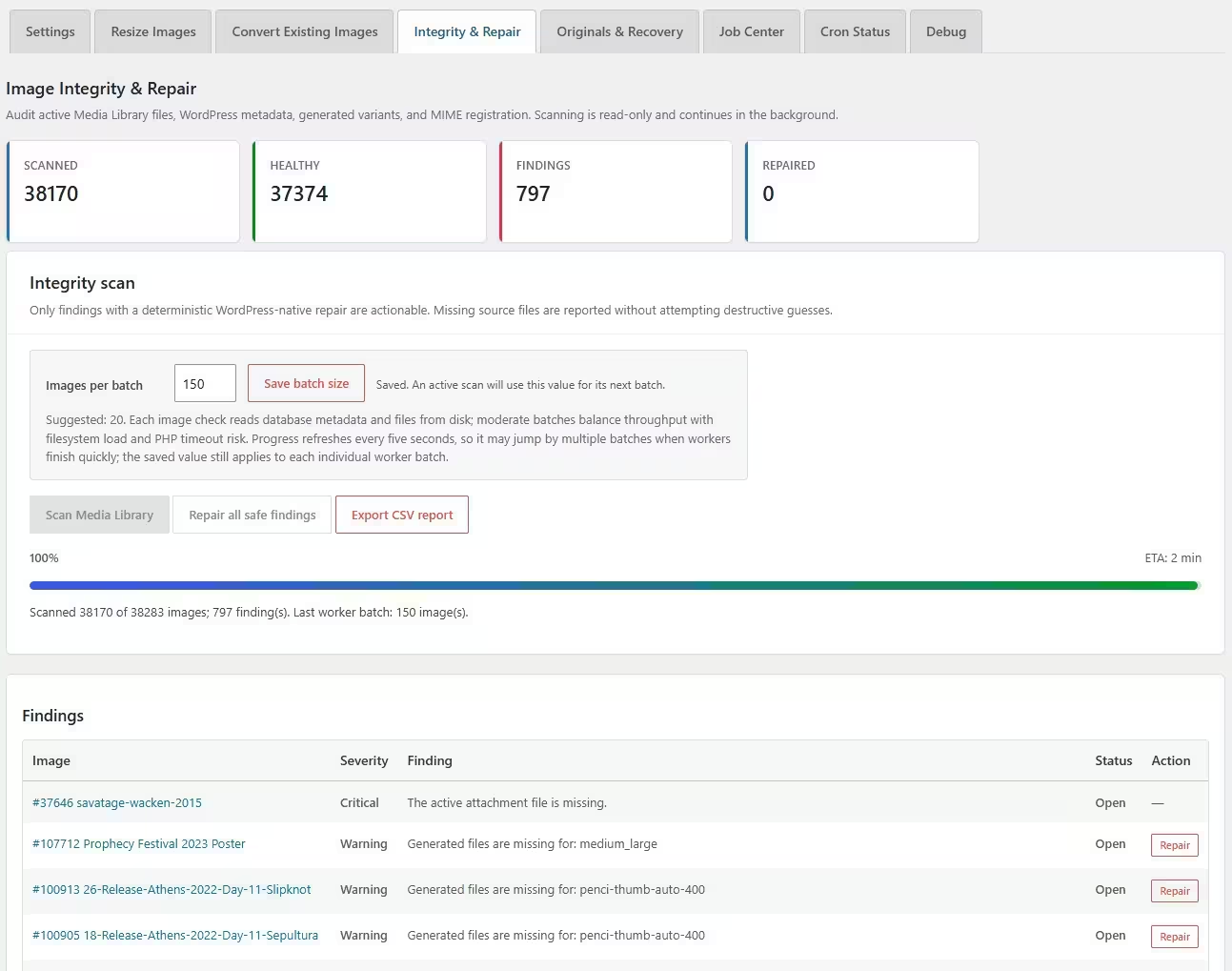
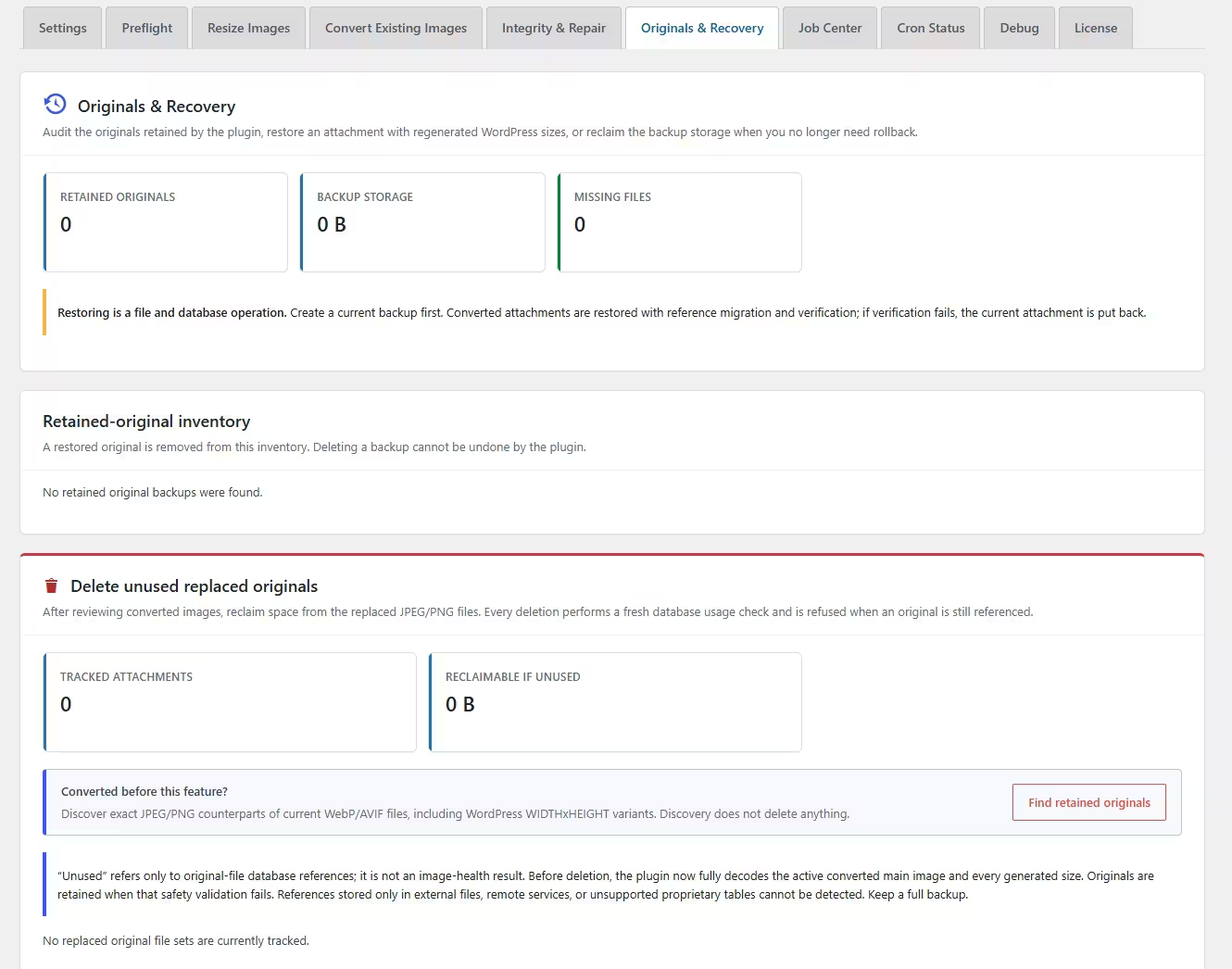
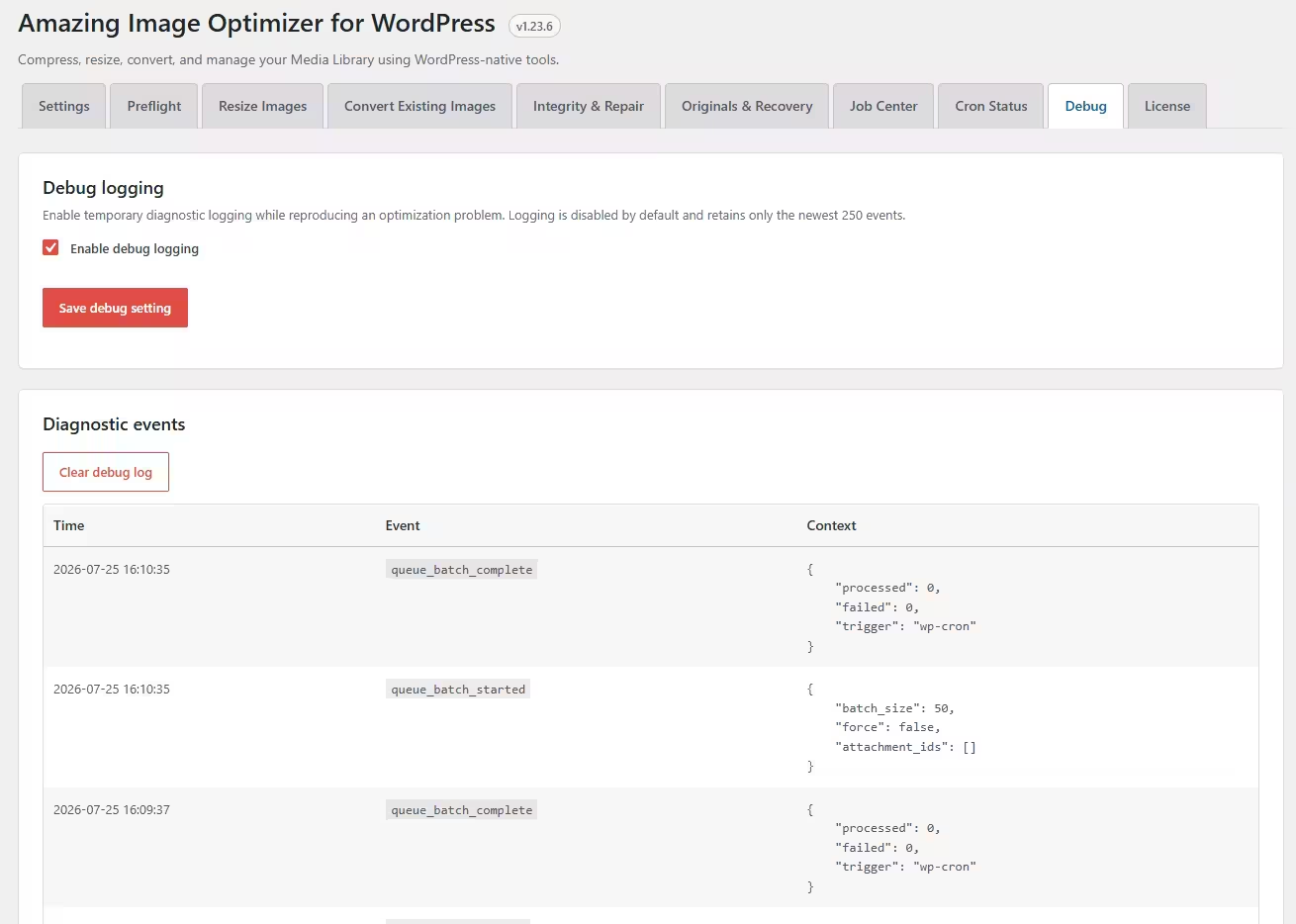
Persistent jobs include progress tracking, debug logs, retries, pause, resume, locking, integrity checks, and rollback protection. Diagnose failures confidently without risking overlapping workers or broken references.
FAQ
Does Amazing Image Optimizer use an external image optimization service?
No. Amazing Image Optimizer processes images directly on your WordPress server. Your images are not sent to a third-party optimization service, and there are no external image-processing quotas from the plugin.
Can it optimize images that are already uploaded?
Yes. The plugin can scan your existing Media Library and process older images in the background. You can optimize, resize, and convert existing images instead of only handling new uploads.
Does it optimize new uploads automatically?
Yes. You can configure the plugin to optimize new image uploads automatically, so large images are compressed, resized, or converted before they slow down your site.
Does it support WebP and AVIF?
Yes. Amazing Image Optimizer can convert JPEG and PNG images to modern formats like WebP and AVIF. It also checks the result and avoids replacing an image with a larger converted file.
Will it break existing image links?
The plugin is designed to update image references safely when needed. It can update URLs stored in posts, pages, custom post types, metadata, options, and supported custom tables, with verification tools to help avoid broken references.
Can I control image quality?
Yes. You can choose between lossy and lossless compression and use quality settings to balance file size and visual quality.
Does it work with WooCommerce and page builders?
Yes. The plugin is built for WordPress media workflows and works with WooCommerce product images, Gutenberg, Elementor, ACF image fields, galleries, and common theme-generated image sizes.
Can it handle large media libraries?
Yes. Large jobs can run in the background using WP-Cron, with progress tracking, retries, pause/resume controls, and logging. Developers can also use WP-CLI commands for larger or more controlled optimization jobs.
Can I roll back changes?
The plugin includes safety tools and rollback protection for image processing jobs, helping you recover if an optimization task needs to be reversed or reviewed.
Are there monthly fees or per-image charges?
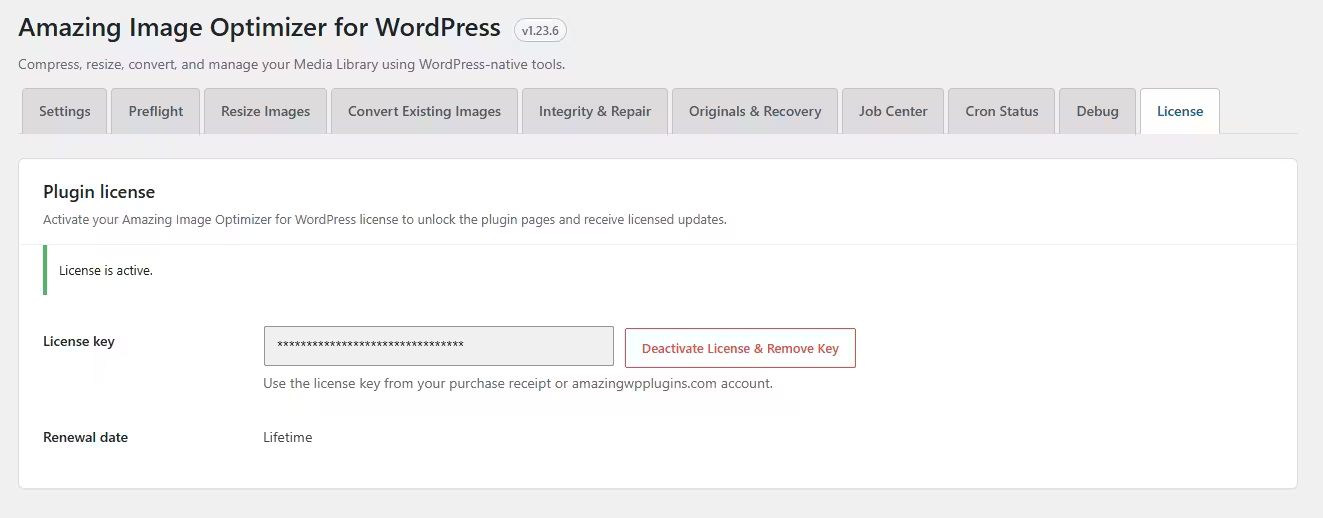
No. The plugin license is not based on how many images you optimize. Since processing happens on your own server, there are no plugin-level per-image charges or monthly optimization quotas.
Get it Now!
Built to handle image libraries of any size, Amazing Image Optimizer works automatically in the background.
Have clients uploading images that are several megabytes each?
Amazing Image Optimizer takes care of them before they can slow down the website.