










Minimal Pagespeed footprint, local WordPress statistics
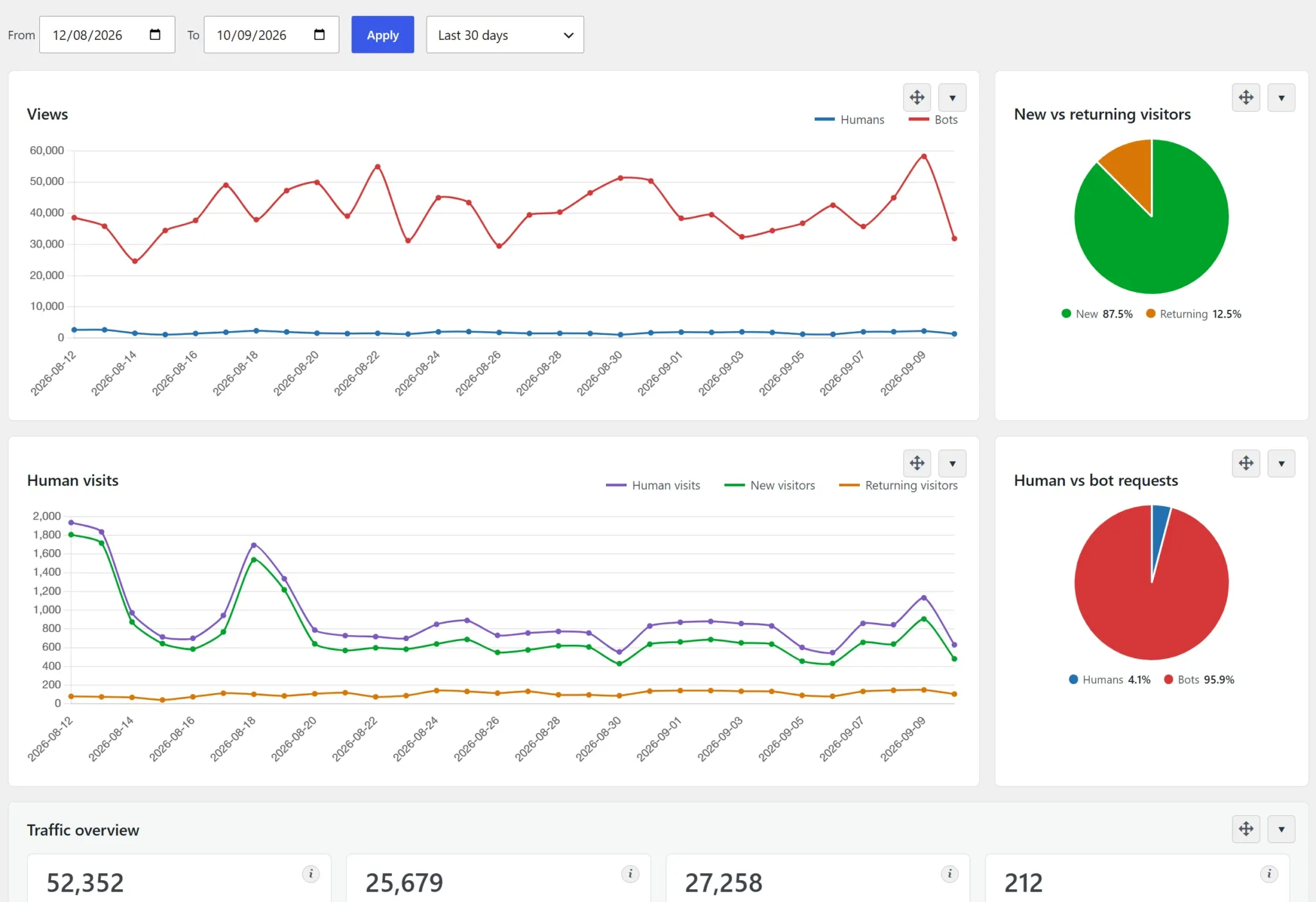
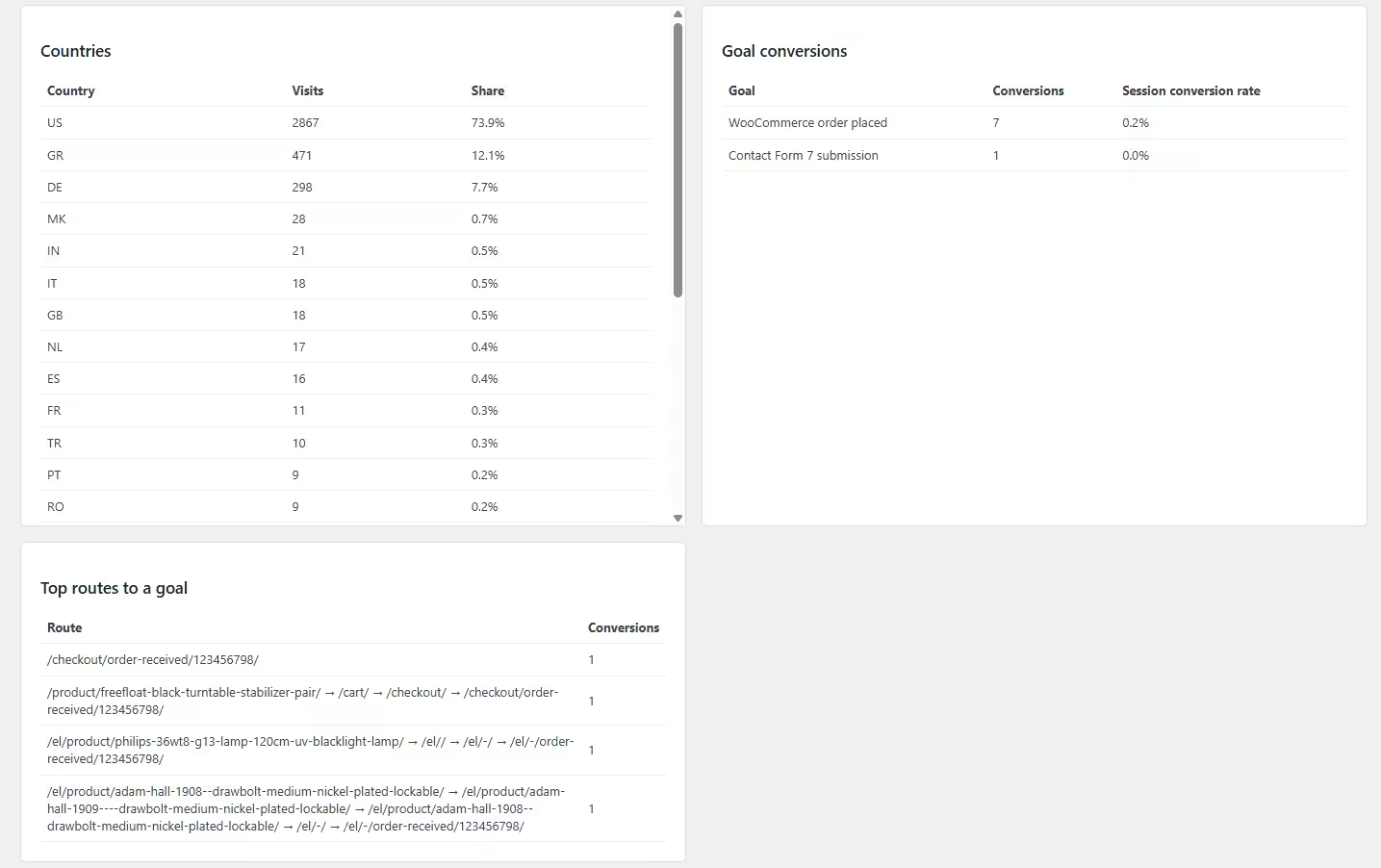
Amazing WP Analytics gives WordPress administrators clear, first-party insights and statistics into visitors, page views, sessions, traffic sources, devices, countries, engagement, goals, conversions, and routes to conversion—all directly inside WordPress.
It helps website owners understand which content attracts visitors, where traffic comes from, how people use the site, and which actions generate results. Its lightweight tracking is designed to protect PageSpeed performance and keep analytics data under the website owner’s control.
Unlike Google Analytics, it requires no external analytics account and does not send visitor activity to Google. Data stays in your WordPress database, reports are easier to understand, and privacy-sensitive tracking is minimized—making it a focused, independent alternative for everyday WordPress analytics.

Get it Now!
Replace complicated, third-party analytics with clear, privacy-friendly insights inside WordPress.
Stop guessing what drives growth—discover your best traffic sources, content and conversion paths in one lightweight dashboard.
Why WordPress owners choose it
Lightweight
Our first goal when we decided to build the Amazing WP Analytics plugin was to have none to minimal impact to Pagespeed score.
Metrics that matter
The plugin tracks data that matters to the owner of the website. It’s not bloated with dozens of things that you don’t need and don’t understand.
Customizable
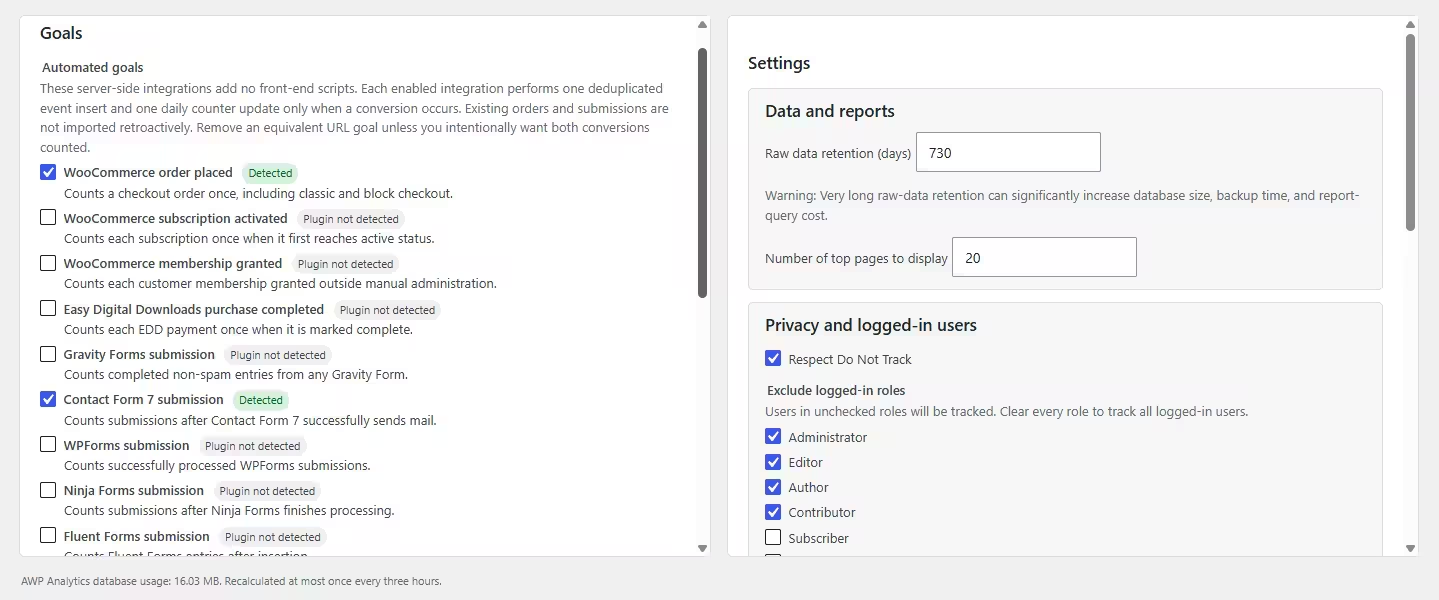
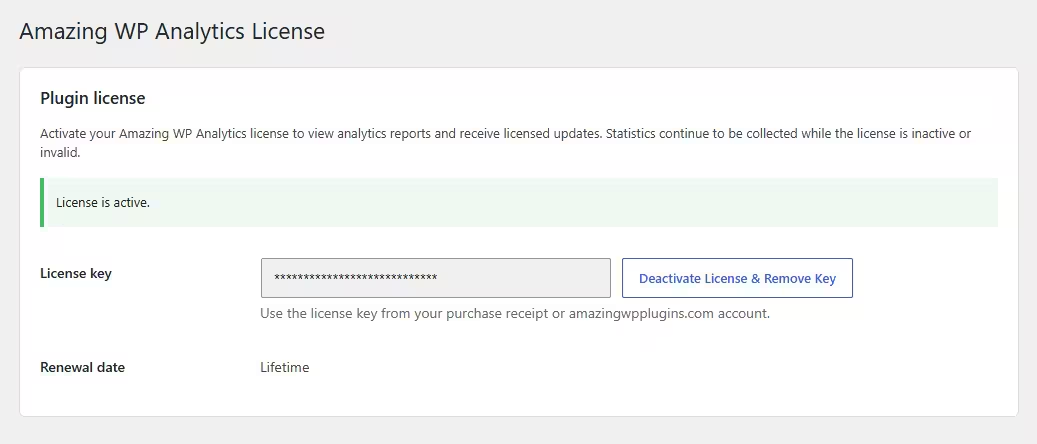
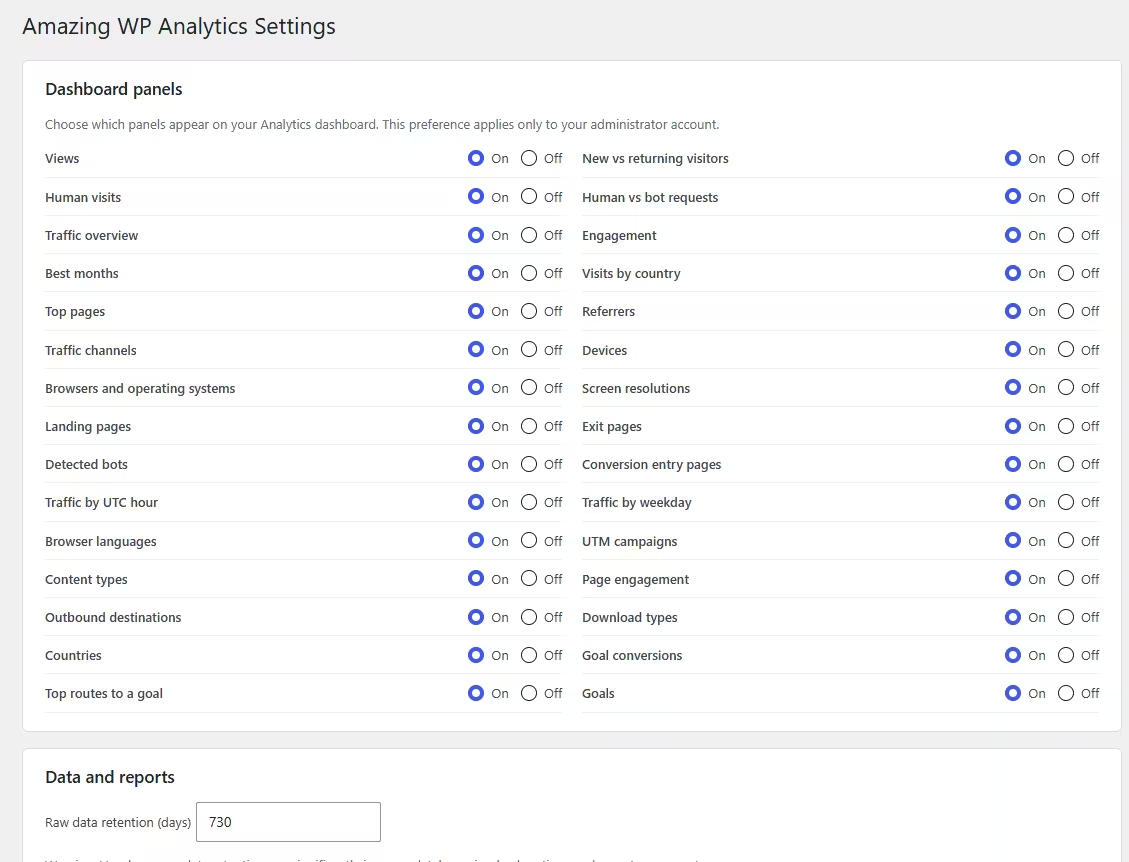
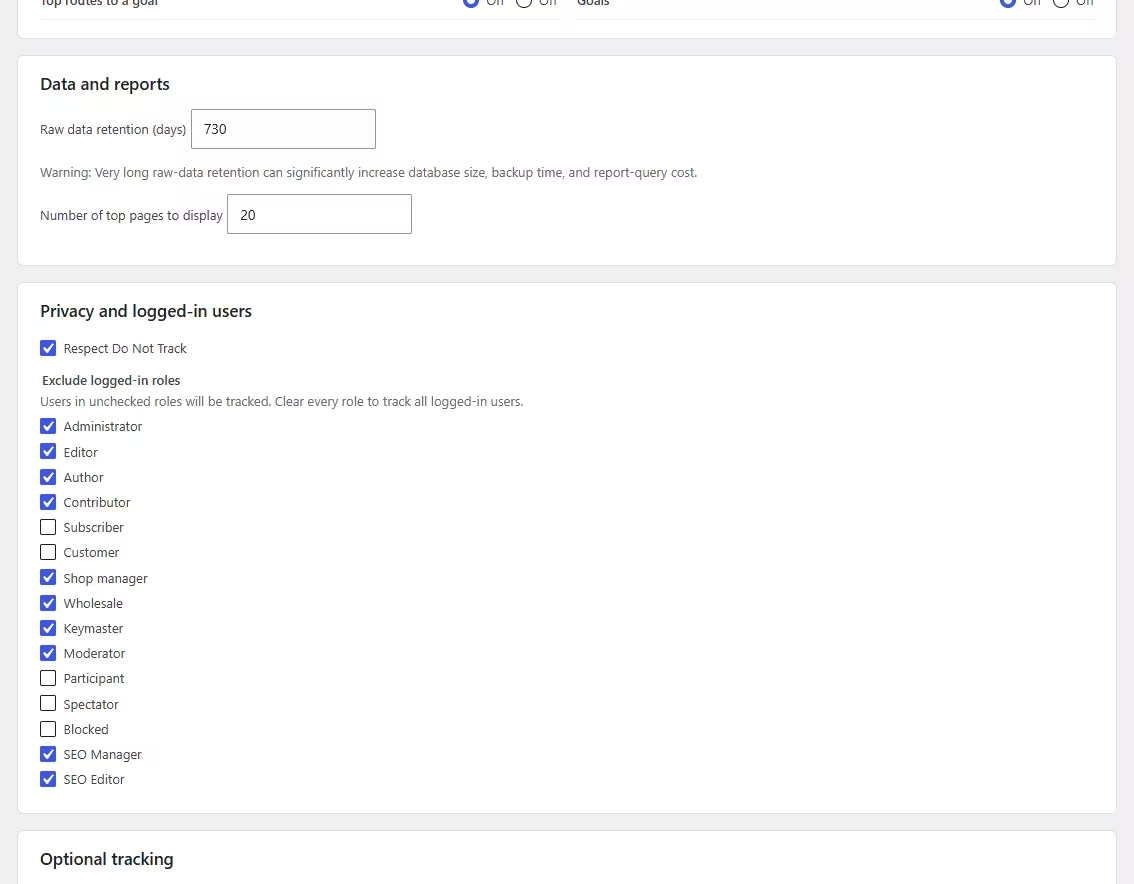
Enable / disable metrics according to your needs. Comes with preconfigured goals for popular plugins as WooCommerce, Gravity Forms, Easy Digital Downloads and more.
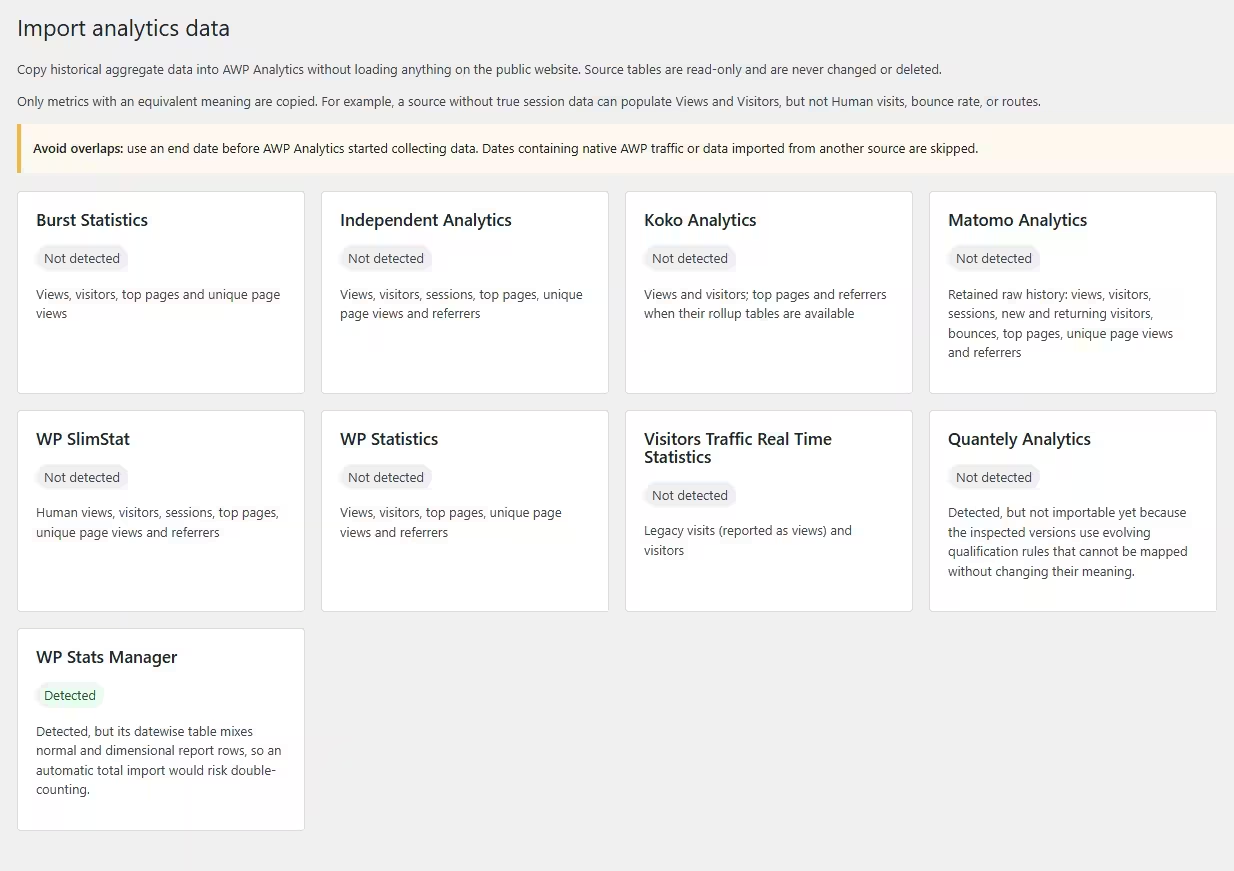
Migrate from your current statistics plugin
Do you already have a statistics plugin installed?
No problem. We will migrate the existing data.
Supported 3rd party plugins
- Burst Statistics
- Independent Analytics
- Koko Analytics
- Matomo Analytics
- WP SlimStat
- WP Statistics
- Visitors Traffic Real Time Statistics
Core features
Lightweight Analytics That Protects Performance
Track the metrics that matter without loading heavy analytics frameworks.
Deferred tracking keeps your pages fast and your PageSpeed score protected.
Clear Traffic Insights
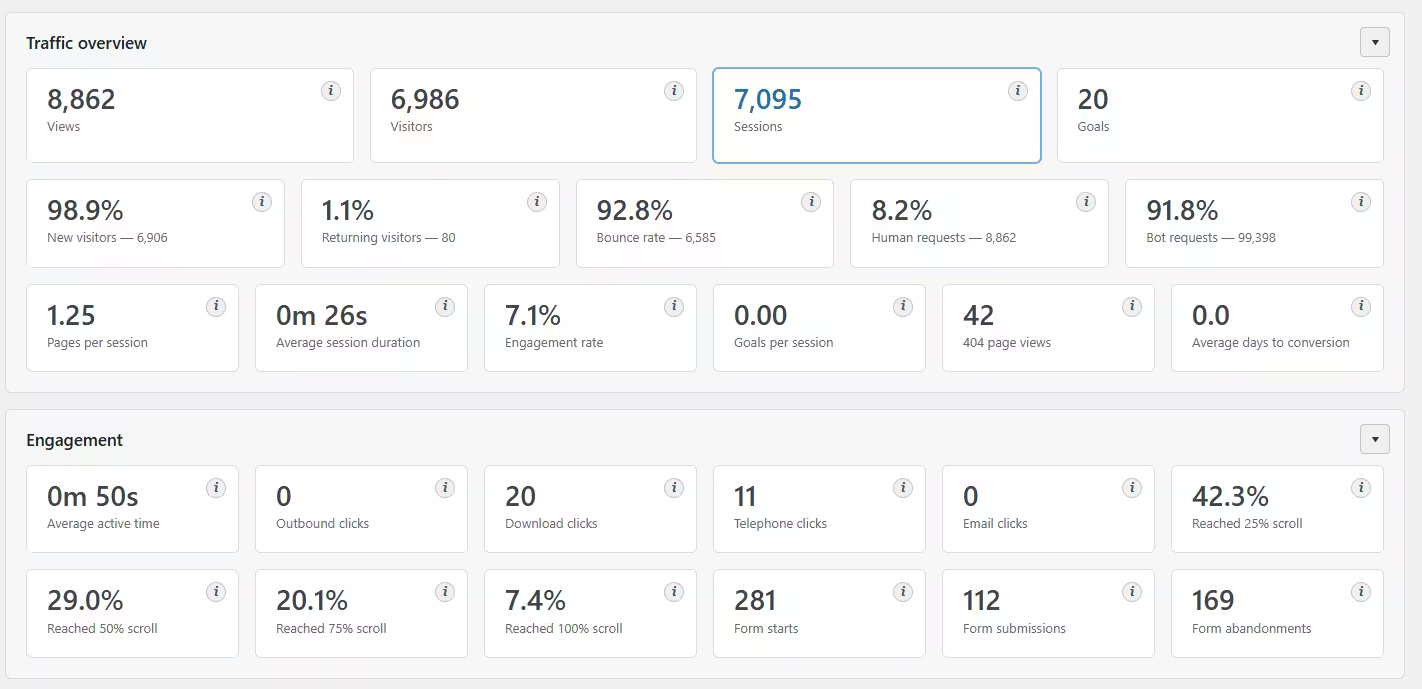
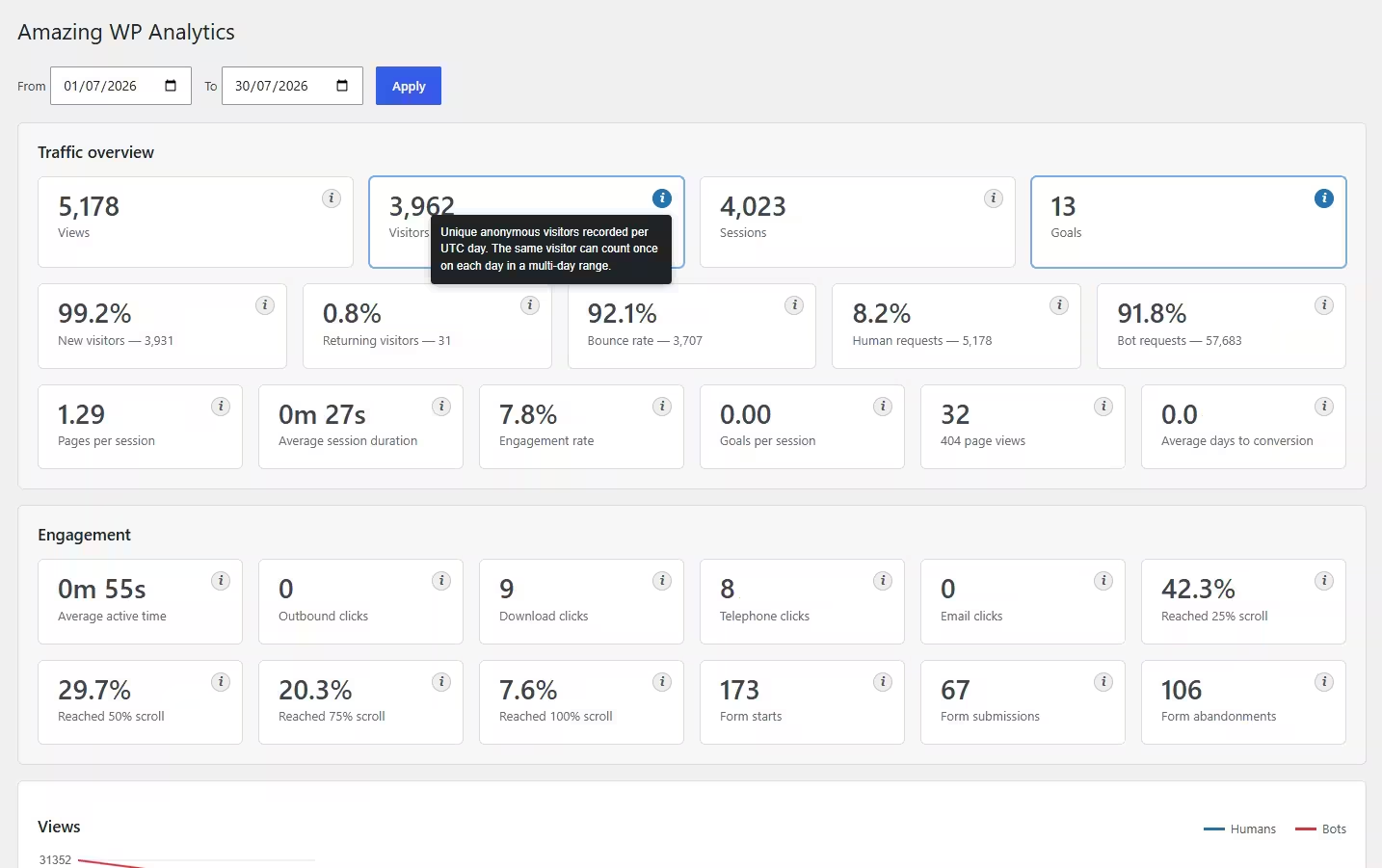
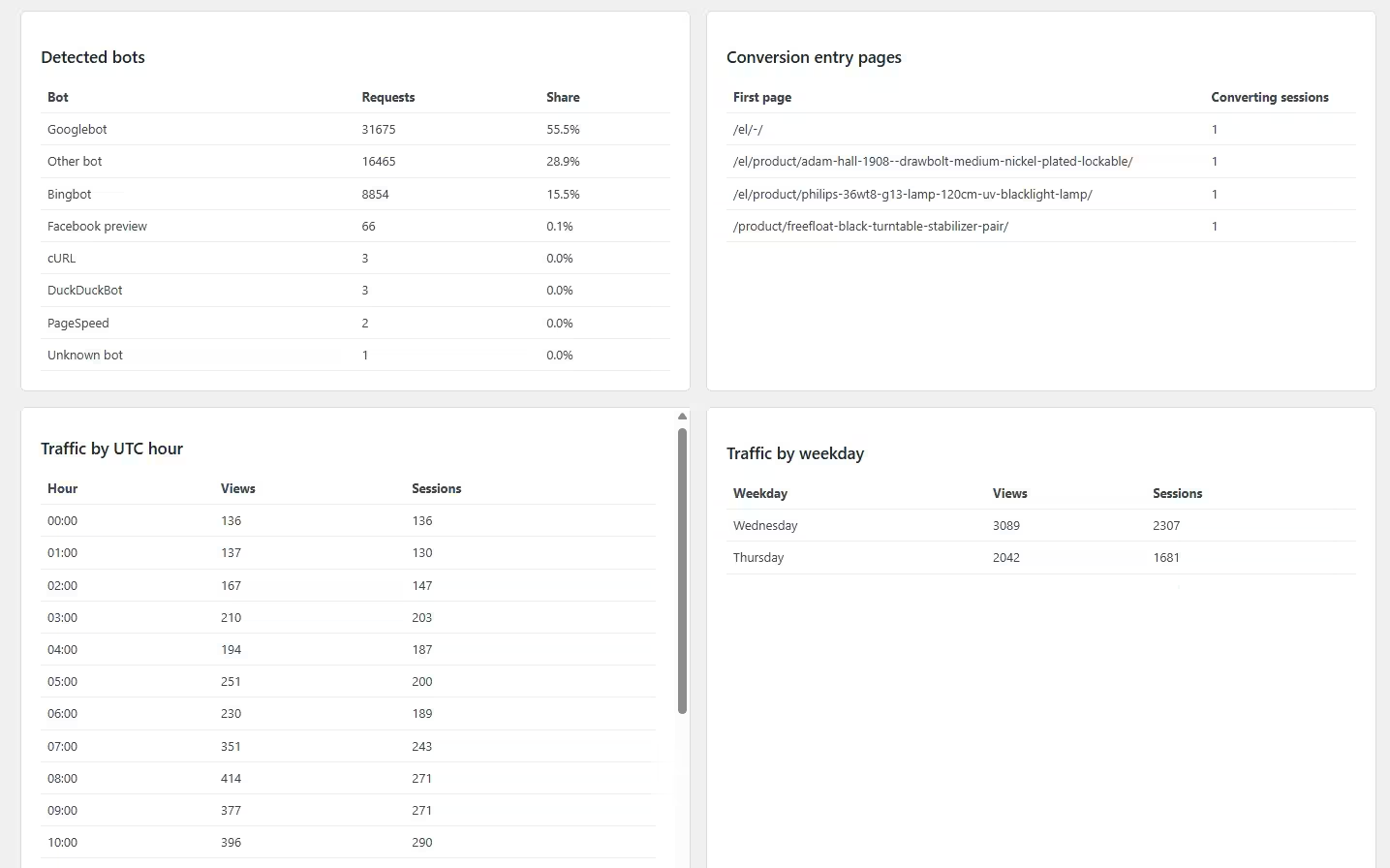
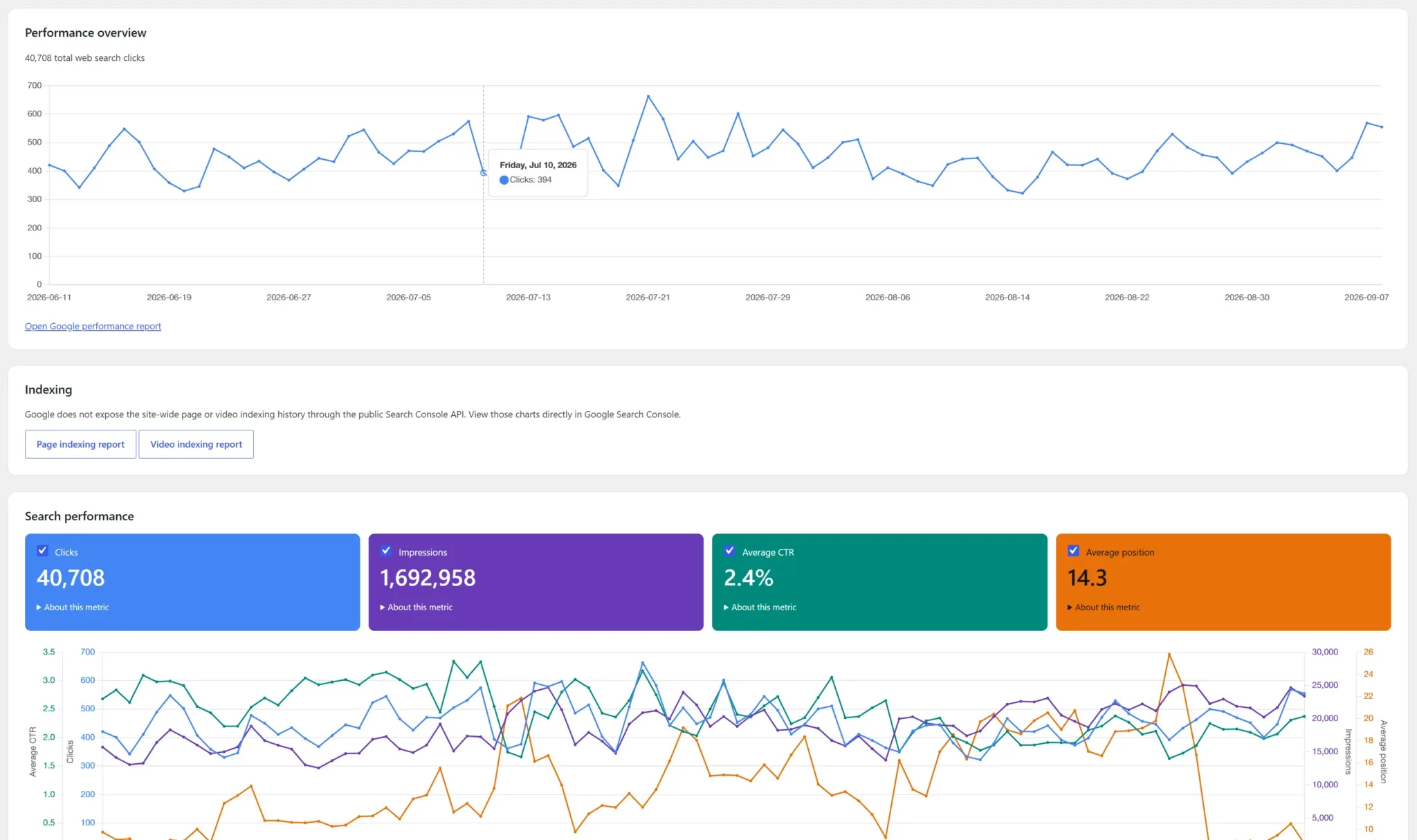
Monitor views, unique views, visitors, sessions and traffic trends.
Simple visual reports help you understand performance at a glance.
Conversion and Goal Tracking
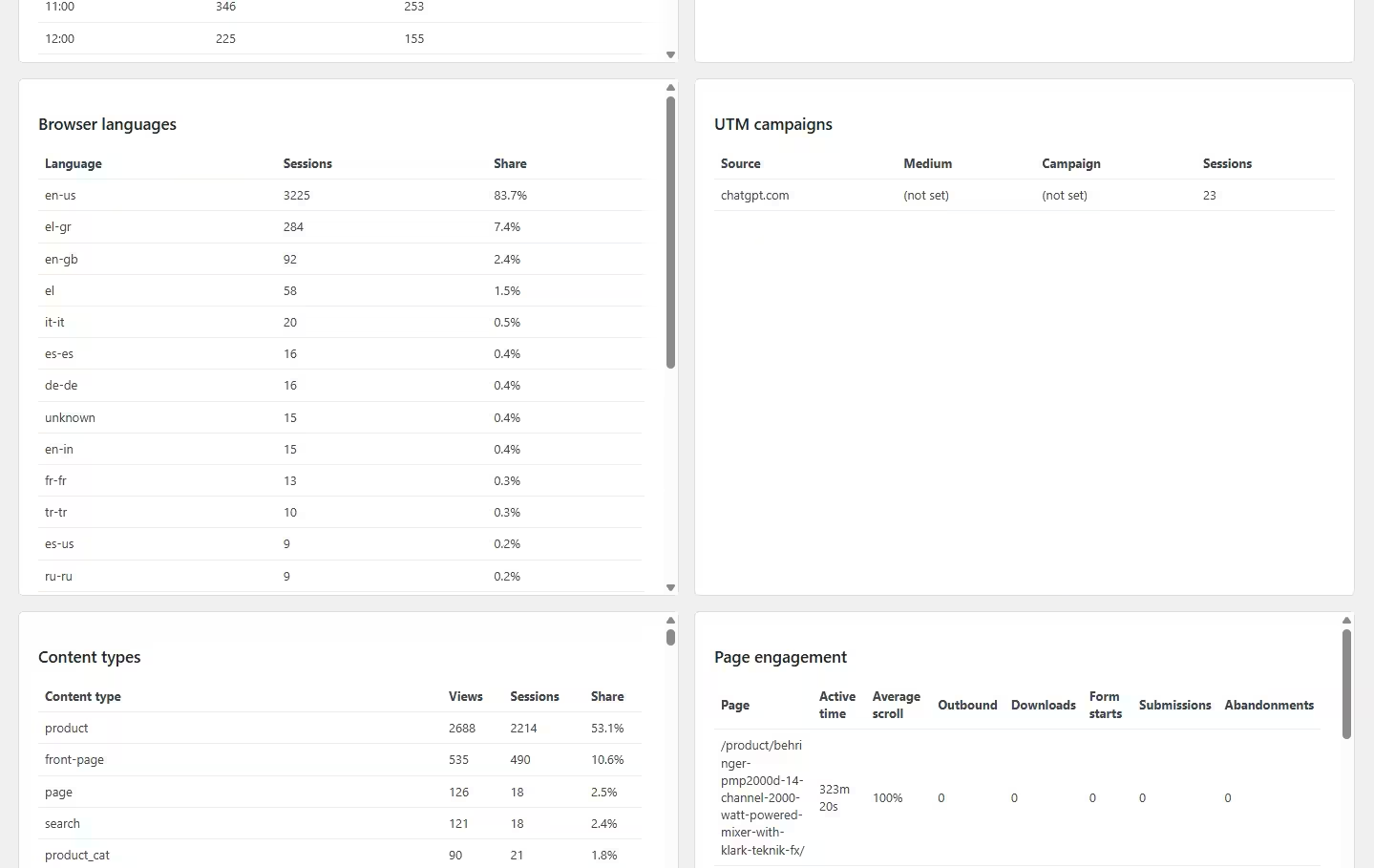
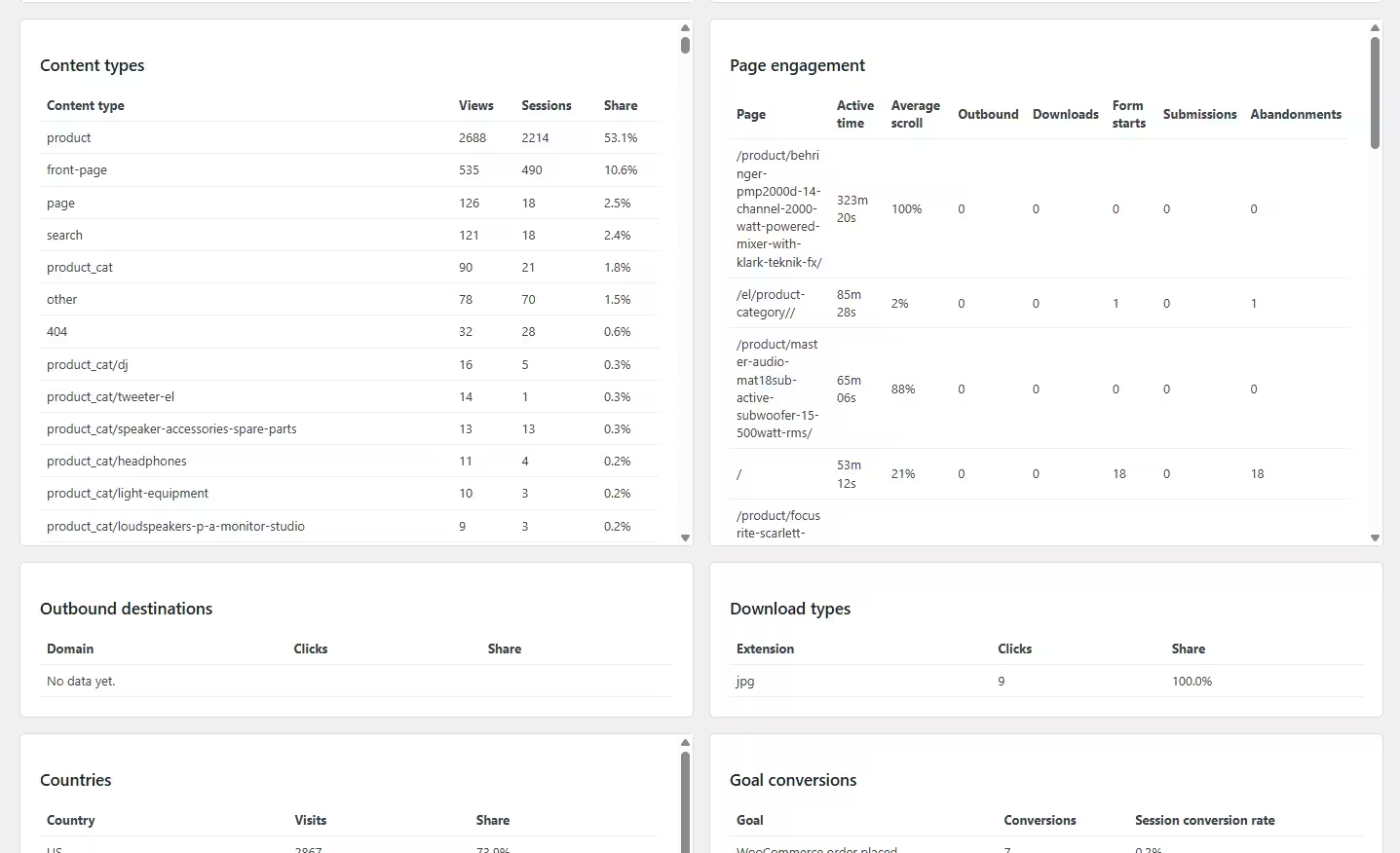
Create custom URL goals and measure the routes visitors take before converting.
Track WooCommerce, EDD, memberships, subscriptions and popular form submissions.
Referrer and Channel Analytics
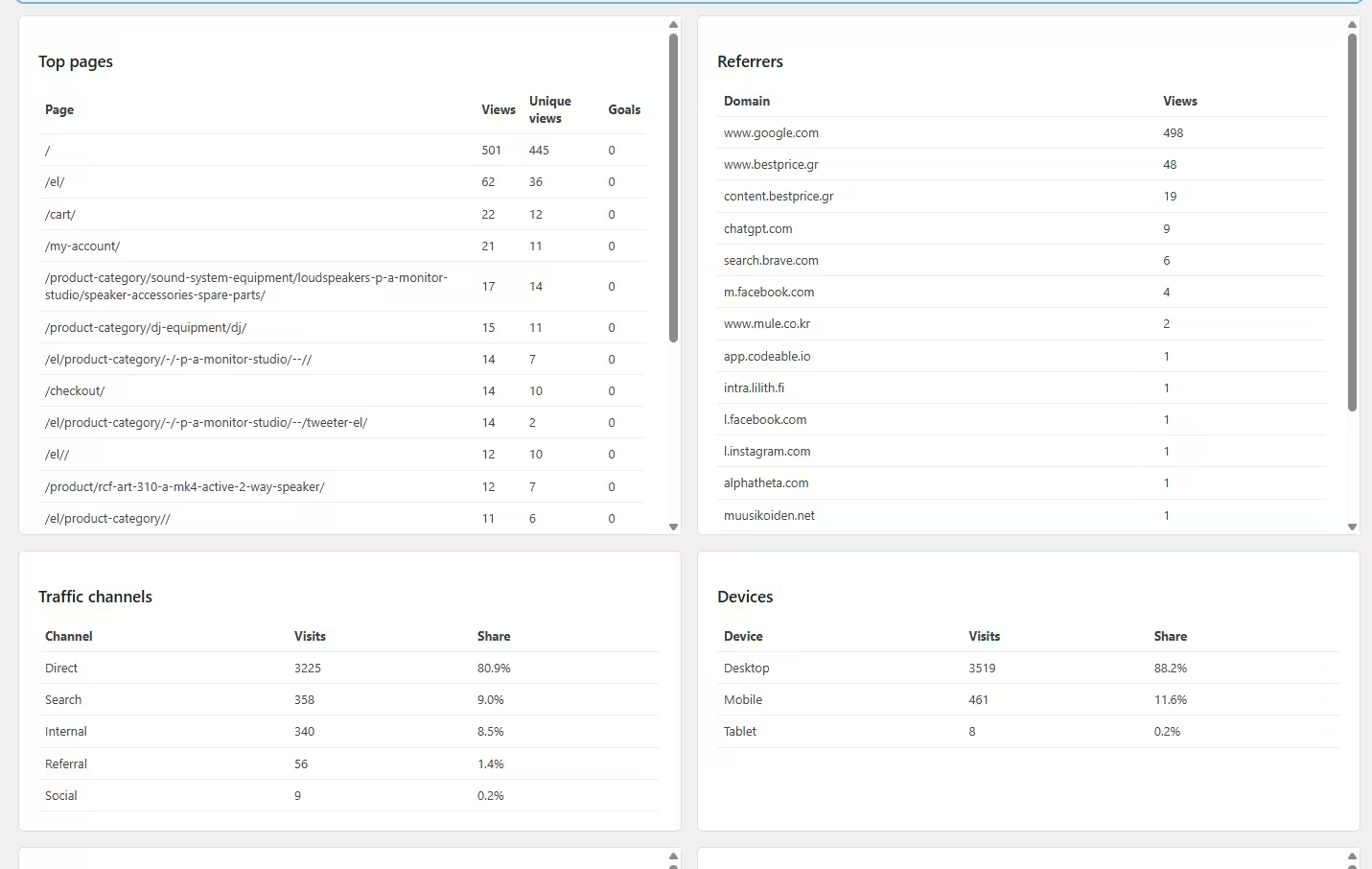
Discover whether visitors arrive through search engines, social media, referrals or directly.
Identify the channels that generate meaningful traffic and conversions.
Engagement and Content Reports
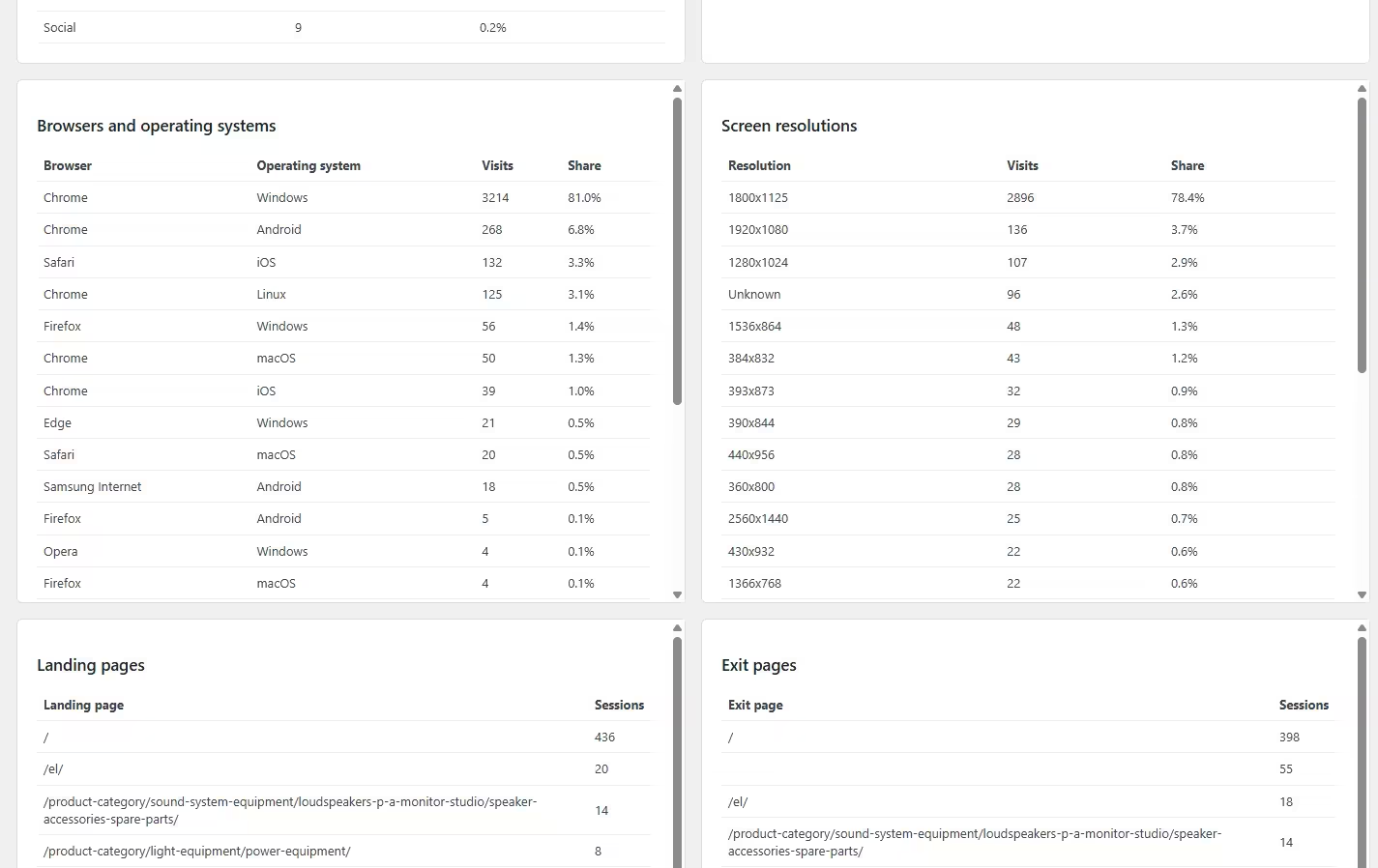
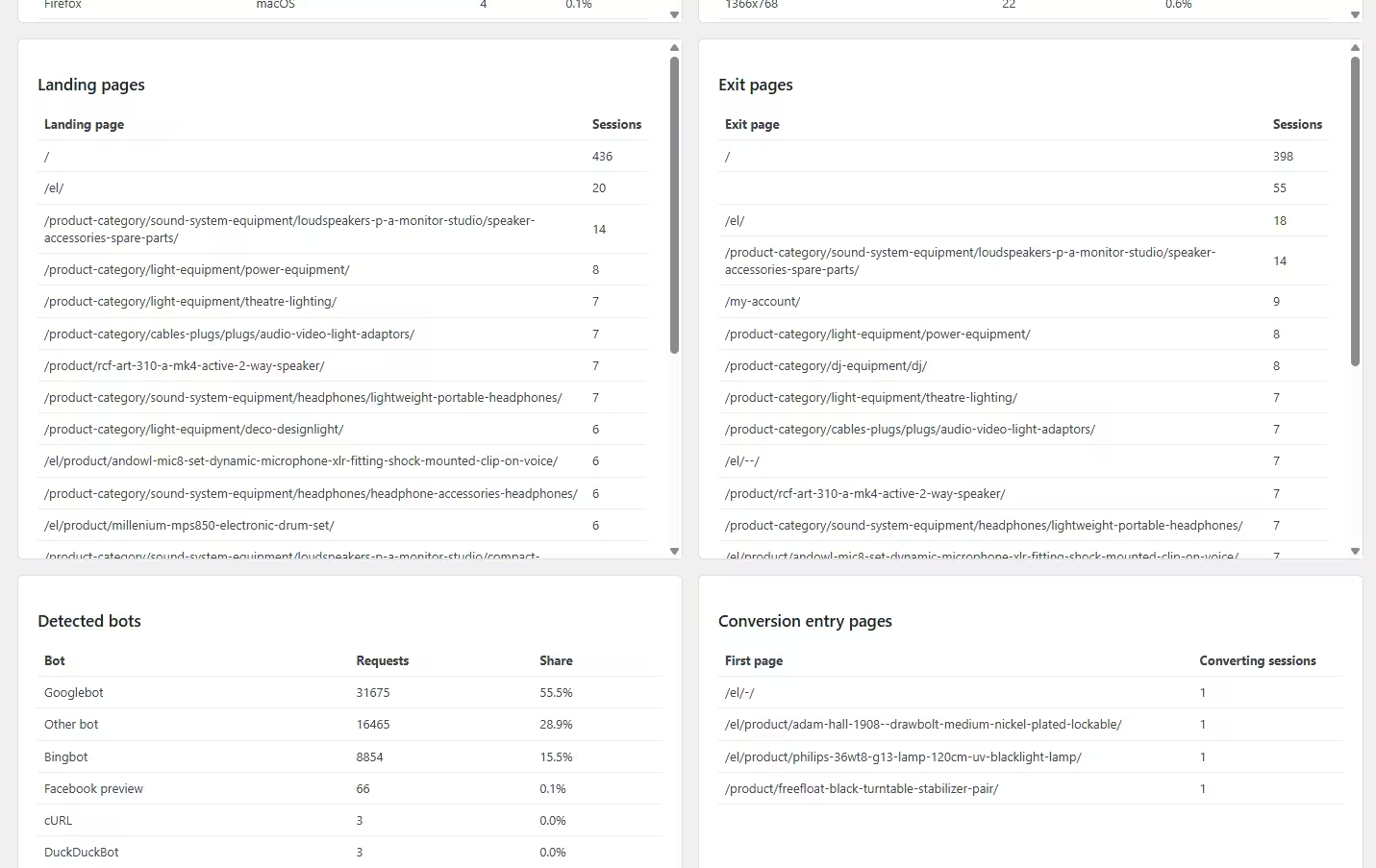
Measure bounce rate, landing pages, exit pages and your most popular content.
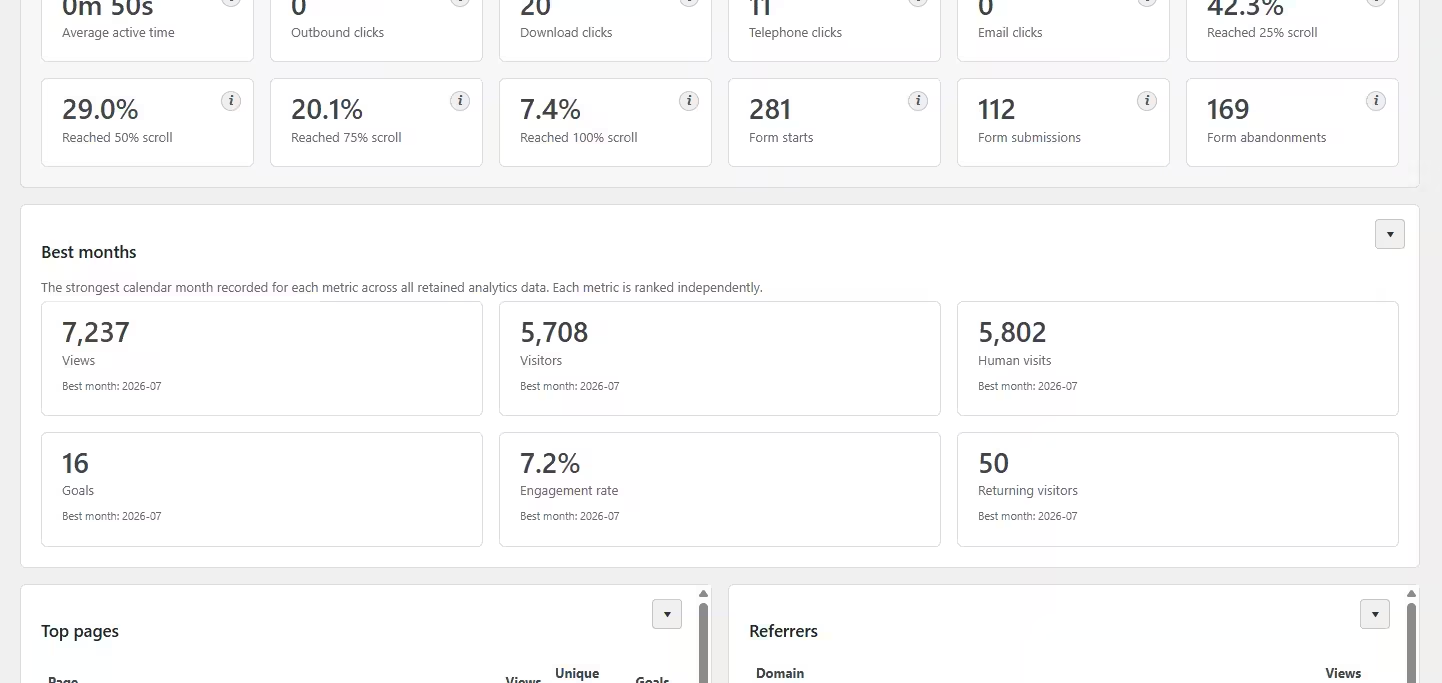
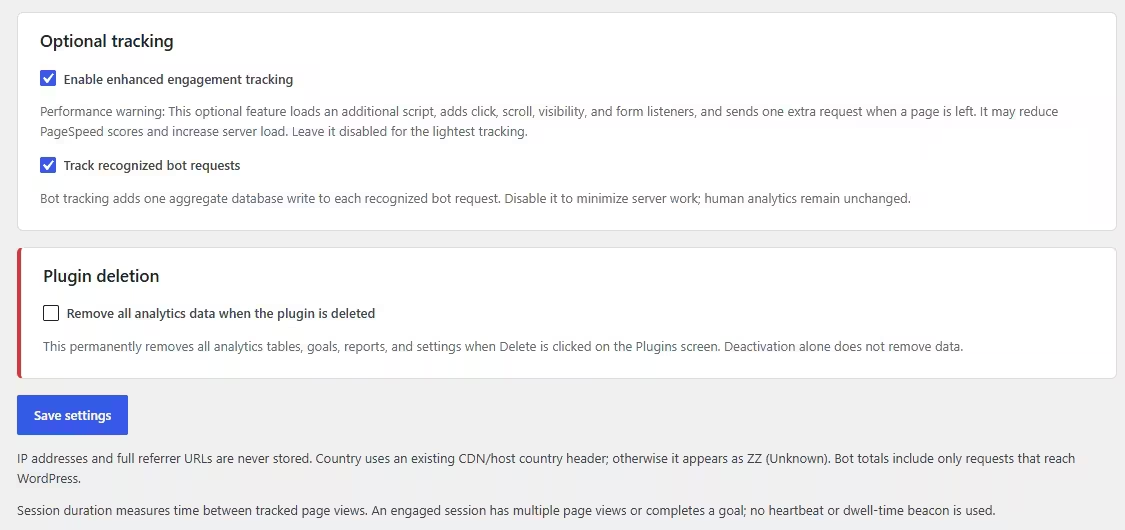
Optional engagement tracking adds scroll depth, active time, downloads and outbound clicks.
Privacy-Friendly, First-Party Tracking
Analytics data stays inside your own WordPress database.
No visitor profiles are sent to third-party advertising platforms.
New and Returning Visitors
See what percentage of your audience is new or returning.
Understand whether your website attracts visitors and keeps them coming back.
Human and Bot Detection
Separate genuine visitor activity from recognized bot requests.
See bot names, request totals and percentages without distorting human traffic reports.
Device and Audience Insights
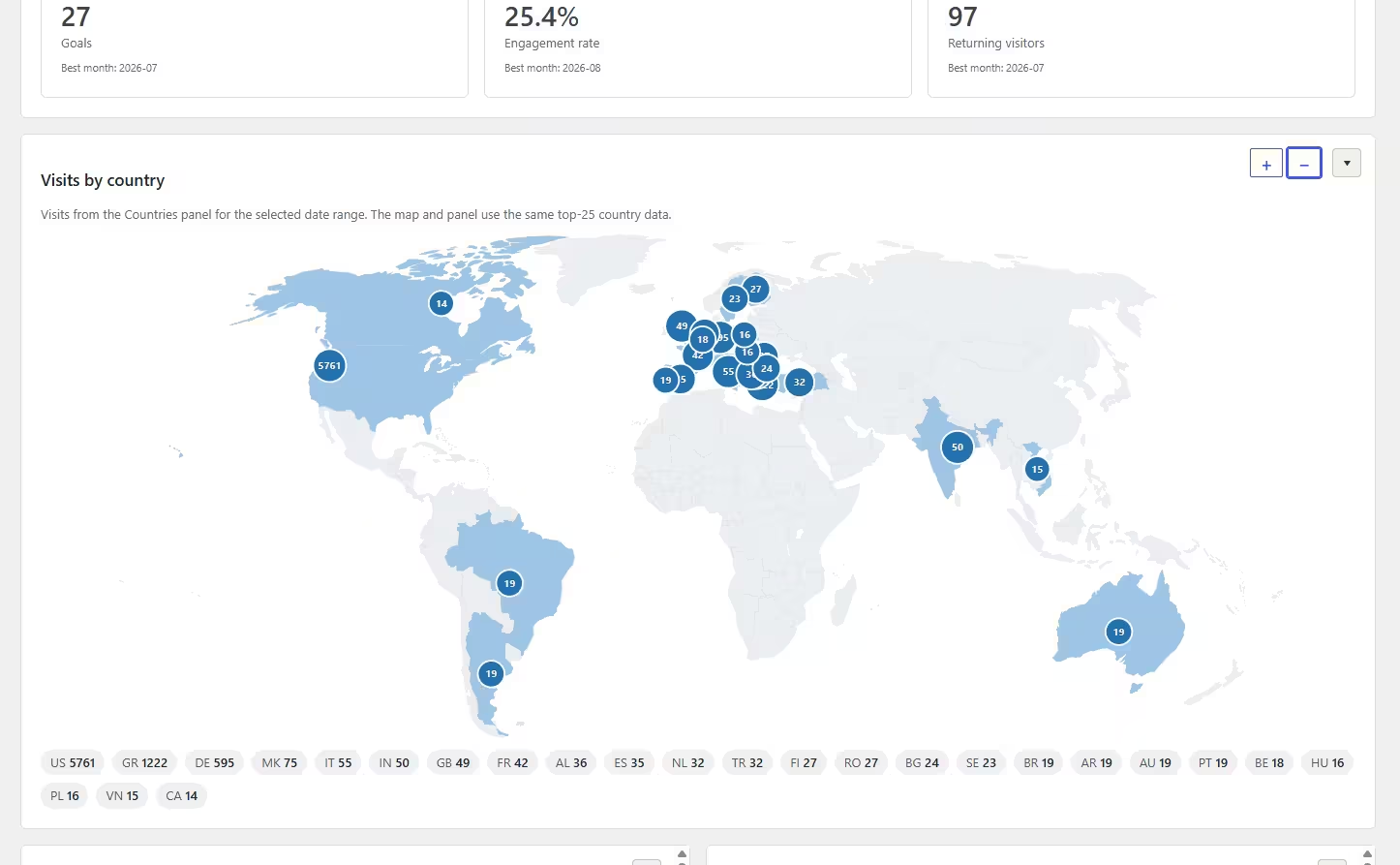
View desktop, tablet, mobile, browser, operating system and screen-resolution statistics.
Learn how visitors experience your website without invasive tracking.
Easy Analytics Migration
Import available historical data from supported WordPress analytics plugins.
Switch analytics solutions without immediately losing the insights you already collected.
Built for developers too
- Extensible with WordPress Hooks
Dozens ofadd_filters&add_actionhooks to customize tracking and reporting.
Extend the plugin cleanly without modifying its core files. - WordPress Coding Standards
The plugin is developed to comply with WordPress PHPCS requirements.
Clean, maintainable code makes reviewing and extending it easier. - Efficient, Indexed Data Storage
Purpose-built database tables and indexes keep analytics queries focused.
Configurable retention helps balance historical reporting with database size. - Integration-Friendly Goal Tracking
Built-in integrations cover popular commerce, membership and form plugins.
You may add new goals with just a few clicks, however developers can also connect additional conversion sources through the available hooks.
Get it Now!
Understand your visitors and conversions without sacrificing the speed that helped bring them to your website.