


















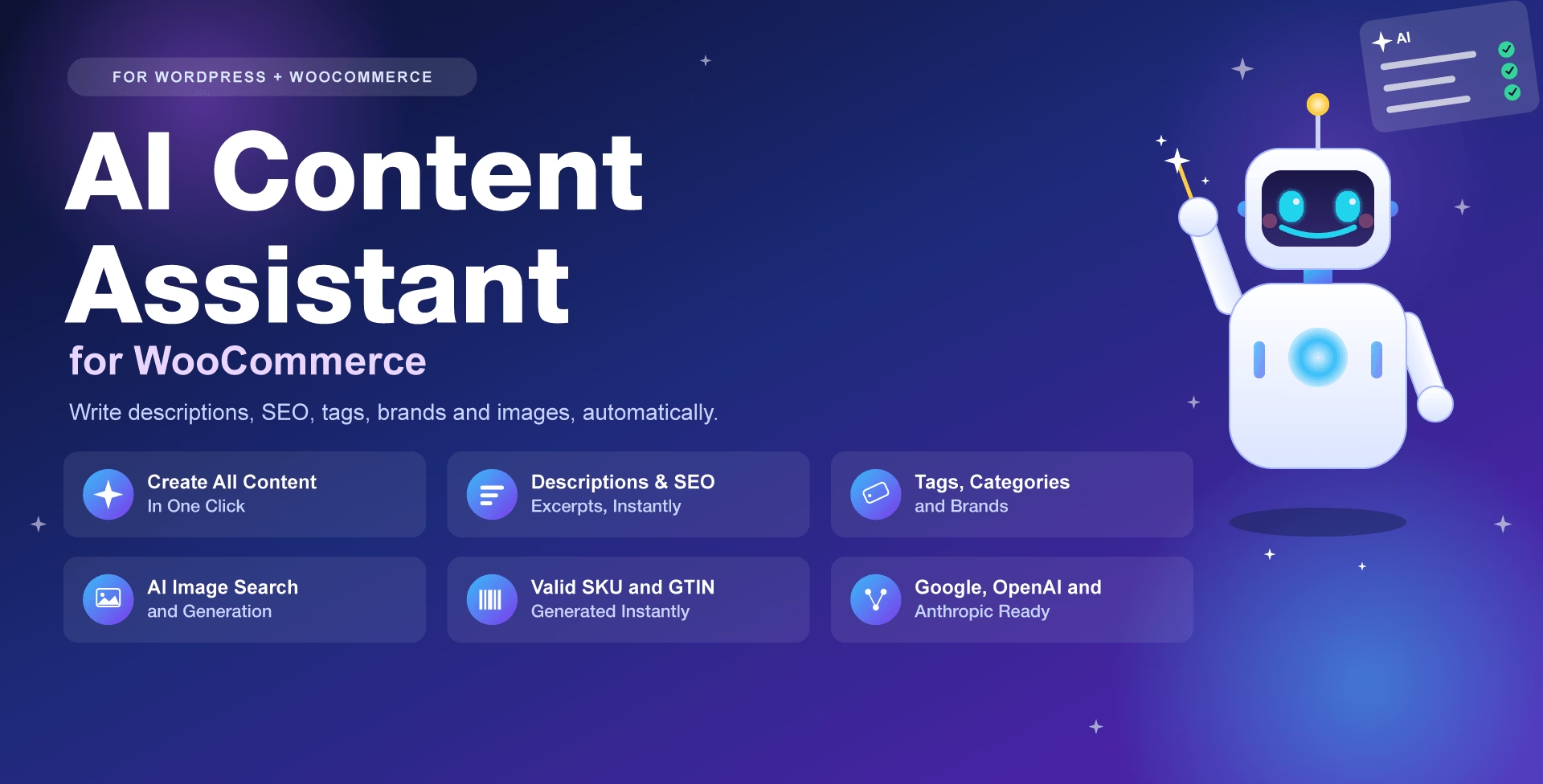
Your AI-powered content team, built right into WordPress.
Writing product descriptions, SEO meta, tags, categories, and alt-perfect images for every single item in a WooCommerce catalog is one of the most time-consuming jobs in running a store — and it’s exactly the kind of repetitive work AI does best.
AI Content Assistant for WooCommerce drops a smart “AI” panel right into the post and product editor, so instead of staring at a blank description field you click one button and get a complete, on-brand description, excerpt, and SEO meta description in seconds. It works on every public post type, not just products, so blog content gets the same treatment.
Unlike single-purpose AI writing tools, this plugin handles the entire content workflow: it suggests and assigns tags, categories, and brands as one-click pills (creating new terms automatically when needed), generates a valid SKU and a correctly check-digit-verified GTIN barcode on demand, and searches the web for an official product image before falling back to AI image generation — covering both the featured image and the full WooCommerce gallery

Get it Now!
Whether you’re running a small blog or a high-traffic store, AI Content Assistant for WooCommerce is the assistant you always needed — no more searching and copy & pasting products descriptions and photos.
Why store owners and bloggers choose it
Works with all your content
It shines with WooCommerce, however it is designed to be used with any Post type.
It can write your blog post, recipe, book review, etc. It works with any post type.
Intuitive Settings Page
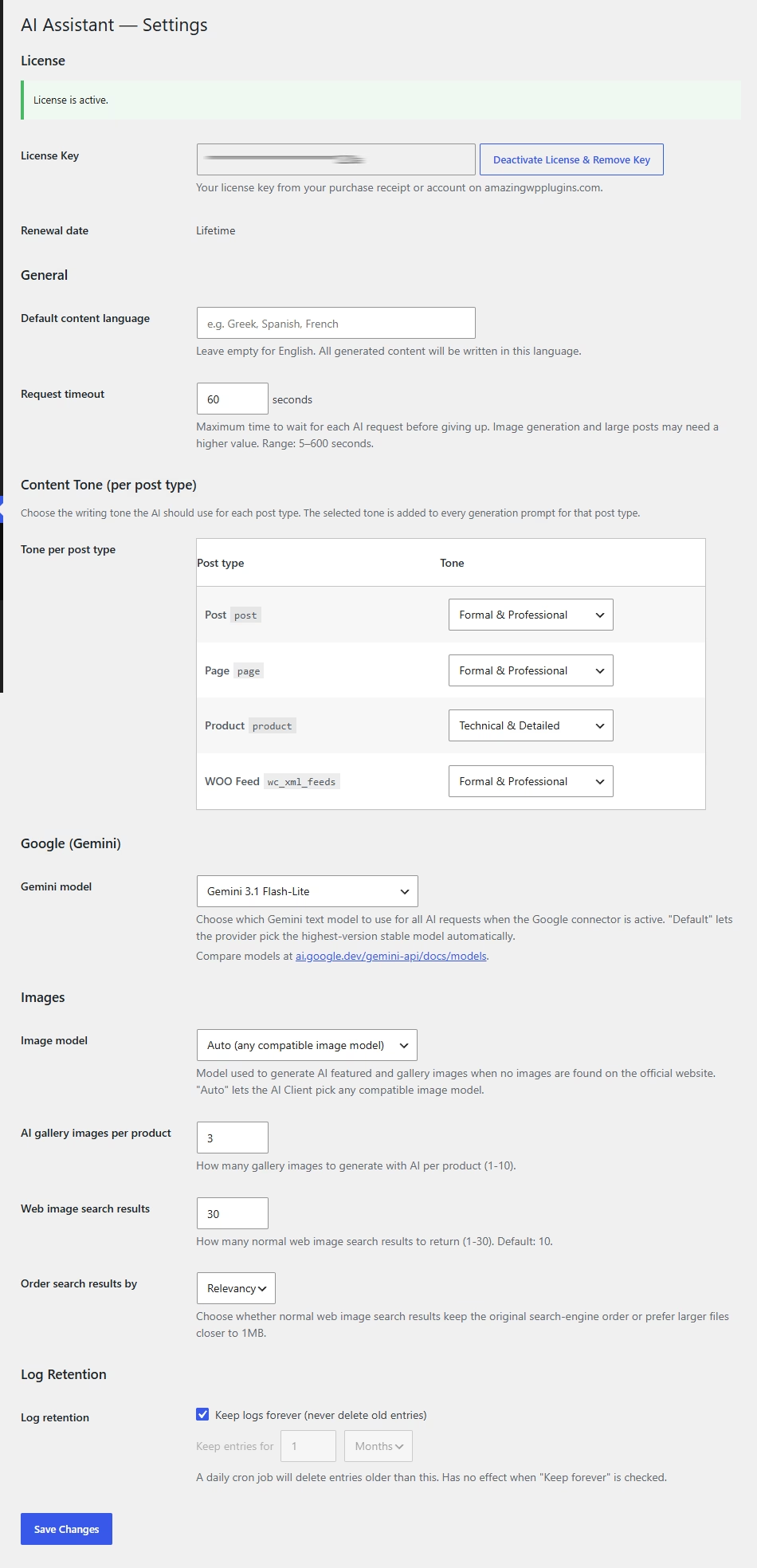
Comes with an easy to understand settings page. Just one settings page.
No dozens of buttons and checkboxes. Just a few clicks and you have adjusted the AI work for you the way you want it to.
Fast and lightweight
No bundled third-party libraries or frameworks — just one small CSS file and a some jQuery-based script (using jQuery, which WordPress already loads). Admin-only assets that are loading strictly when they are needed.
Core features
One-click content generation
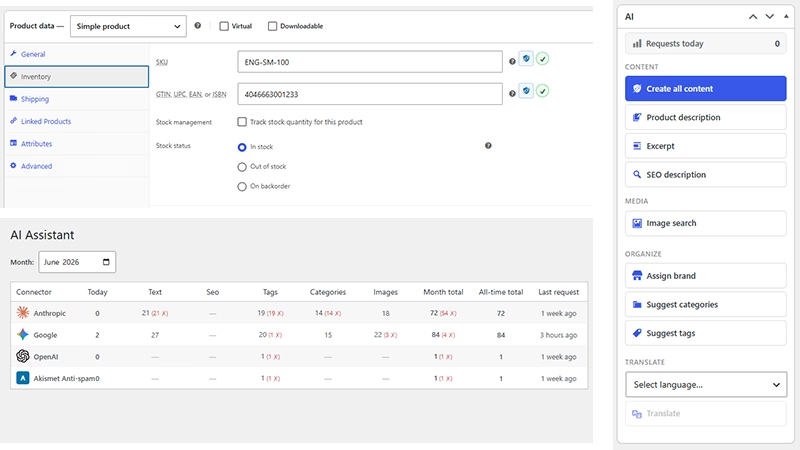
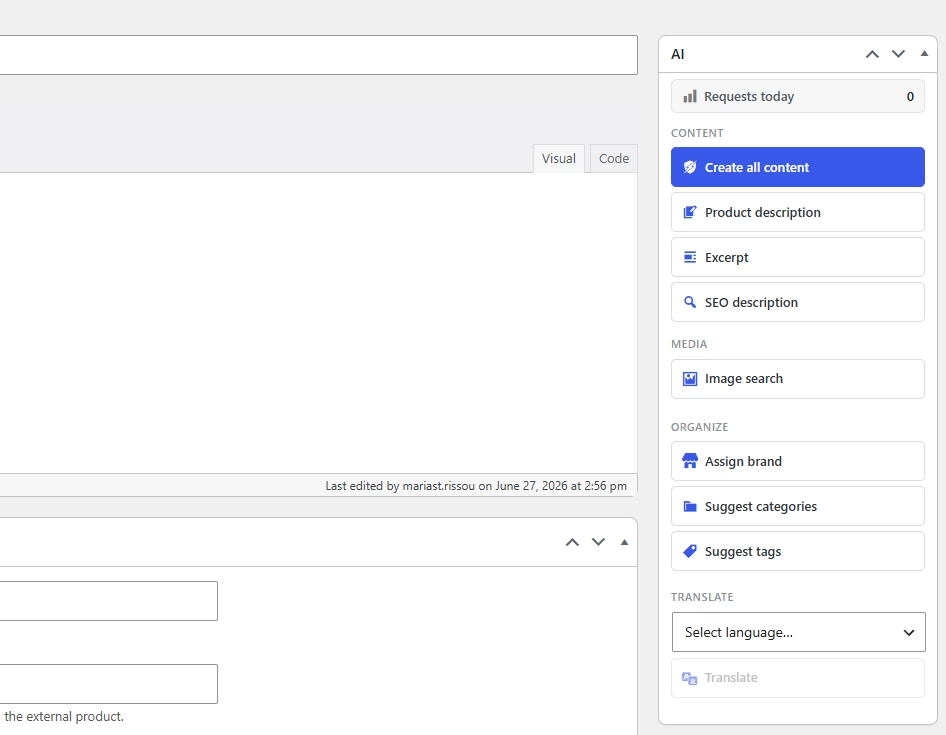
Generate a complete product description (or post content), excerpt, and SEO meta description in a single AI request with “Create All Content,” instead of writing each field by hand.
Smart WooCommerce tagging & organization
AI suggests and assigns product tags, categories, and brands as clickable pills — creating new terms on the fly when needed — so your catalog stays organized without manual tagging.
Instant, valid SKU & GTIN generation
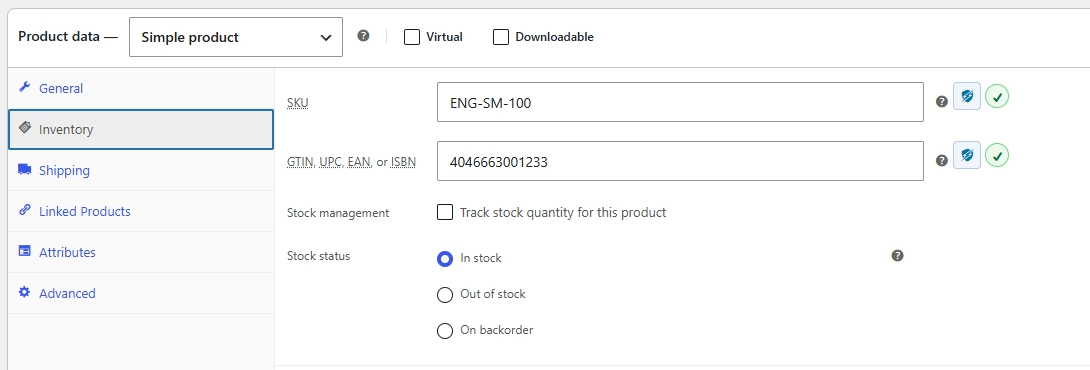
Generate ready-to-use SKUs and EAN-13 GTIN barcodes with a correctly computed check digit every time, plus live green-check/red-cross validation as you type.
AI-powered image sourcing and generation
Searches the web for likely official product images first, and falls back to AI image generation when nothing suitable is found — for both the Featured Image and the WooCommerce product gallery.
Works with the AI provider you already use
Built on the WordPress Connectors API, so it plugs into Google, OpenAI, Anthropic, or any other configured connector, with automatic fallback if one provider fails.
Multilingual content, on demand
One-click translation of any generated content into any language configured in WPML, Polylang, or TranslatePress.
Tone control, per post type
Choose a writing tone (Formal, Casual, Persuasive, Technical, Luxury, or Creative) independently for products vs. blog posts vs. pages, applied automatically to every generation.
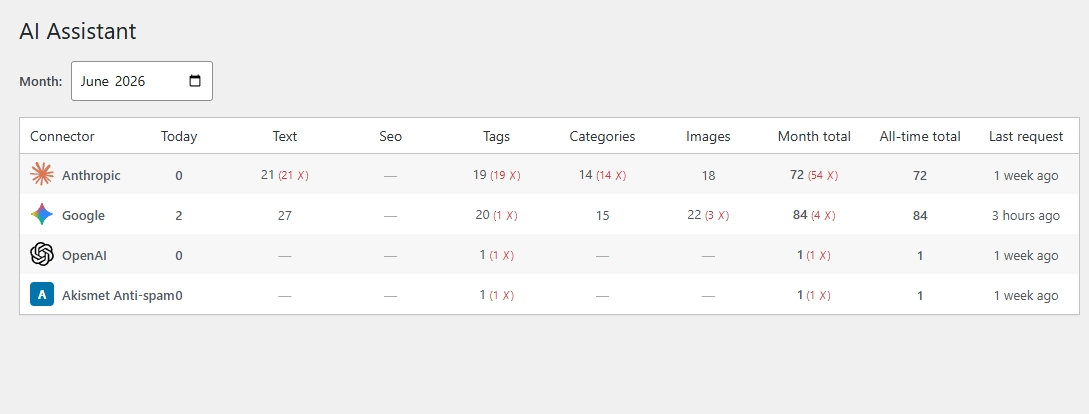
Full usage visibility, zero guesswork
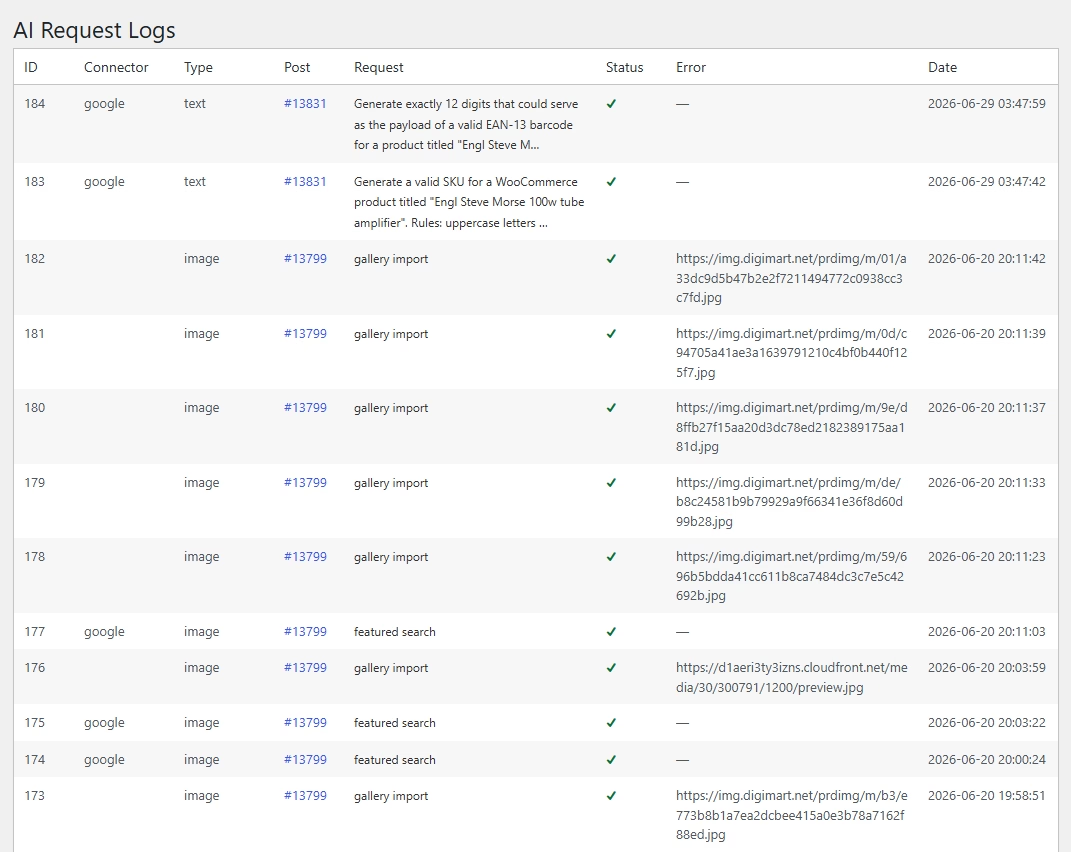
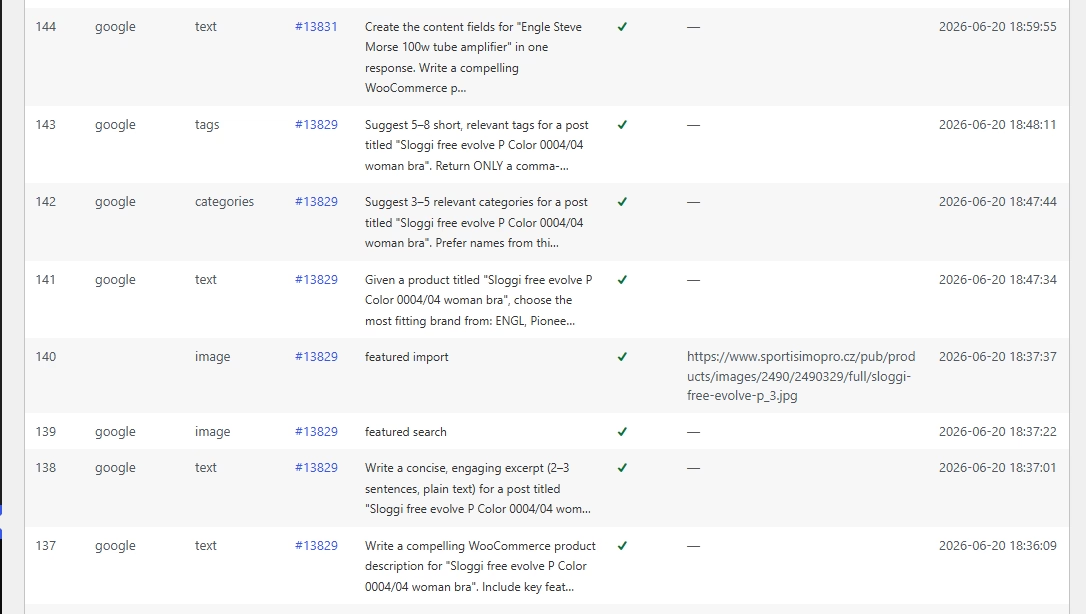
A built-in Dashboard and Logs screen track every AI request by connector and type, so you always know what’s been generated, by whom, and whether it succeeded.
Built for developers too
- Dozens of
do_action/apply_filtershooks for deep customization - WPML, Polylang and TranslatePress compatible
- WooCommerce ready
Who this plugin is for
WooCommerce catalog teams and WordPress publishers who draft or translate content in batches. Use a standalone AI tool for the occasional draft. Choose this plugin when working directly in the WordPress and WooCommerce editing workflow saves manual copying.
FAQ
Should I review generated content before publishing?
Yes. Review product specifications, translations and generated copy for accuracy before making them public, especially when processing multiple entries.
What happens after I purchase?
After checkout, open My Downloads for the ZIP and My Licenses for the license key. Upload the ZIP in WordPress under Plugins → Add New → Upload Plugin, then activate the key in the plugin’s settings. See the product documentation for its setup steps.
Get it Now!
Whether you’re running a small blog or a high-traffic store, AI Content Assistant for WooCommerce is the assistant you always needed — no more searching and copy & pasting products descriptions and photos.