



















The most complete quoting or “Request a Quote” plugin for WooCommerce and WordPress.
Formerly on CodeCanyon
The smartest way to increase your sales
An easy tool to provide customized offers to your customers.
Engage your customers by creating special offers or discounts for them on WordPress & WooCommerce.
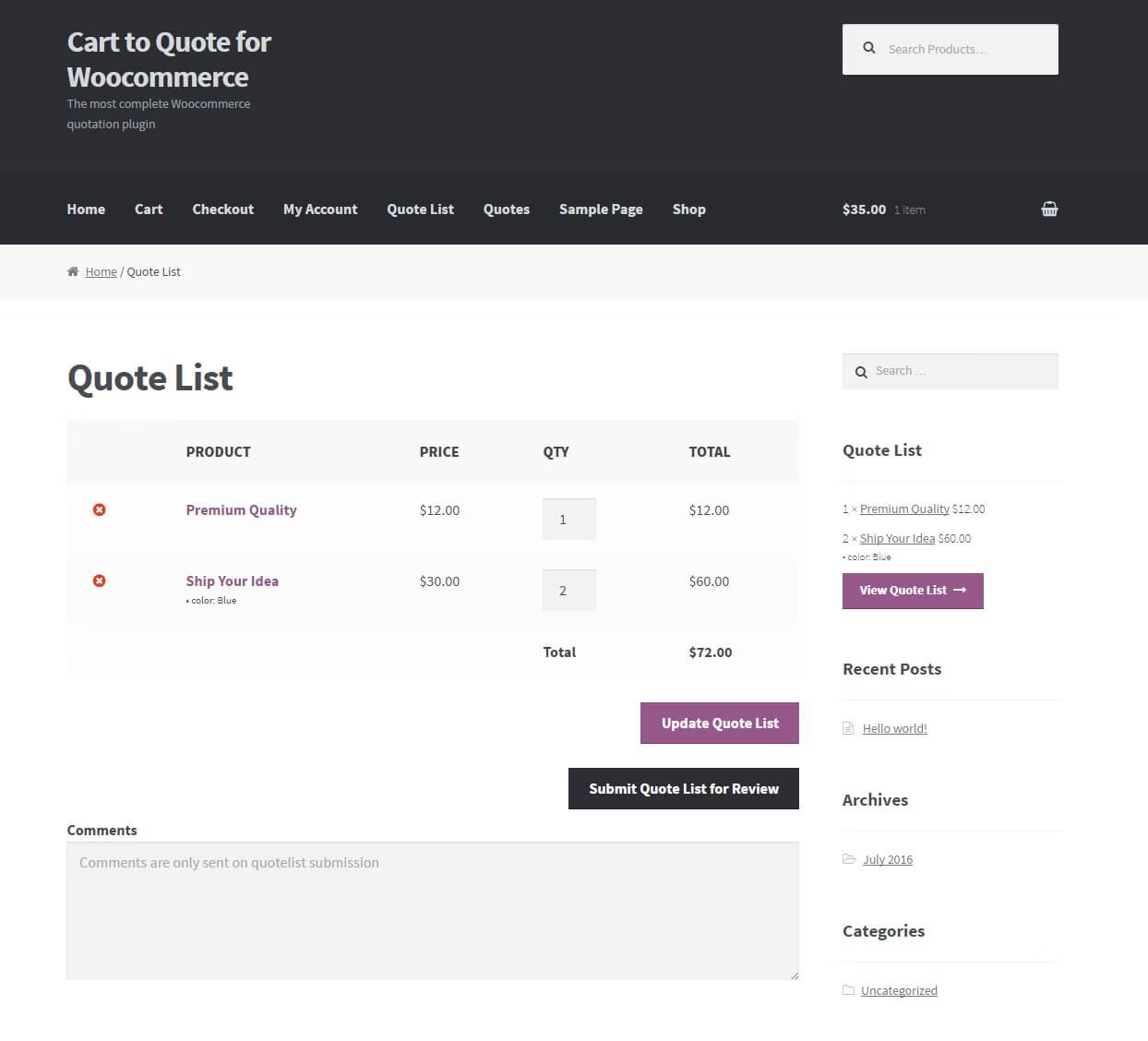
User Quotelist
The user adds product to the quotelist and submits it.
Review Quotelist
A shop manager reviews the quotelist and sends an offer to the user that requested it.
User Checkout
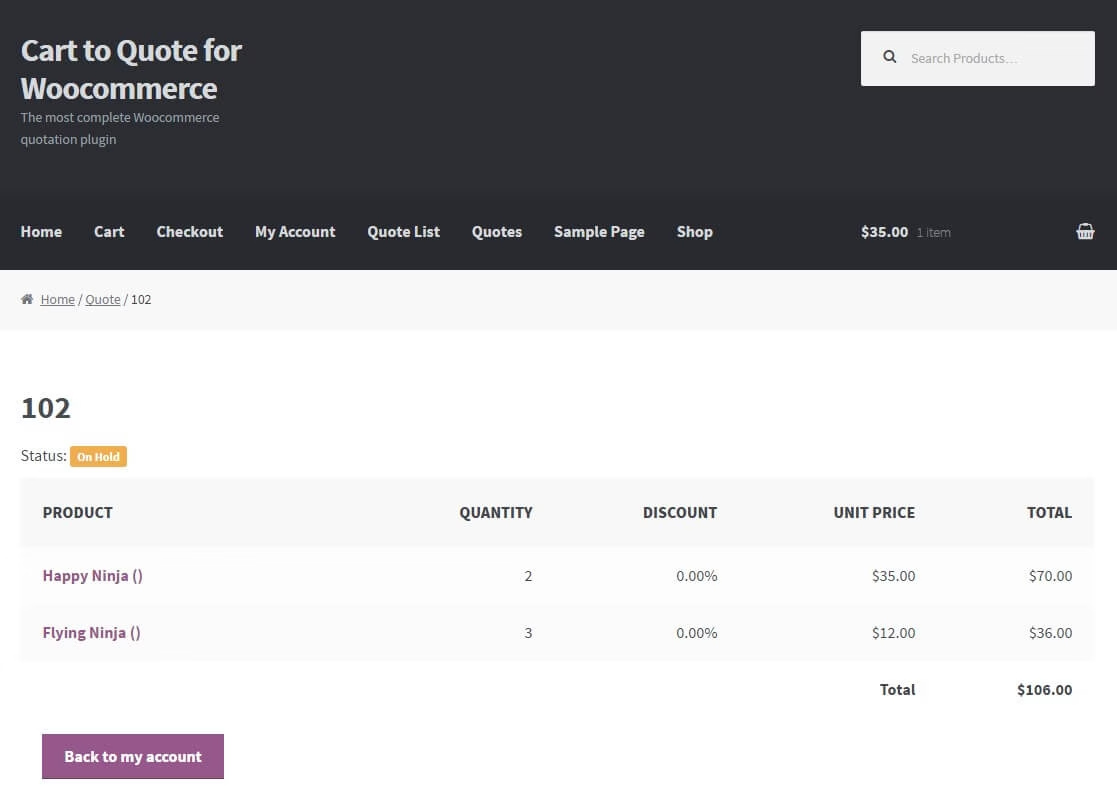
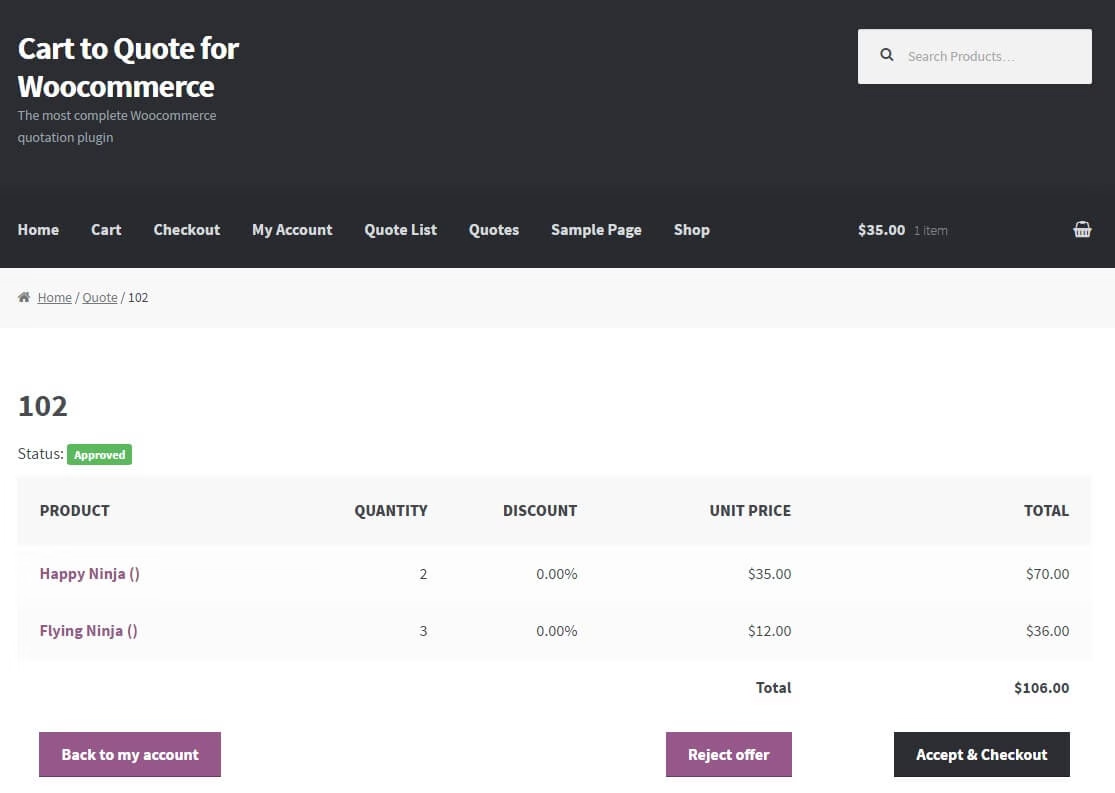
The user gets notified and either accepts the offer and checks out or declines it.
Get it now!
Start sending unbeatable offers to your customers.
Video Tutorials and Usage
Features
- Integrates with any theme by using the default Woocommerce design
- Supports “Woocommerce Product Add-Ons” plugin
- Works for both logged in and guest users
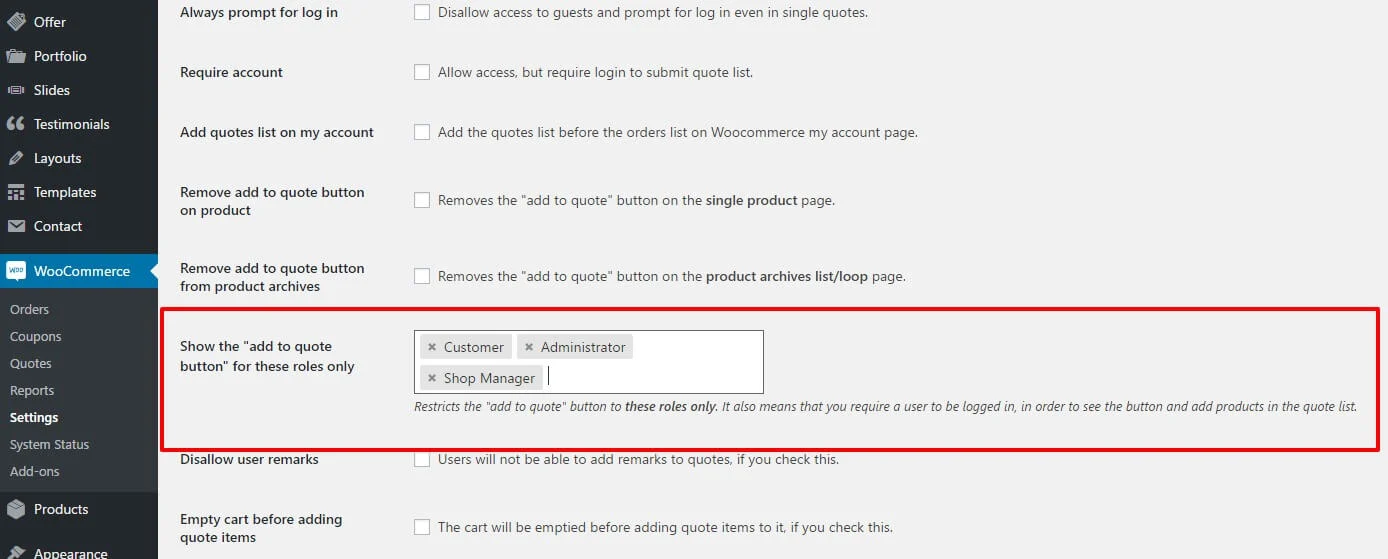
- Per user role access to the “add to quote” button
- Can be limited to logged in users only
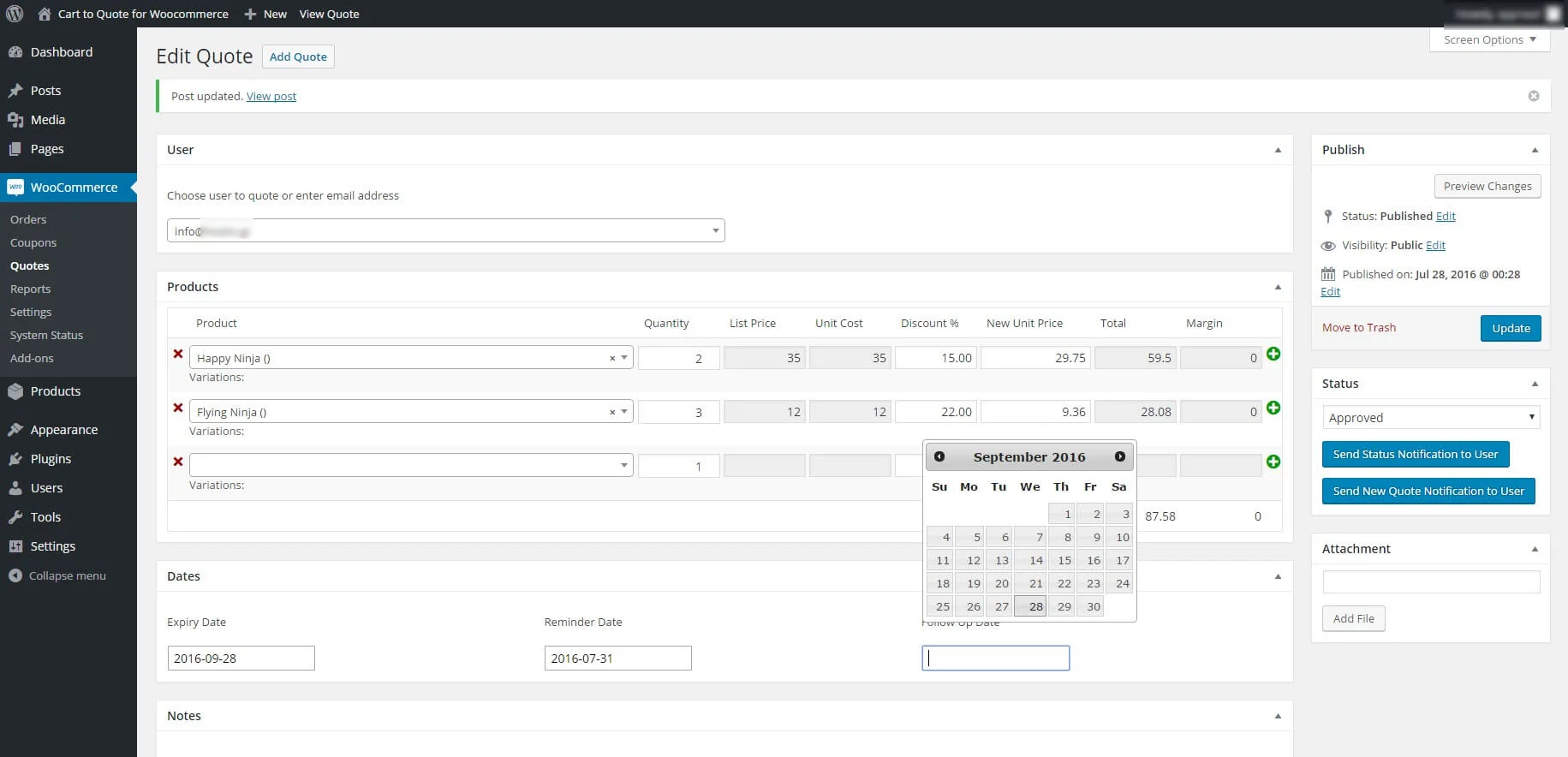
- User friendly and self-explanatory administration panel fully integrated with Woocommerce.
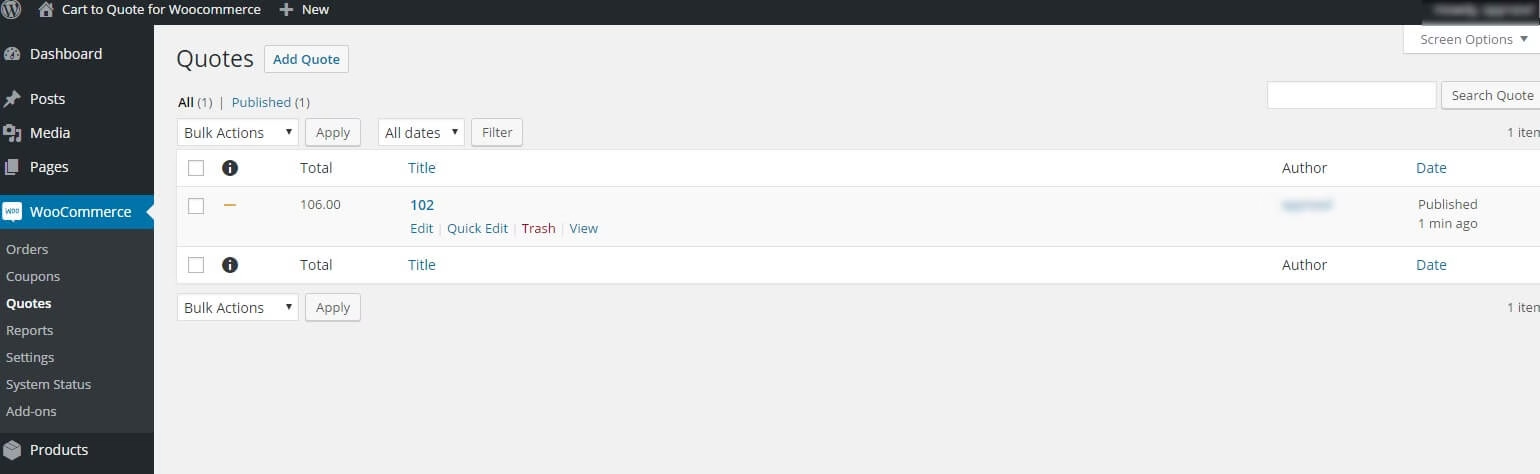
- Orders alike quotes administration; native WordPress plugin. Quotes is a custom post type
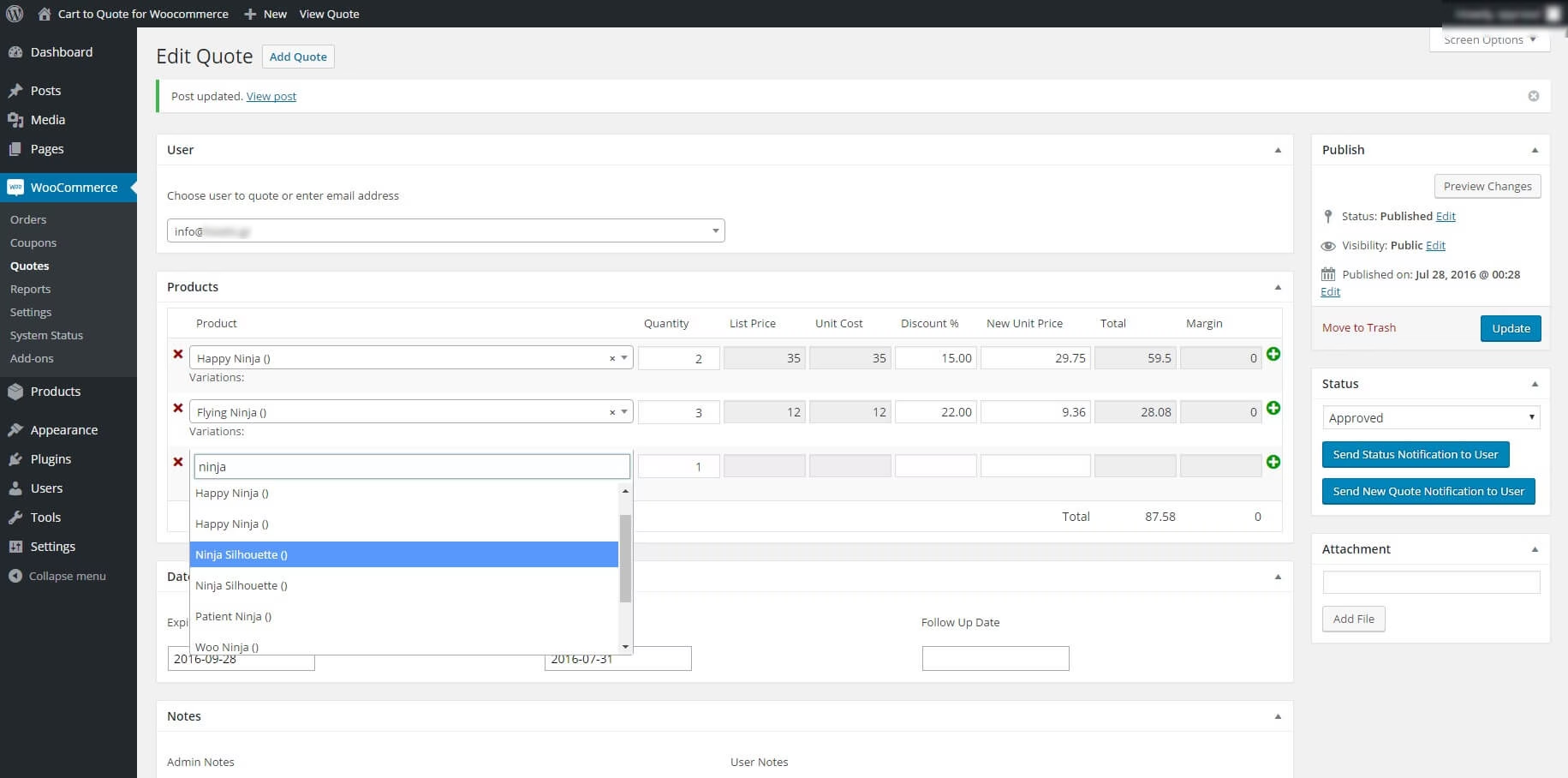
- Admin can create quotes for existing users or anyone but just knowing his/her email address
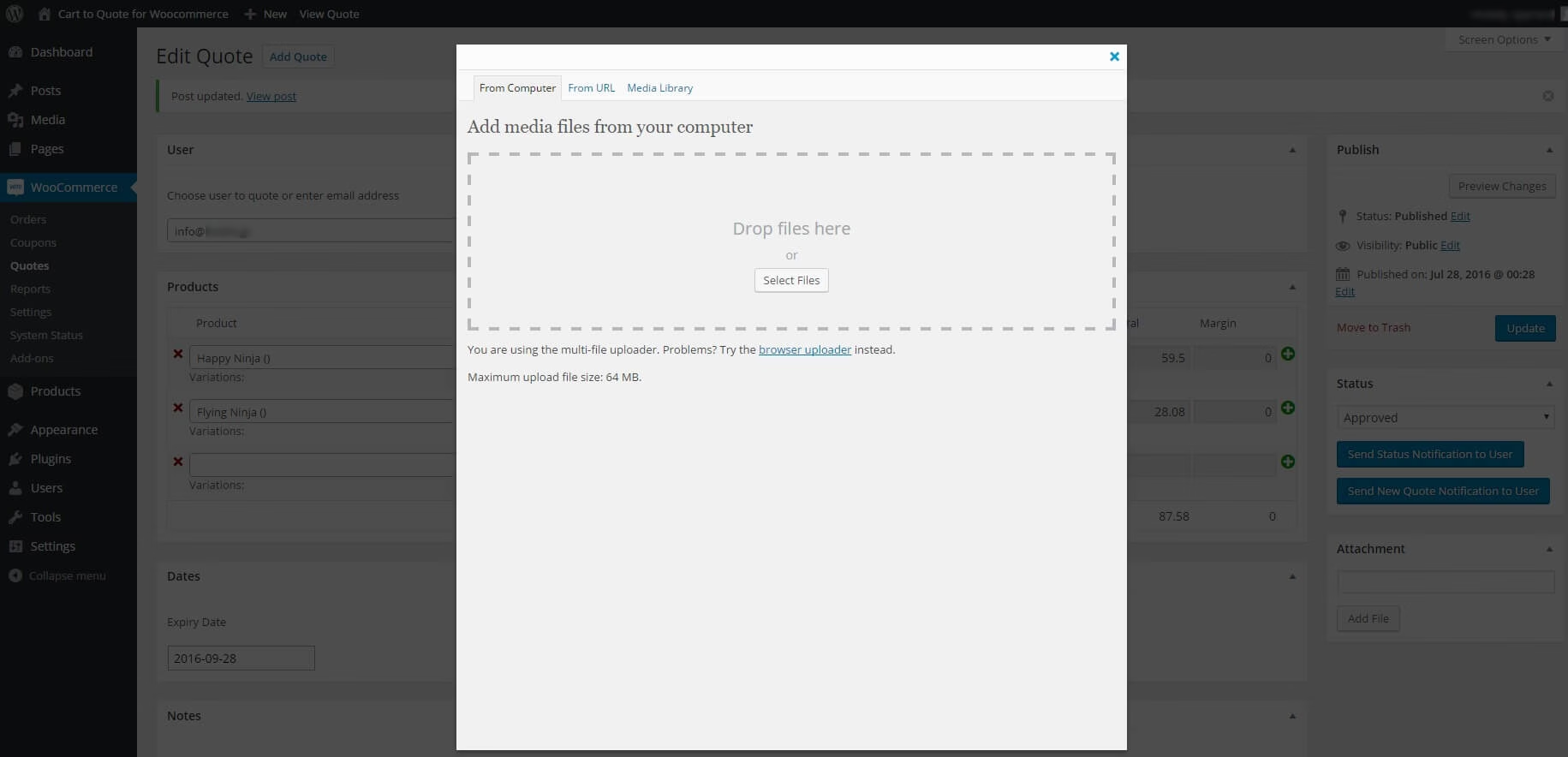
- Ability to add your custom attachment to any quote and send to the customer
- Auto creates PDF attachment with the quote details to be sent to the customer
- The admin can edit and approve or decline any quote request
- Quote expiry, reminder and follow up date can be set per quote
- Easily edit the content of each email via the plugin options
- No need for another plugin; it works out of the box with WordPress and Woocommerce
- Compatible with Woocommerce Variations to Table – Grid
- Easily translatable via .po / .mo files.
- Available translations: English, Greek
Get your license
Check the Screenshots
FrontEnd
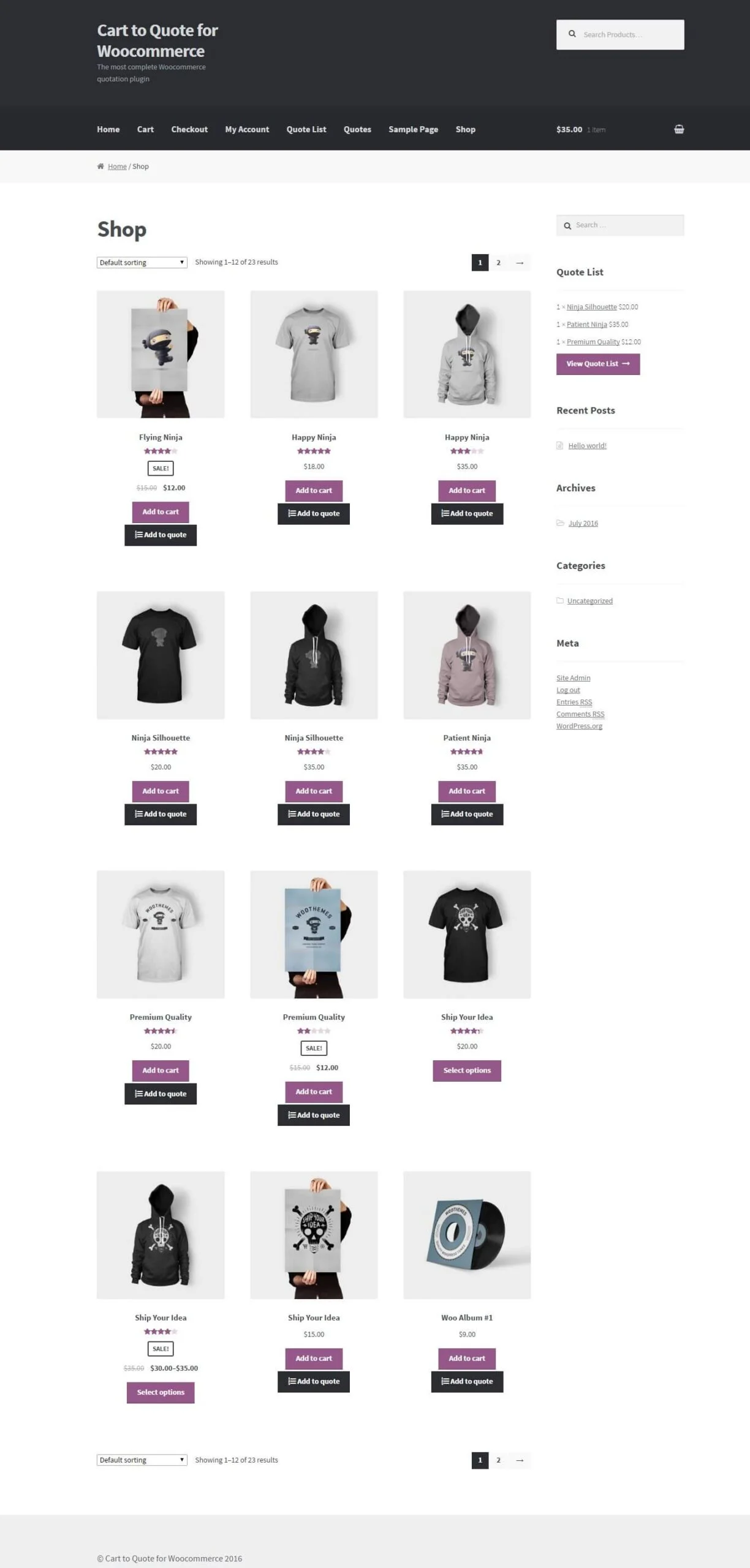
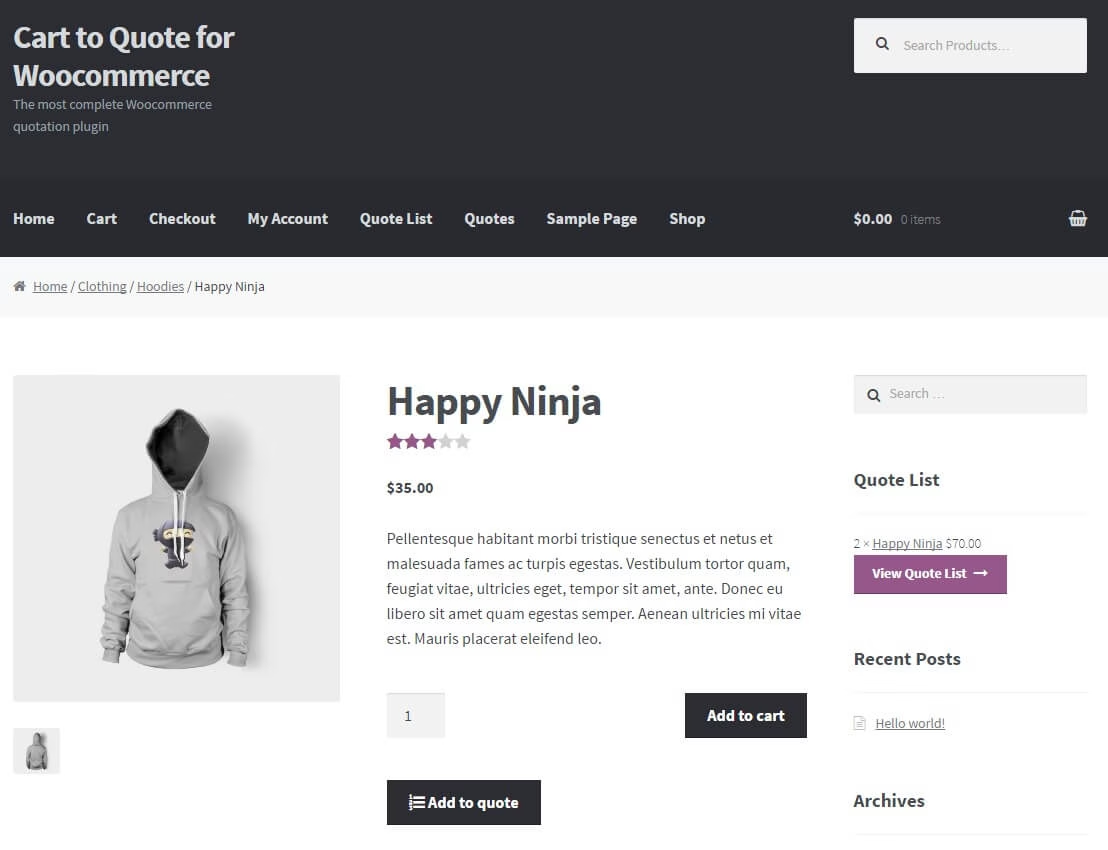
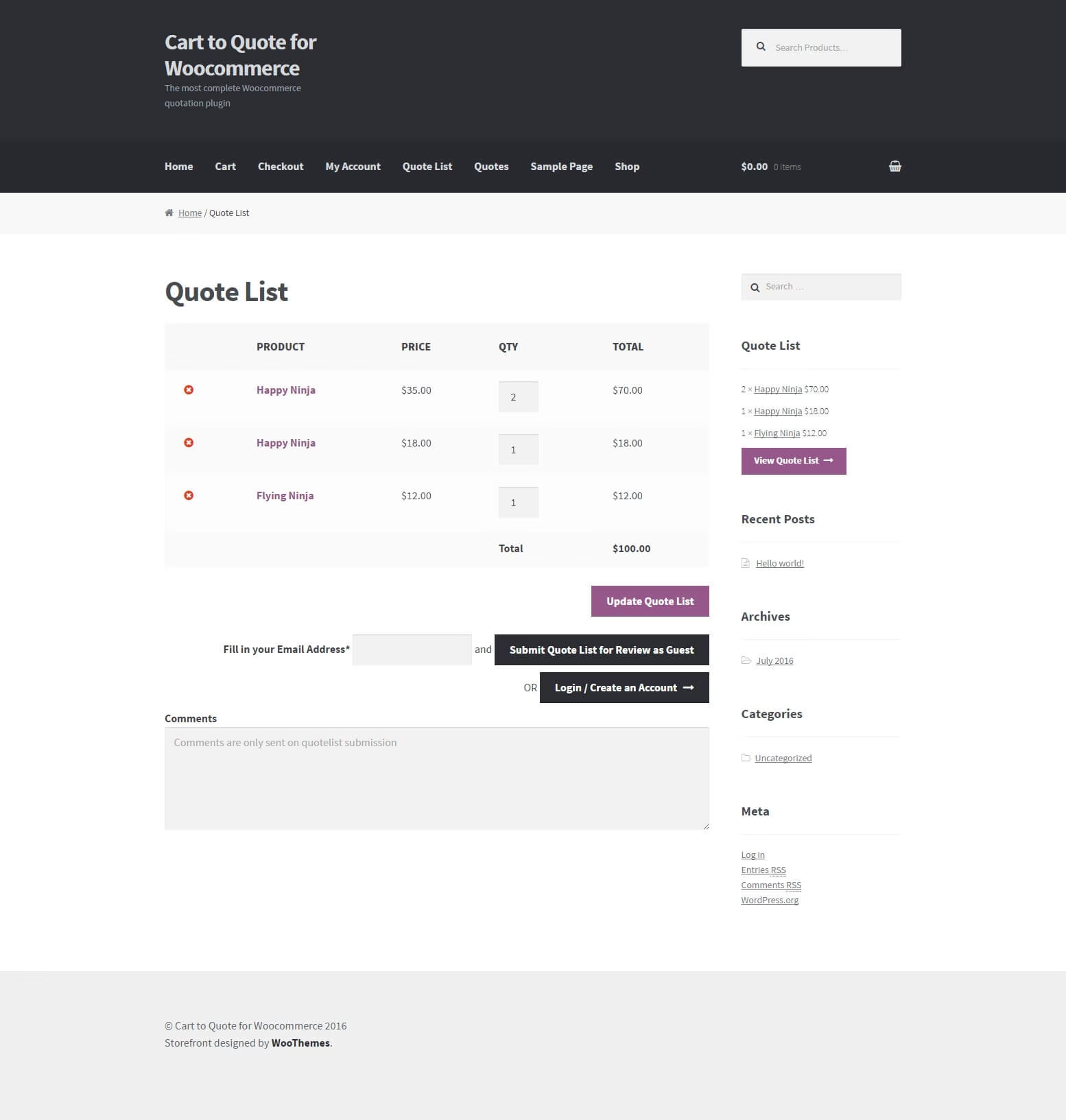
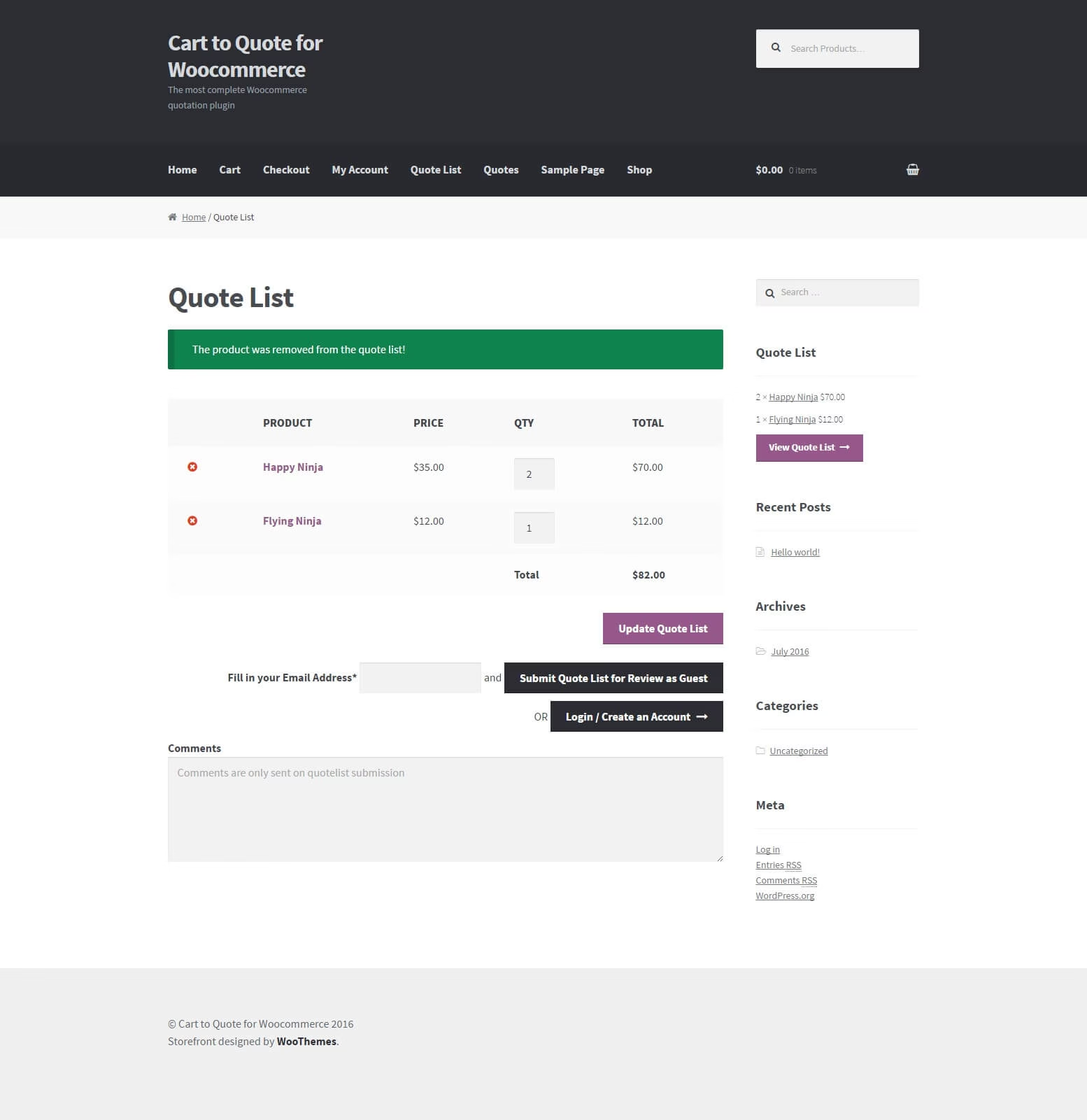
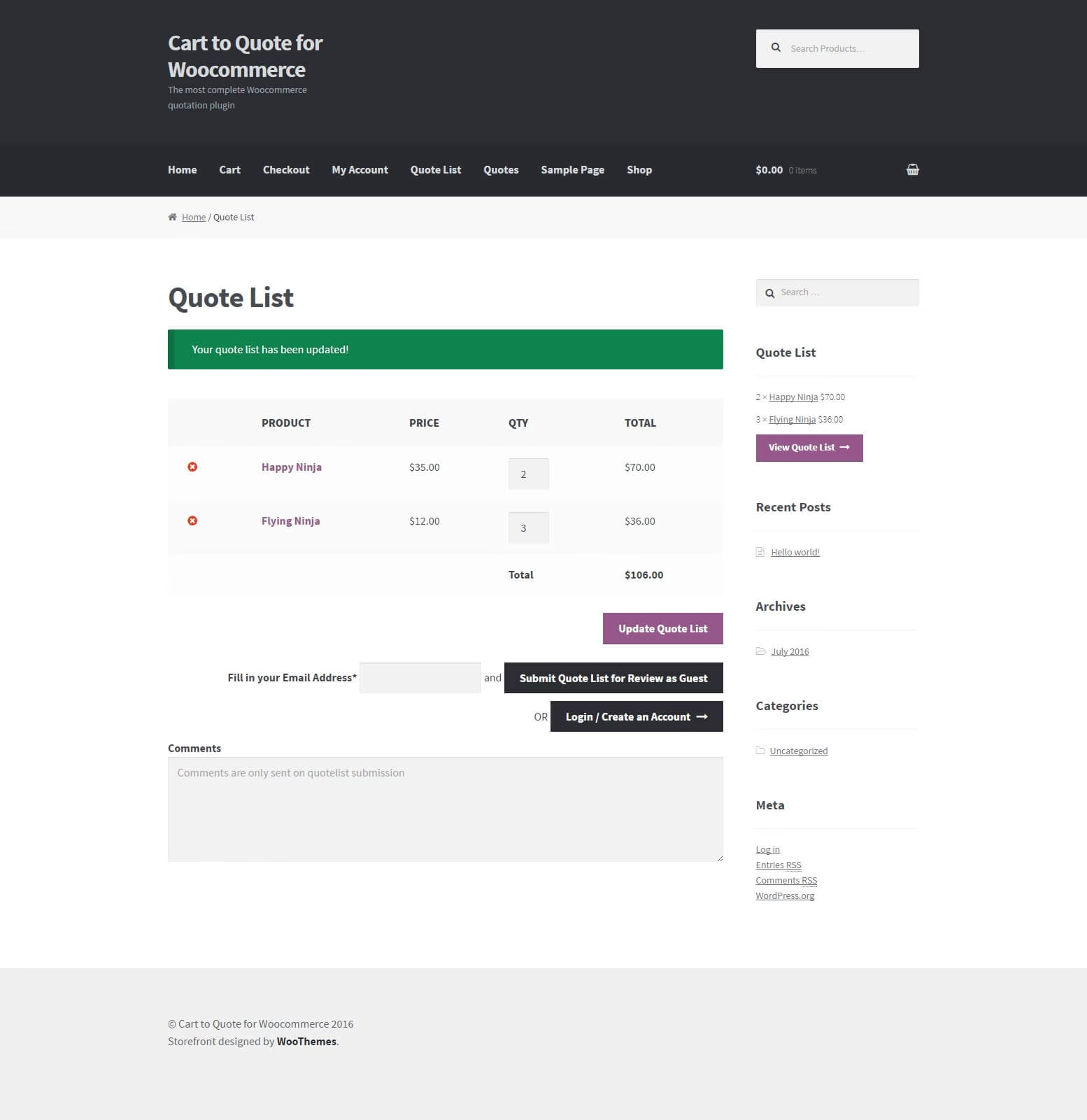
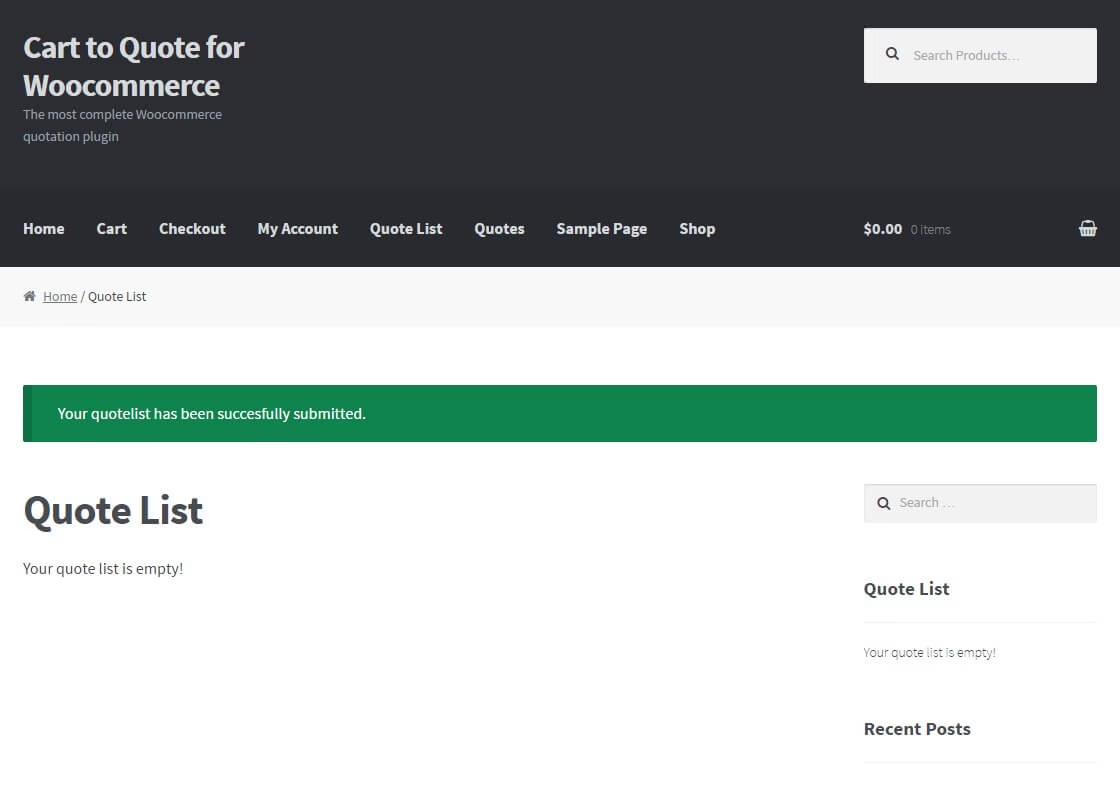
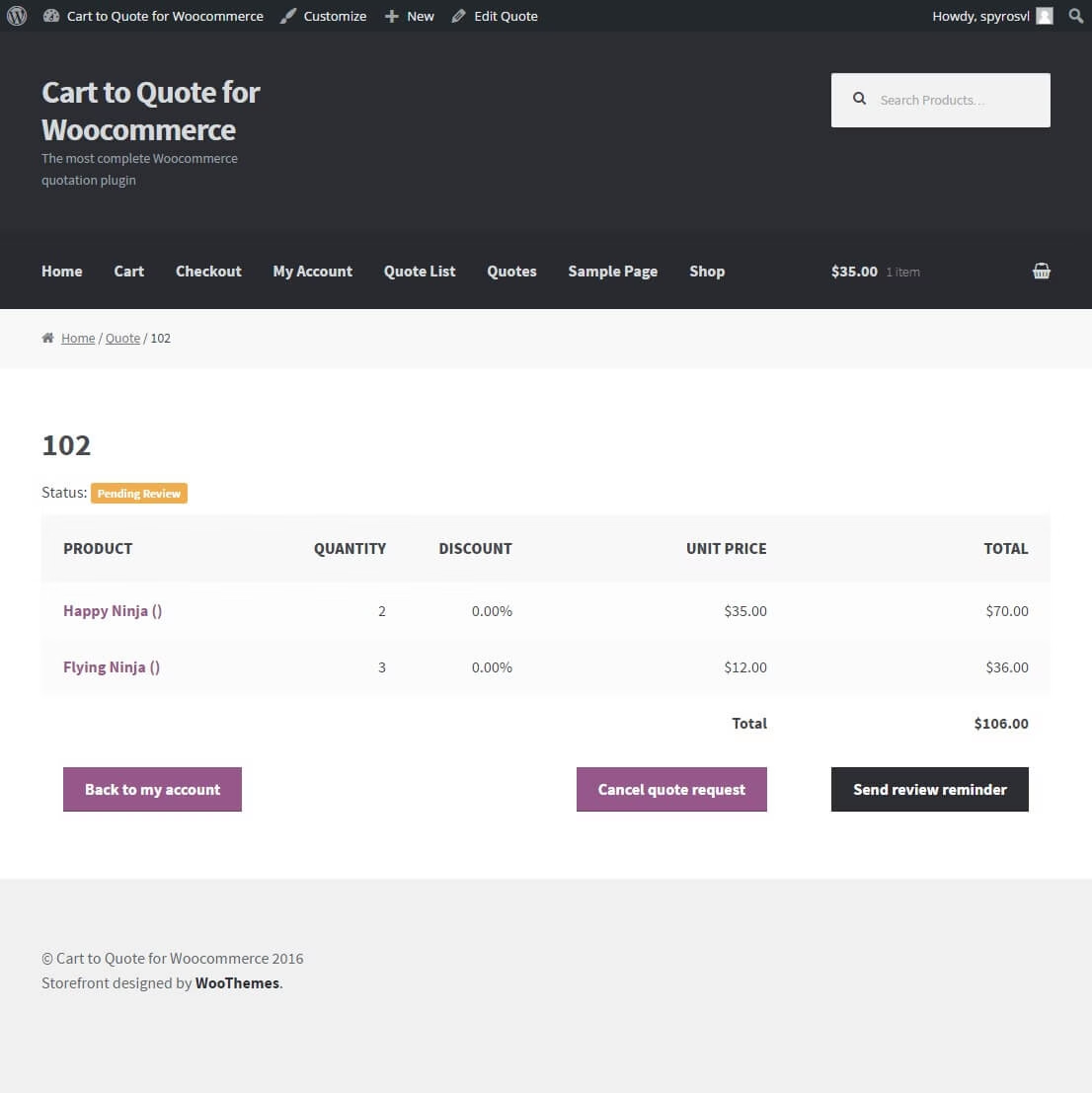
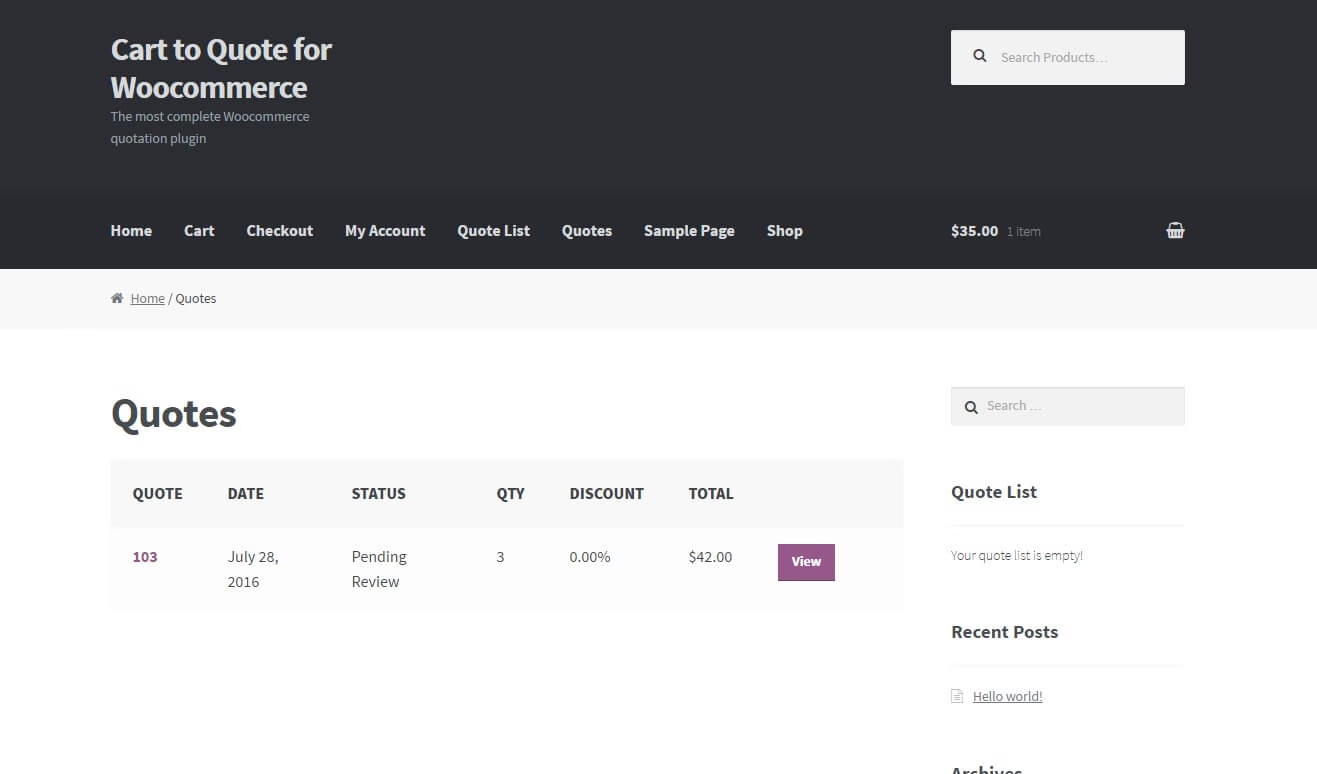
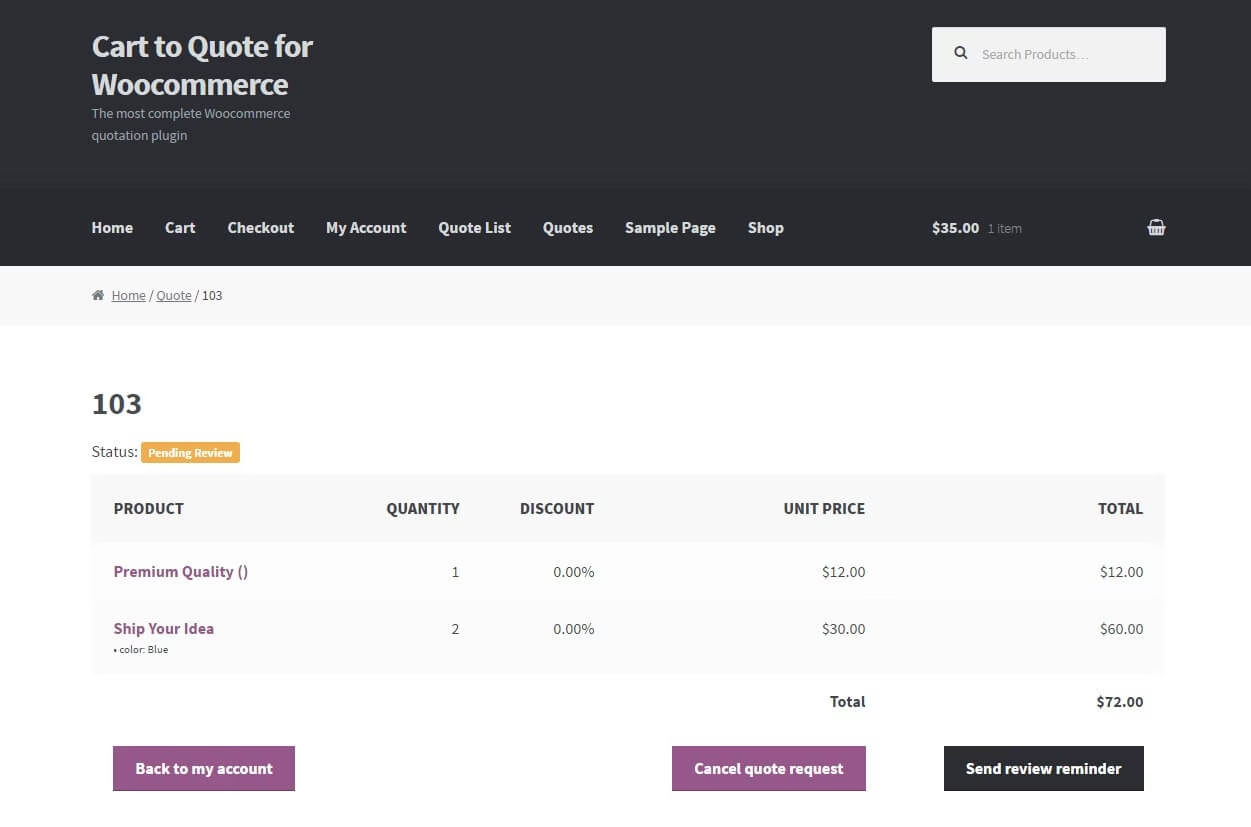
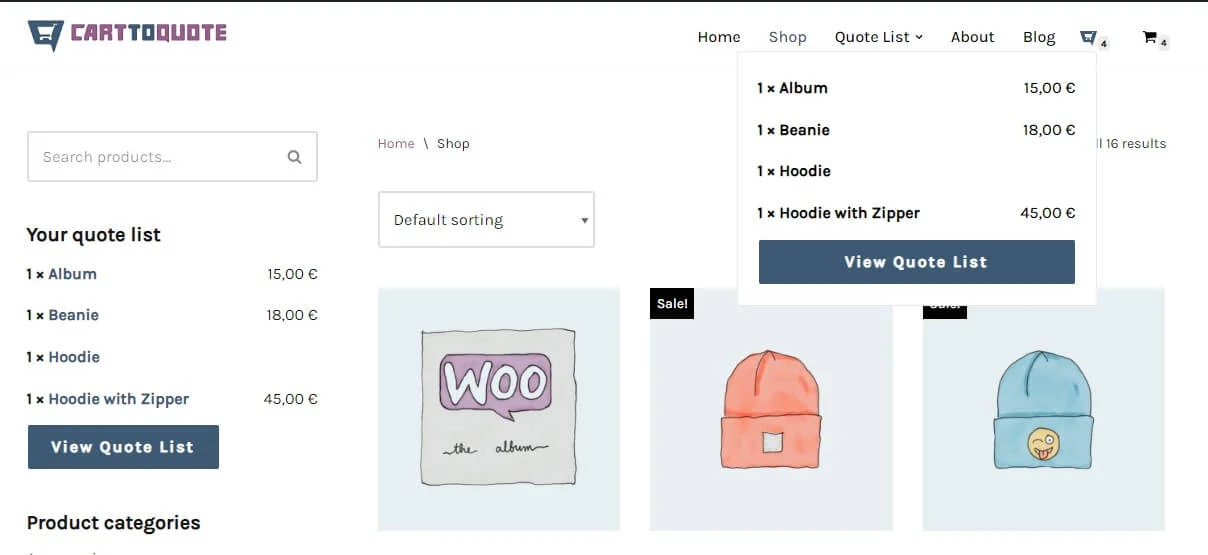
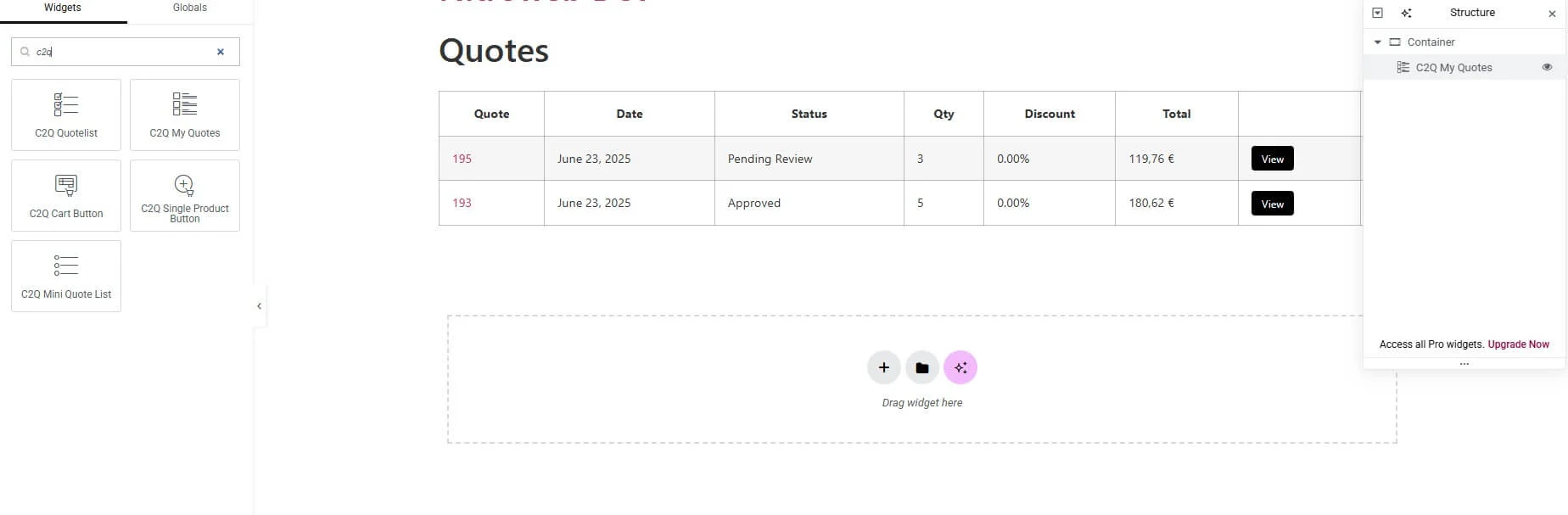
User has the ability to add products in the quote list. It works like a cart (adding, removing, overview etc). After they have added all the desired products they can submit the list for quoting. At submission, a quote is created on the backend for the shop manager to review and the shop manager also receives an email notification.
BackEnd
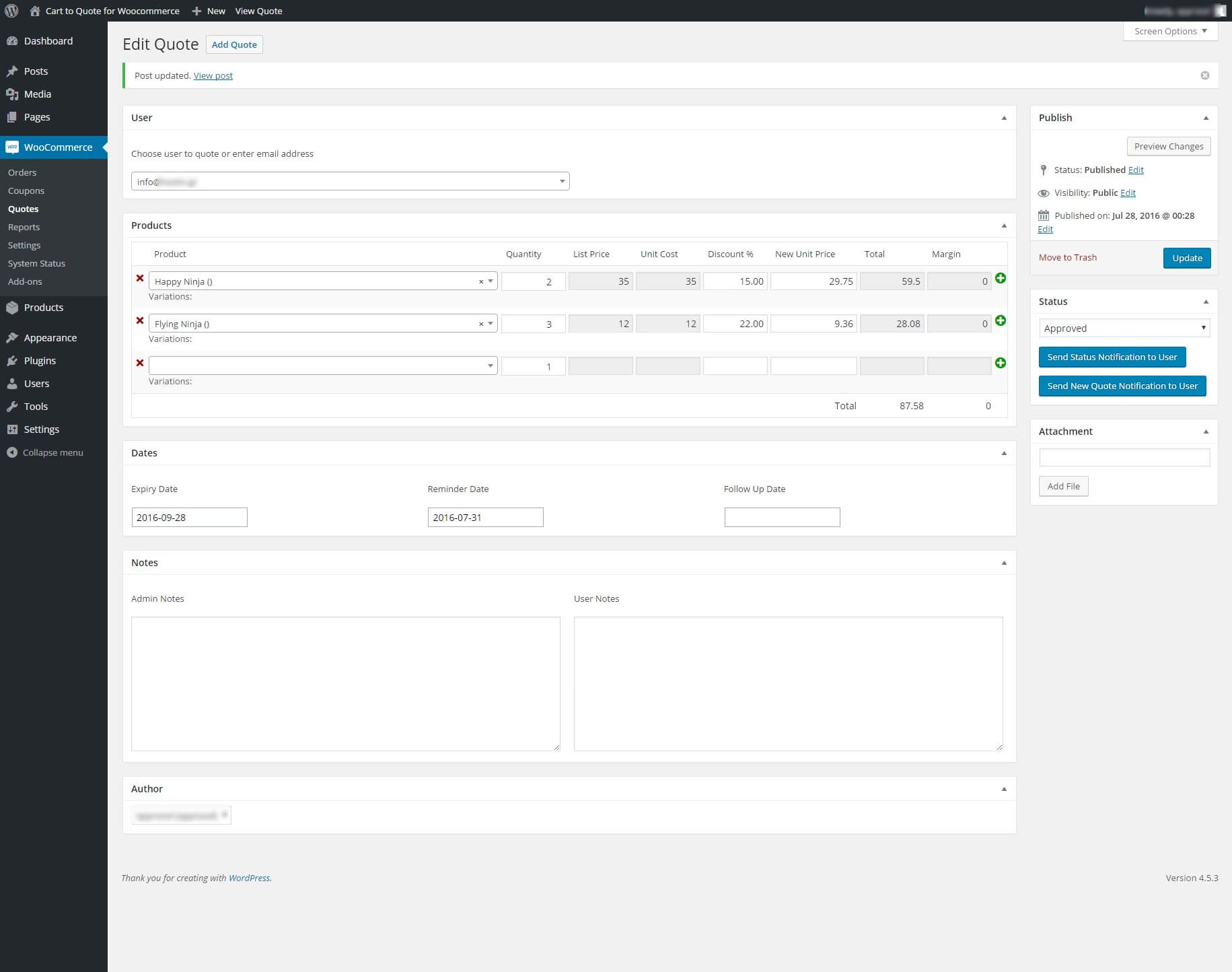
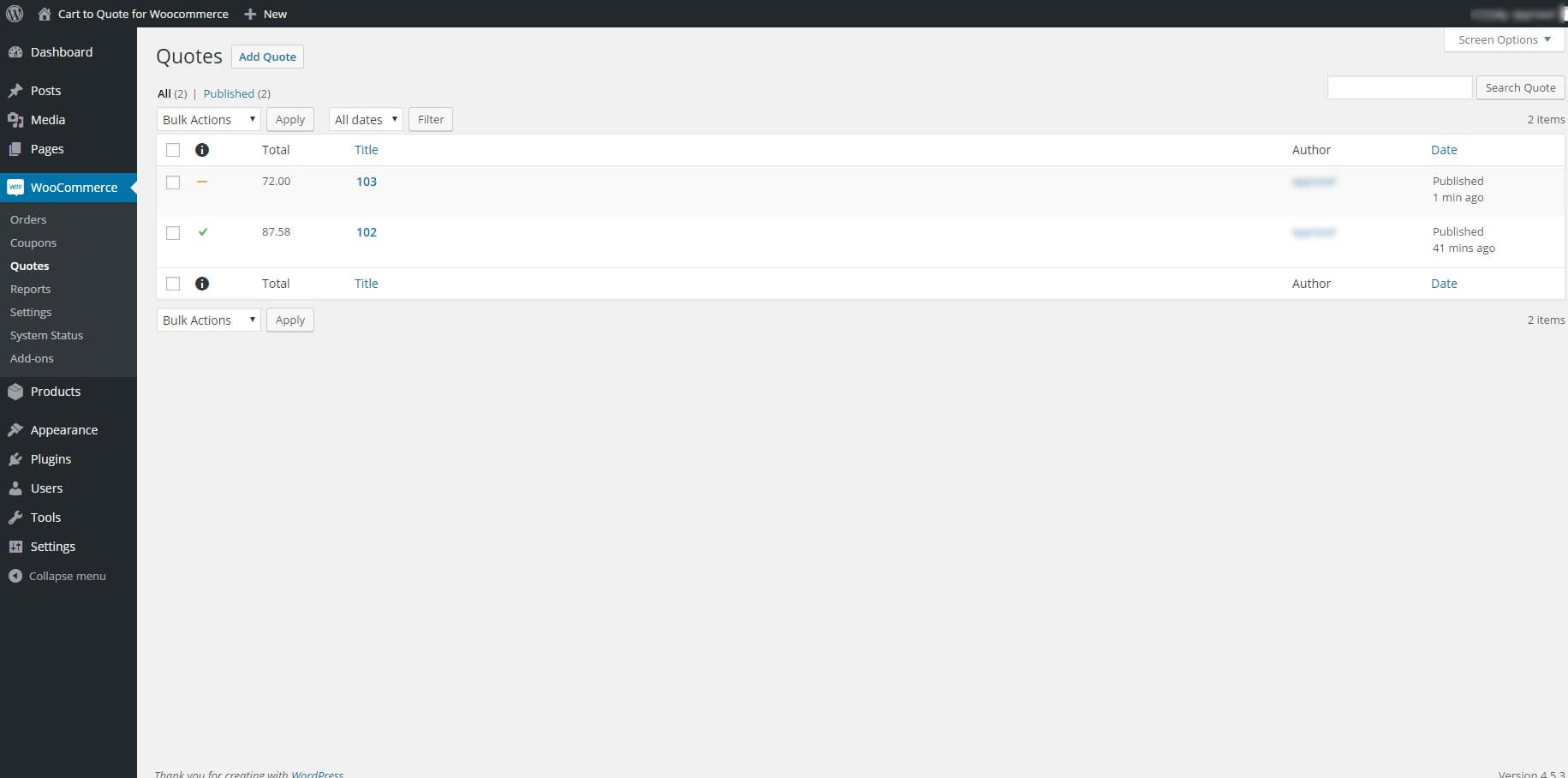
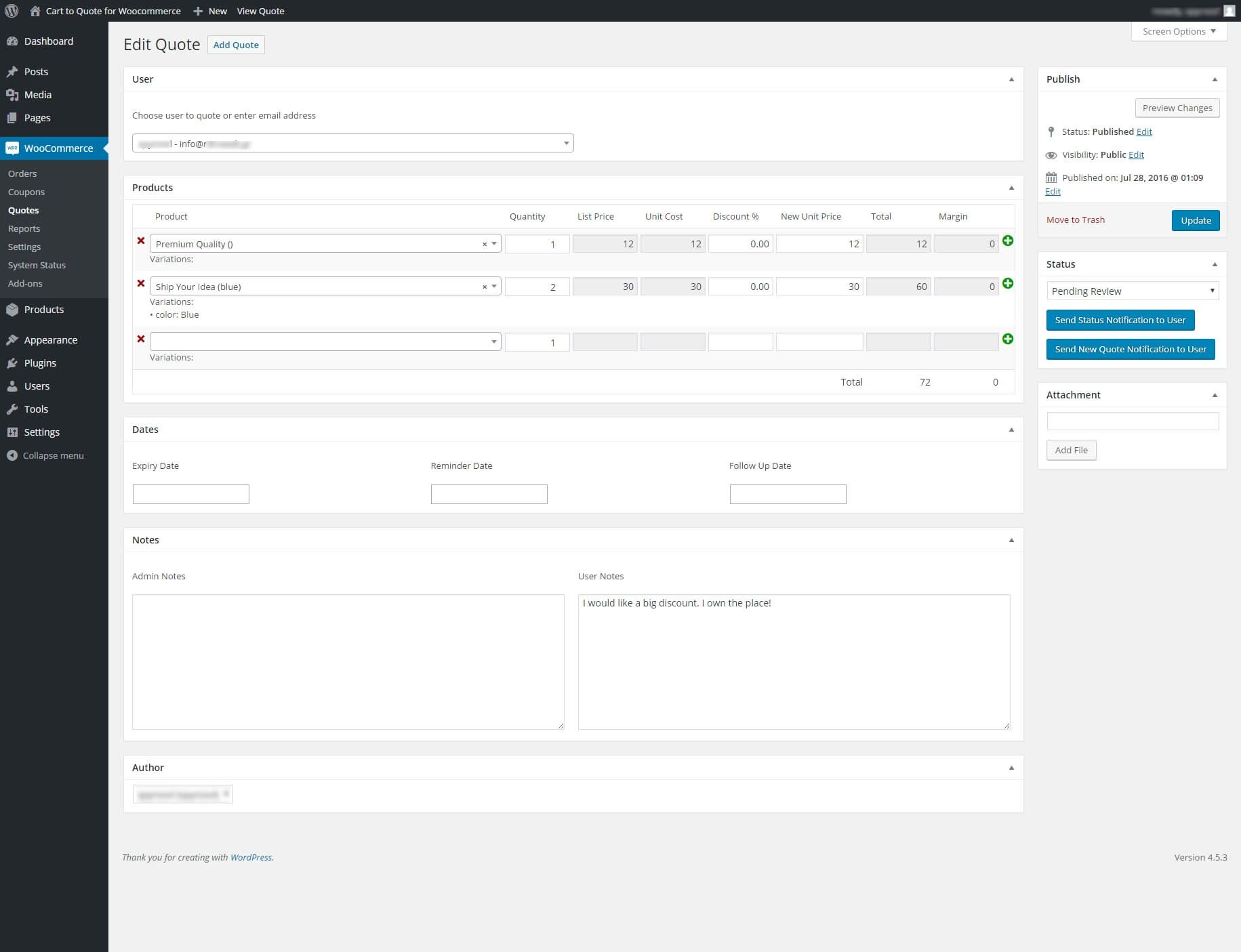
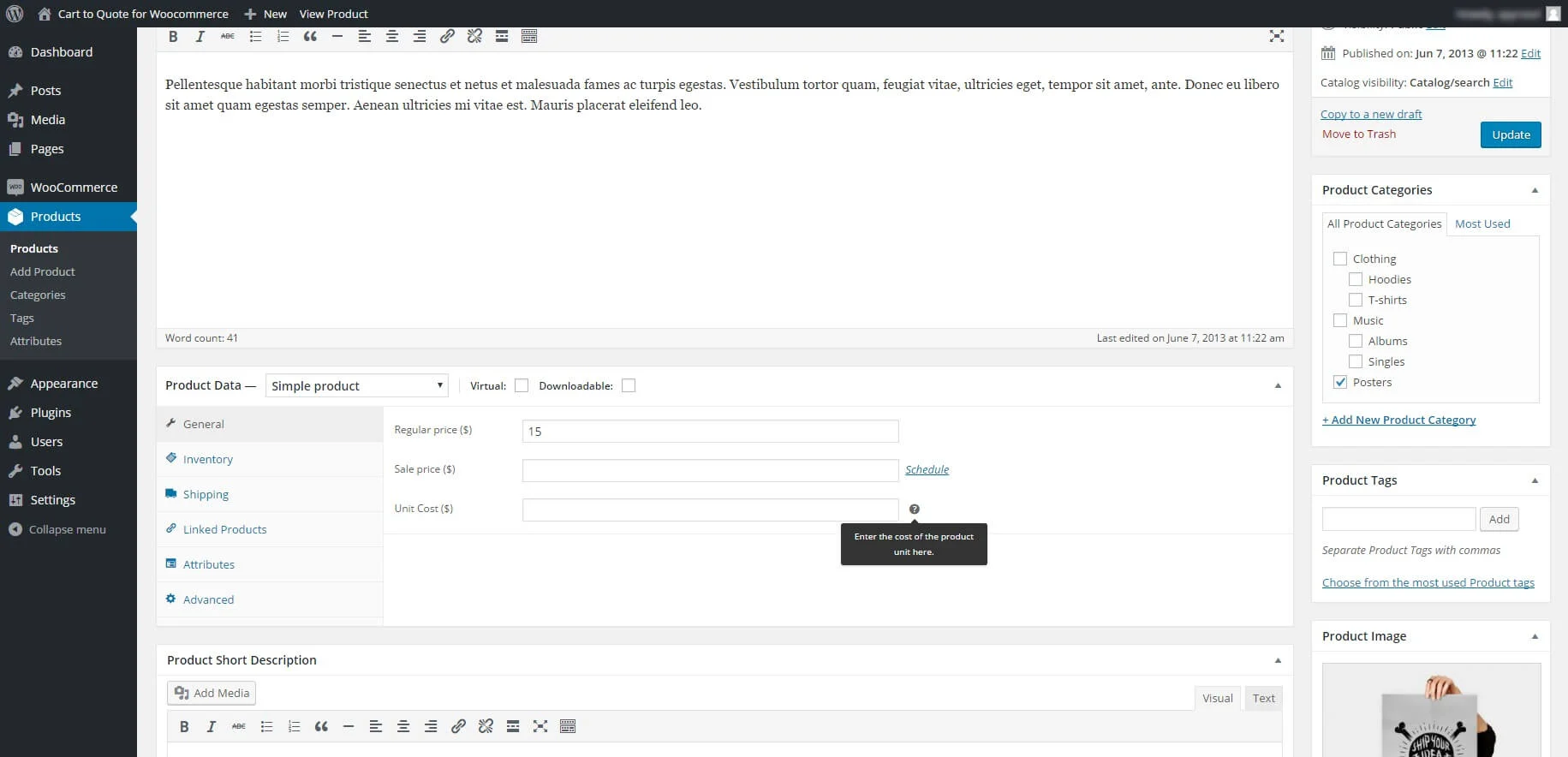
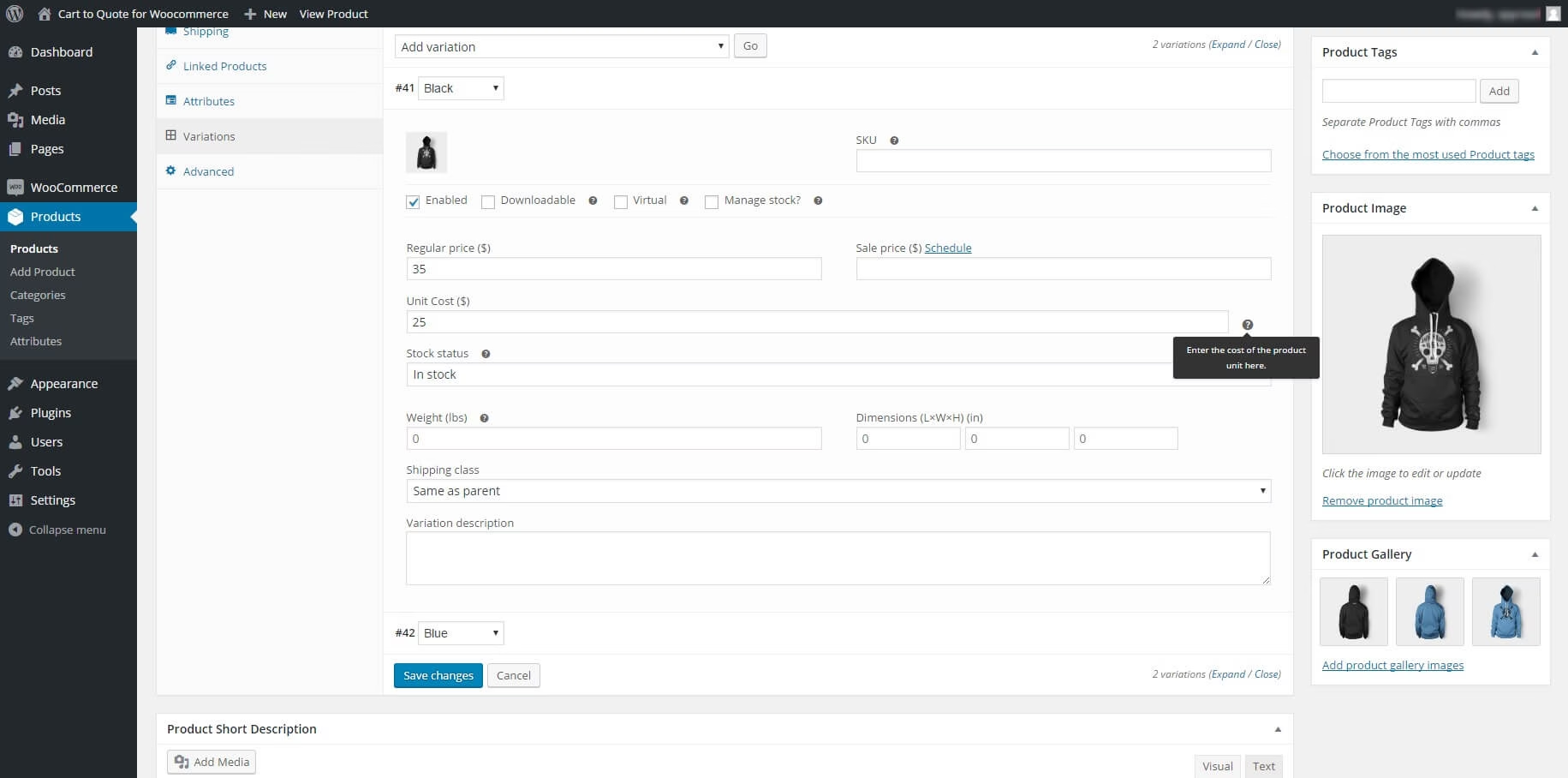
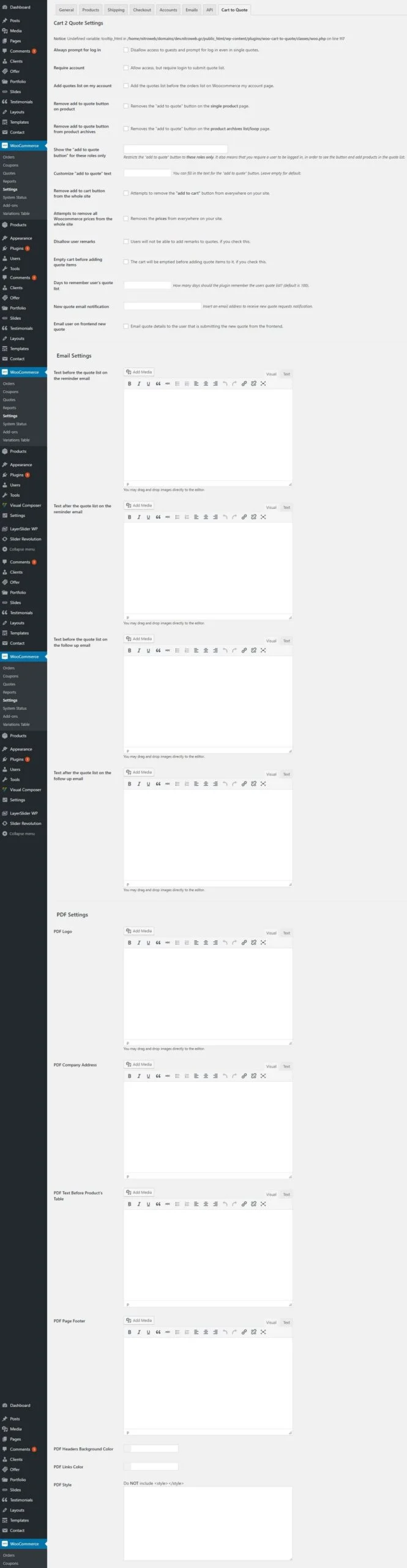

Usage Scenarios
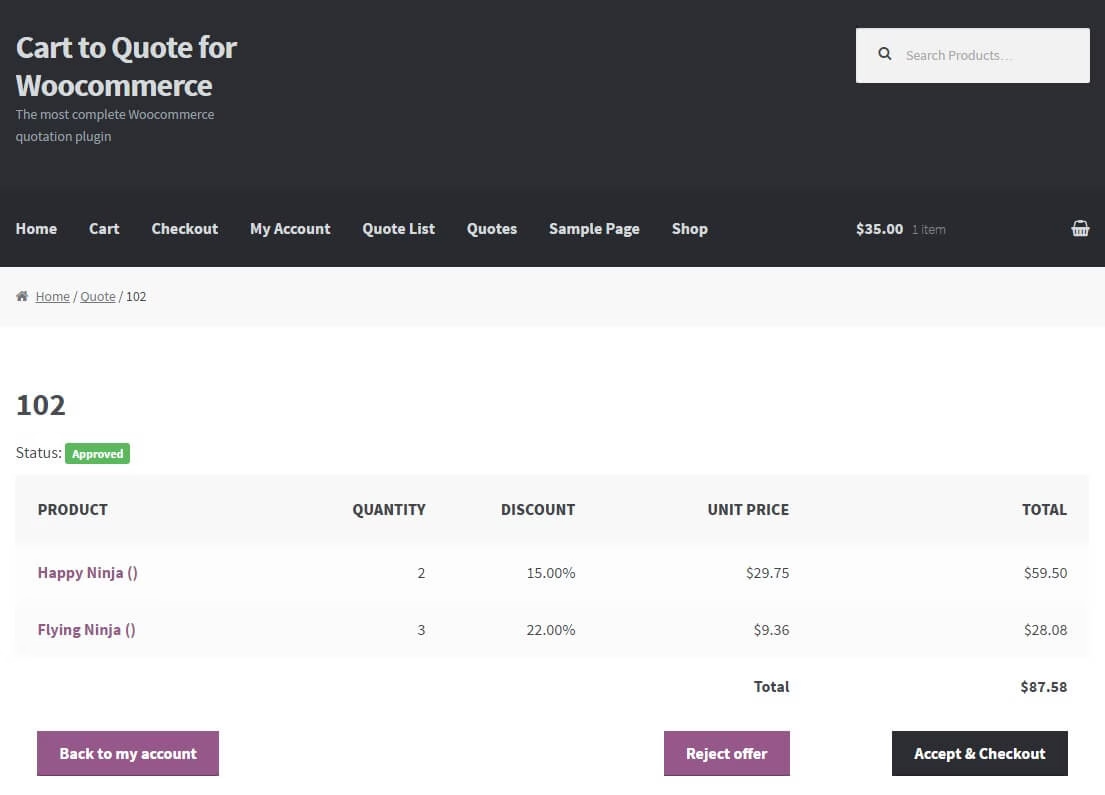
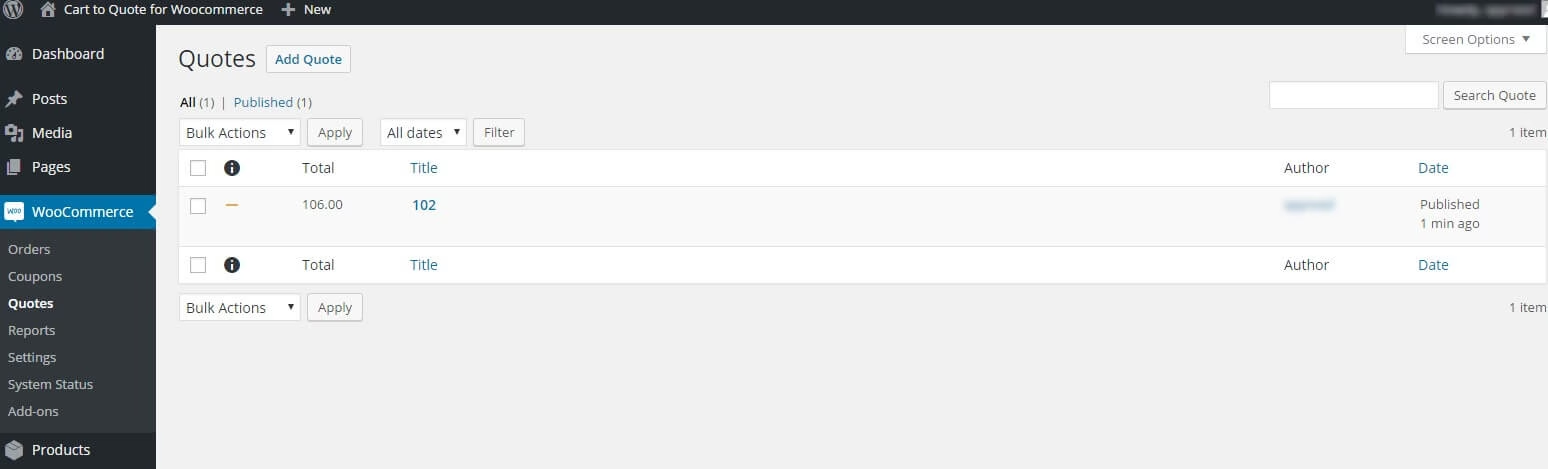
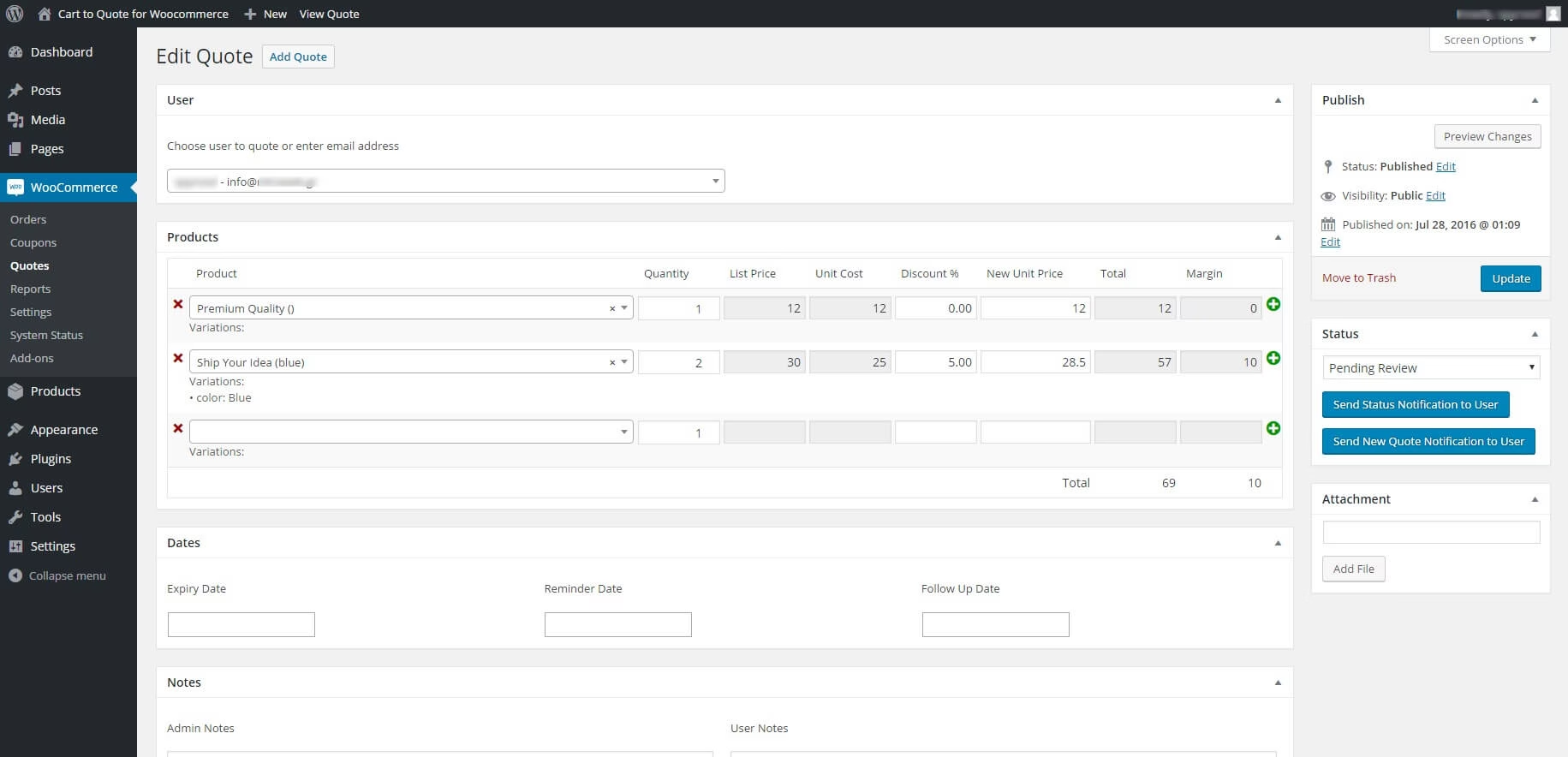
1st case: The shop managers can review the quotes that have been submitted by the customers. They can add new prices to each item for this quote and approve OR can cancel, decline etc. Many statuses are available. The customer can get notifications on the updated status and then go ahead and buy the new quote as normal via WooCommerce checkout, with all the changes and new prices that were made by the shop managers.
2nd case: You (the shop manager) get a call from your VIP customer asking you for a custom price on a long products list. You get on the backend, go to quotes, and create a new one with all the asked items. Here you can tweak the prices and add some discount to make your VIP customer happy. After the quote is ready, you can save it and your customer will receive an email notification with all the quote details, the exclusive prices and a link to review and accept the quote in order to checkout.
NOTE: The cart and the checkout are functioning as normal. The “add to quote” button will be added along with the “add to cart” button, however there is an option to hide the “add to cart” button.
Frequently asked questions
How does a quote become an order?
The customer submits a list of products for a quote. You review it, adjust the prices if needed, and send the offer. If the customer accepts, they pay through your WooCommerce checkout.
Can customers still buy without requesting a quote?
Yes. You can show Add to Quote alongside Add to Cart, or hide Add to Cart if you want customers to request a quote first.
How do I install and activate the plugin?
After purchase, get the ZIP from My Downloads and your key from My Licenses. Upload and activate the ZIP in WordPress, then follow the plugin documentation to enter your license key and configure quoting.